

Universal TV Remote™
Mirai Skills & Knowledge · Utilities
Independent analytics for this App Store listing. AppTracker is not affiliated with Mirai Skills & Knowledge.
Chart standing · US
What changed · US
Listing changes AppTracker has observed for this app in this storefront — new versions, price moves, rating shifts, and store copy.
Bug fixes for app crash
Price & rating history · US
Reconstructed from the listing changes AppTracker has observed in this storefront. A field is charted once it has changed more than once, and each line starts at the value it moved from.
Average rating · ★ 4.95 now · 3 changes on record
Ratings breakdown · US
The star breakdown behind this app's rating in this storefront.
In-app purchases · US
No in-app purchases.
Screenshots

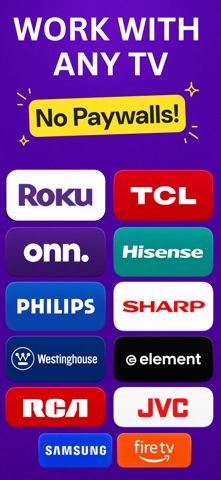


About
Remote TV — Control your TV with ease! Turn your iPhone into a powerful remote control for all your Stmart TV devices. With a fast and stable Wi-Fi connection, you can control your TV effortlessly, type text quickly, and launch your favorite channels with a single tap. Key Features: • Automatic Discovery: Instantly find Smart TV devices connected to the same Wi-Fi network. • Smooth Navigation: Use the modern trackpad to easily navigate your TV interface. • Fast Keyboard: Type passwords, email addresses, or perform instant searches without using the tedious TV keyboard. • Channel Shortcuts: Launch your favorite streaming services (Netflix, Prime Video, YouTube, etc.) directly from your app. • 100% Wireless: Works entirely via Wi-Fi (no infrared transmitter required). How to Use: 1. Connect your iPhone to the same Wi-Fi network as your Smart TV. 2. Open the app and let it automatically detect your television. 3. You're ready! Control your TV with ease. Disclaimer: This app is not affiliated with Roku, Inc.
What's new · 1.1.4
Bug fixes for app crash
Details