
Chart standing · US
Screenshots






About
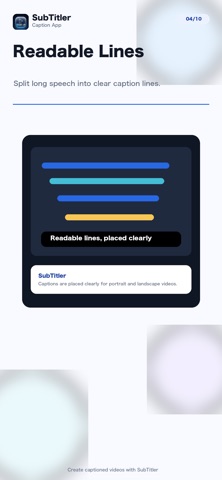
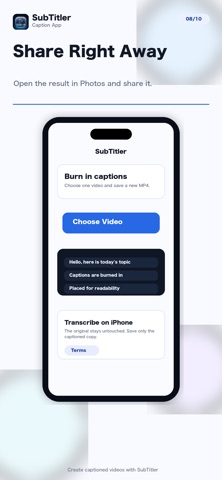
SubTitler is an automatic caption app for adding burned-in subtitles and captions to one selected video. Choose a video and SubTitler transcribes the audio on iPhone, places readable captions on the video, and saves a new MP4 while leaving the original untouched. Speech language detection is automatic by default. If detection is not a good fit, choose a language from the in-app searchable list before transcription. Useful for - Adding captions before posting to social apps - Making spoken videos easier to watch - Creating captioned videos without typing every line by hand Main features - Choose one video and create captions automatically - Burn captions into the exported video - Preserve the video's orientation and aspect ratio - Save the generated video to Photos - Run transcription and export on device - Use automatic speech language detection or choose a language - Correct frequently misheard names, brands, and specialist terms All features are available for free. There is no paywall, subscription, or in-app purchase flow. SubTitler does not include multi-video joining, automatic cutting, BGM, or manual timeline editing. Terms of Use: https://kyodo.mo-gmo.com/en/terms/ Privacy Policy: https://kyodo.mo-gmo.com/en/privacy-policy/
What's new · 1.0.4
Added Term Corrections so saved names, brands, and specialist terms are applied to captions automatically. Removed the remaining purchase and restore screens; all features are free.
Details