

DateSnap: Screenshot to Event
TinyByte Labs LTD · Productivity
Independent analytics for this App Store listing. AppTracker is not affiliated with TinyByte Labs LTD.
Chart standing · US
Ratings breakdown · US
The star breakdown behind this app's rating in this storefront.
Screenshots


About
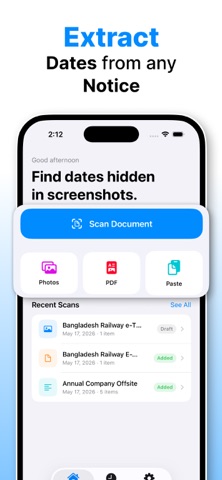
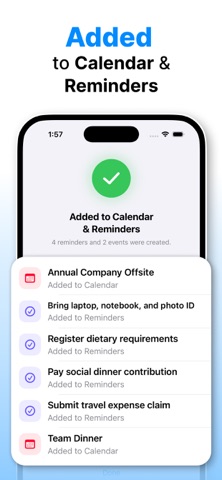
Stop forgetting important dates hidden in screenshots, PDFs, flyers, emails, and messages. DateSnap turns screenshots and scanned content into calendar events and reminders in seconds. Just import a screenshot, photo, PDF, text, or document, review the extracted items, and add them to Apple Calendar or Reminders. Perfect for: • School notices and assignment deadlines • Appointment cards and meeting schedules • Event flyers and tickets • Bills and payment due dates • WhatsApp or text message reminders • Travel confirmations and reservations • Forms, tasks, and important dates FEATURES • Scan screenshots, photos, PDFs, and text • Extract dates, times, deadlines, and tasks • Create Apple Calendar events and reminders • Review and edit everything before adding • Detect important events hidden in images and documents • Keep a searchable history of past scans • Works with school notices, schedules, forms, tickets, emails, and more HOW IT WORKS 1. Import or share a screenshot, image, PDF, or text 2. DateSnap finds important dates and reminders 3. Review the extracted items 4. Add them to Calendar or Reminders instantly DateSnap is designed to feel fast, simple, and reliable — not like a complicated productivity system or chatbot. No manual typing. No forgotten screenshots. No missed dates. Privacy Policy – https://datesnap.byteform.co/privacy Terms of Service – https://datesnap.byteform.co/terms
What's new · 1.4
- Store Listing improvement - Small bug fixes
Details