

Sign PDF by Certificate
JIRI CHOMAT · Business
Independent analytics for this App Store listing. AppTracker is not affiliated with JIRI CHOMAT.
Chart standing · US
What changed · US
Listing changes AppTracker has observed for this app in this storefront — new versions, price moves, rating shifts, and store copy.
Improved: signatures now validate in strict PDF validators such as Poppler (pdfsig) and OpenSSL, including certificates with unusual serial numbers or issuer names. Fixed: on iOS 27 and macOS 27, some PDF viewers could show an empty signature box.
Ratings breakdown · US
The star breakdown behind this app's rating in this storefront.
In-app purchases · US
What this app sells inside itself, grouped by kind and priced for this storefront.
Screenshots


About
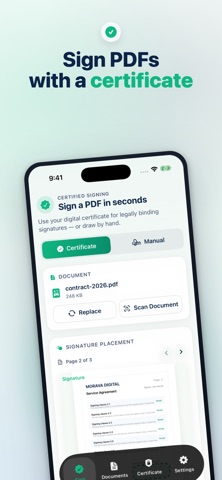
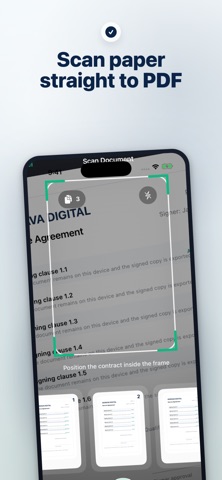
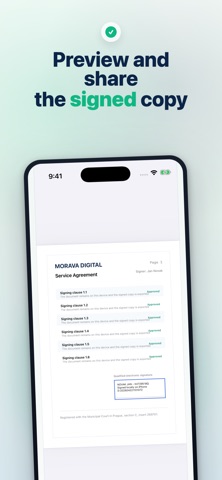
Sign PDFs on iPhone with a .p12 or .pfx certificate, or draw a handwritten signature when needed. Scan paper into PDF, place the visible signature exactly on the page, unlock saved passwords with Face ID, and export a signed copy without changing the original file. Terms of Use: https://www.apple.com/legal/internet-services/itunes/dev/stdeula/
What's new · 1.18
Improved: signatures now validate in strict PDF validators such as Poppler (pdfsig) and OpenSSL, including certificates with unusual serial numbers or issuer names. Fixed: on iOS 27 and macOS 27, some PDF viewers could show an empty signature box.
Details