

HEIC to JPG Converter: Batch
Abdullah Anwar · Utilities
Independent analytics for this App Store listing. AppTracker is not affiliated with Abdullah Anwar.
Chart standing · US
What changed · US
Listing changes AppTracker has observed for this app in this storefront — new versions, price moves, rating shifts, and store copy.
Ratings breakdown · US
The star breakdown behind this app's rating in this storefront.
Screenshots


About
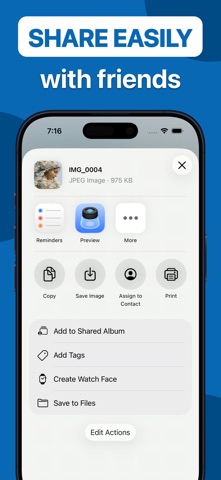
Tired of "unsupported file" errors when sharing your iPhone photos? HEIC to JPG Converter is the simplest, fastest way to batch-convert your entire library into universal formats like JPG and PNG while keeping your storage organized. What You Can Do: - Batch Power: Don’t do it one by one. Select 1 or 1,000 photos and convert them all in a single tap. - Privacy First: Unlike online converters, your photos never leave your device. All processing happens 100% offline. - Metadata Preserved: We preserve your EXIF data (Date, Location, Camera settings) so your memories stay intact. Key Benefits: - Convert HEIC to JPG or PNG with adjustable quality. - Smart Filter: Automatically skips non-HEIC files to save you time. - History Log: Easily find and share your recently converted images. - Space Saver: Delete original HEICs after conversion (optional) to reclaim storage. - Dark Mode Optimized: Designed to look beautiful on dark mode. How It Works: - Tap "+" to select HEIC files. - Choose your output (JPG or PNG). - Tap "Convert" and watch the magic happen.
Details