

WiFi Heatmap - Floor Scanner
Shanghai Aisujiao Network Technology Co., Ltd. · Utilities
Independent analytics for this App Store listing. AppTracker is not affiliated with Shanghai Aisujiao Network Technology Co., Ltd.
Chart standing · US
In-app purchases · US
No in-app purchases.
Screenshots



About
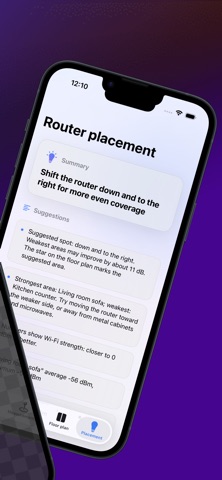
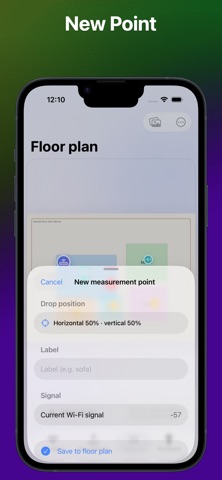
WiFi slow in some rooms? Dead zones in your home but you don’t know why? Overview Import your home floor plan and measure WiFi signal strength at different locations. Visualize coverage directly on the map and quickly identify weak spots. Perfect for optimizing router placement and improving home network performance. Key Features Measure WiFi signal strength (RSSI) Record signal data at multiple locations Plot measurements on your floor plan Compare signal strength across rooms Mark router positions Visualize coverage like a heatmap Use Cases Home WiFi optimization Router / mesh placement Moving into a new house Checking rental WiFi quality Notes WiFi signal can be affected by walls, furniture, and interference. Results are for reference only. Permissions Location permission may be required to access WiFi information depending on your device settings.
Details