

Prompt Central
Polarity Labs Pte. Ltd. · Developer Tools
Independent analytics for this App Store listing. AppTracker is not affiliated with Polarity Labs Pte. Ltd.
Chart standing · US
What changed · US
Listing changes AppTracker has observed for this app in this storefront — new versions, price moves, rating shifts, and store copy.
In-app purchases · US
No in-app purchases.
Screenshots


About
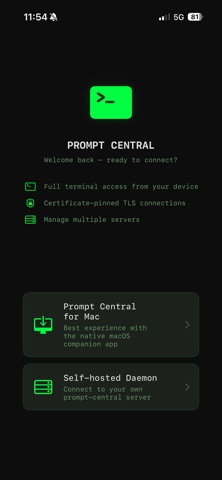
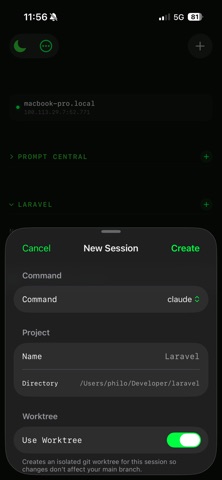
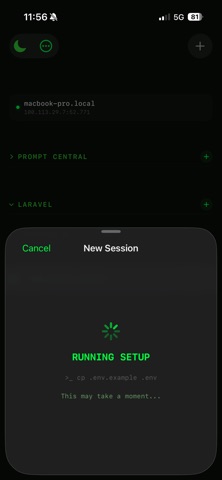
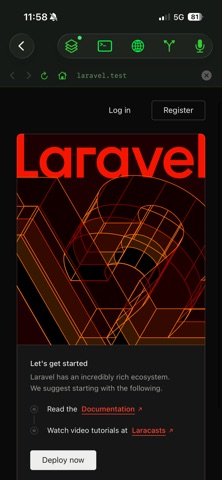
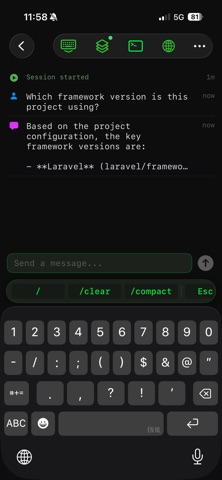
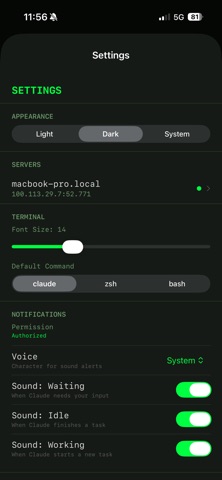
Your AI agents keep working. Now you can keep watching — from your iPad, iPhone, or Mac. Prompt Central is a native command center for monitoring and managing AI coding agents like Claude Code, Codex, and Gemini CLI. Run persistent sessions on your Mac, then check in from any device on your network. NO MORE LOSING TRACK Running multiple agents across different projects? Prompt Central gives you one sidebar with every session, so you always know what's happening. See live terminal output, agent state, context usage, and tool activity — all at a glance. MONITOR IN REAL TIME • Live terminal • AI agent state: working, idle, or waiting for input • Context window usage percentage • Current tool beingexecuted • CPU and memory monitoring • Git status and live diffs WORK FROM ANYWHERE ON YOUR NETWORK Step away from your desk without losing control. Your sessions persist through tmux, so they keep running even when you disconnect. Pick up where you left off from your couch, a meeting, or across the room. BUILT FOR DEVELOPERS WHO USE AI AGENTS • Run Claude Code, Codex, Gemini CLI, or any shell command • Create sessions organized by project • Voice dictation for terminal input • Built-in browser for previewing dev servers • Auto-restart crashed sessions • Stop scripts for graceful shutdown SECURE BY DEFAULT Everything stays on your local network. No cloud servers. No accounts. No telemetry. Connect with a QR code scan — auto-generated TLS certificates and JWT authentication keep everything locked down without any configuration. SETUP IN UNDER 5 MINUTES 1. Install the companion app on your Mac 2. Scan the QR code from your iPad or iPhone 3. Start creating sessions No SSH keys. No port forwarding. No manual config.
Details