

Templates for Canva - DesiGN
UAB "Graphic Node" · Productivity
Independent analytics for this App Store listing. AppTracker is not affiliated with UAB "Graphic Node".
Chart standing · US
What changed · US
Listing changes AppTracker has observed for this app in this storefront — new versions, price moves, rating shifts, and store copy.
• Improved stability when browsing templates and loading your library • Fewer crashes when opening previews and restoring purchases • General stability and performance improvements
Price & rating history · US
Reconstructed from the listing changes AppTracker has observed in this storefront. A field is charted once it has changed more than once, and each line starts at the value it moved from.
Average rating · ★ 4.44 now · 4 changes on record
Ratings breakdown · US
The star breakdown behind this app's rating in this storefront.
In-app purchases · US
What this app sells inside itself, grouped by kind and priced for this storefront.
Screenshots

About
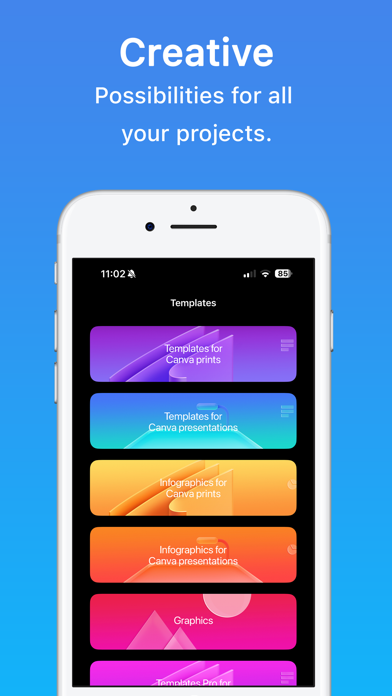
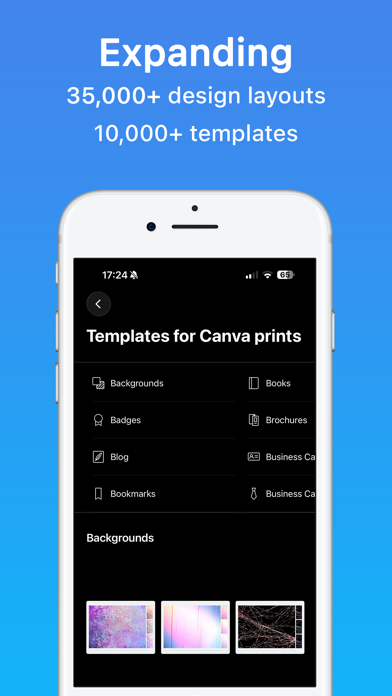
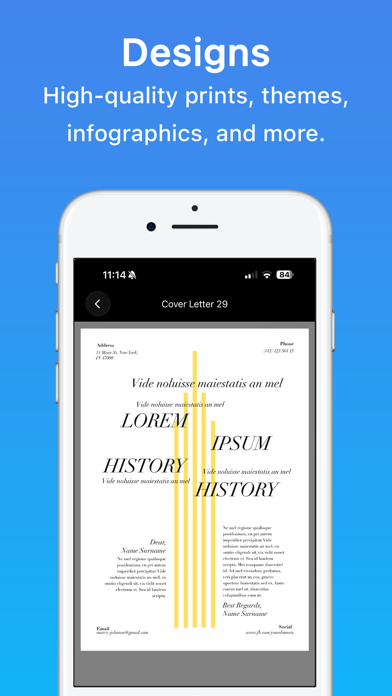
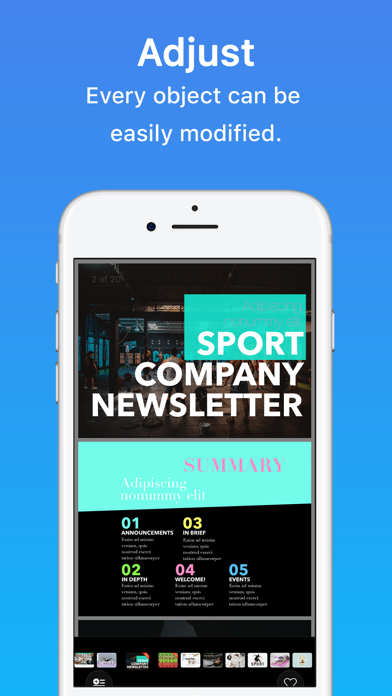
* Requires a Canva account (Free or Pro), iOS 15 or later, and internet access. Templates for Canva - DesiGN is your curated library of professional designs ready to open and edit in Canva. Browse prints, presentations, graphics, and infographics — then customize them with your text, photos, and brand colors in seconds. • Browse templates for prints, presentations, graphics, and infographics • Open any design in Canva with one tap • Search by keyword and mark favorites • New designs added regularly • First item in every category is free to try The collection includes social posts, flyers, brochures, presentations, infographics, logos, and more. Each template opens in Canva where you can edit text, swap images, recolor elements, and export as PNG, JPG, PDF, or video. Subscription: The first 3 days are on the house and then you can get it in affordable monthly or annual plans! Subscribe to unlock the full library and all future updates. • Your payment will be charged to your iTunes Account as soon as you confirm your purchase. • You can manage your subscriptions and turn off auto-renewal from your Account Settings after the purchase. • Your subscription will renew automatically unless you turn off auto-renew at least 24 hours before the end of the current period. • The cost of renewal will be charged to your account 24 hours prior to the end of the current period. • When canceling a subscription, your subscription will stay active until the end of the period. Auto-renewal will be disabled, but the current subscription will not be refunded. • Any unused portion of a free trial period, if offered, will be forfeited when purchasing a subscription. Instructions to manage your auto-renewing subscriptions can be found here: https://support.apple.com/en-us/HT202039 Privacy Policy: http://graphicnode.com/privacypolicy/ Terms of Use: http://graphicnode.com/termsandconditions/ Help us develop the best app available in the store! If you have found a bug, got a suggestion, or want a new feature, email us at: support@graphicnode.com
What's new · 1.5
• Improved stability when browsing templates and loading your library • Fewer crashes when opening previews and restoring purchases • General stability and performance improvements
Details