

Signature Creator - SigPDF
Havard Tryman · Utilities
Independent analytics for this App Store listing. AppTracker is not affiliated with Havard Tryman.
Chart standing · US
What changed · US
Listing changes AppTracker has observed for this app in this storefront — new versions, price moves, rating shifts, and store copy.
Improvements and bug fixes
Price & rating history · US
Reconstructed from the listing changes AppTracker has observed in this storefront. A field is charted once it has changed more than once, and each line starts at the value it moved from.
Average rating · ★ 4.50 now · 6 changes on record
Ratings breakdown · US
The star breakdown behind this app's rating in this storefront.
Screenshots

About
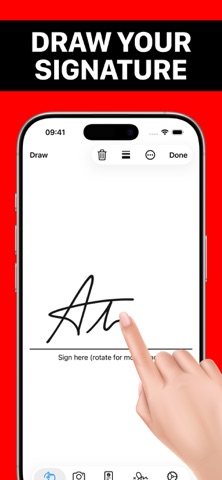
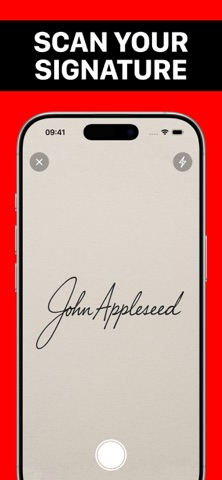
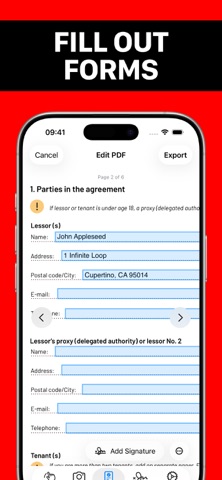
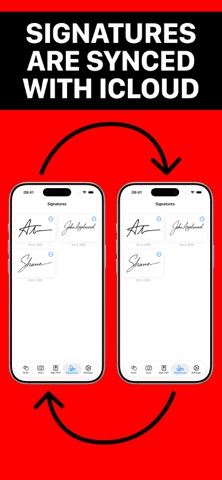
SigPDF makes it easy to fill out and add professional signatures to documents. You can either scan a hand-drawn signature or draw a signature in the app. No sign-in is required. Fill out forms: Quickly fill out PDF forms with the built-in editor. Sign documents: Add your signature to documents, no printing required. Scan your signature: Snap a picture or choose from Photos. Draw your signature: You can adjust pen type, thickness and color. Signatures are backed up: Your signatures are backed up securely in your iCloud and synchronized across your devices. Export signatures: You can save signatures to Photos if you need to use them in a different app. If you have any suggestions on how to improve SigPDF, feel free to contact App Support. Terms of use: https://www.apple.com/legal/internet-services/itunes/dev/stdeula
What's new · 1.3.2
Improvements and bug fixes
Details