

Tattoo AI Generator Try-On Lui
Mustafa Utku Coskun · Graphics & Design
Independent analytics for this App Store listing. AppTracker is not affiliated with Mustafa Utku Coskun.
Chart standing · US
What changed · US
Listing changes AppTracker has observed for this app in this storefront — new versions, price moves, rating shifts, and store copy.
Price & rating history · US
Reconstructed from the listing changes AppTracker has observed in this storefront. A field is charted once it has changed more than once, and each line starts at the value it moved from.
Average rating · ★ 4.88 now · 2 changes on record
Ratings breakdown · US
The star breakdown behind this app's rating in this storefront.
Screenshots



About
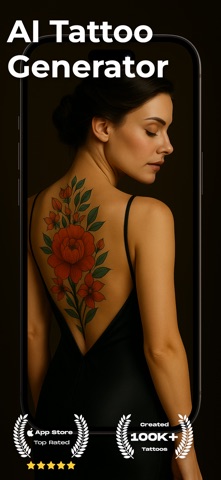
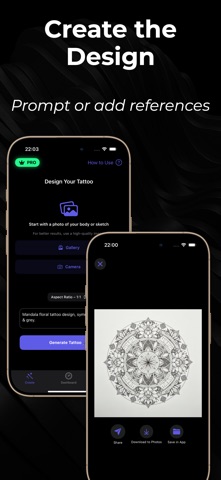
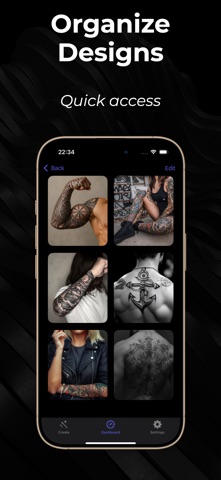
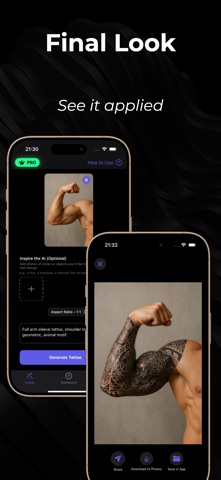
Design your dream tattoos with AI, then preview them on your own photo before you commit. Tattoo AI creates custom artwork from a short prompt and lets you place it anywhere on the body as a realistic skin overlay—perfect for testing size, placement, and style without the needle. From Words or Photos to Ink Ideas Type what you want (“fine-line wolf on forearm,” “blackwork rose with thorns,” “geometric sleeve start”) or browse style presets. Upload a clear, well-lit photo of the body area and see the tattoo applied on top of your skin in seconds. Placement-Perfect Previews * Photo overlay mockups: no AR required * Precision controls: scale, rotate, flip, and nudge * Blend like real ink: opacity slider for fresh vs. healed look * Quick compare: duplicate a design to test sizes/angles side by side * Clean exports: save high-quality mockups to share with your artist or friends Styles You Can Explore Fineline, Blackwork, Script/Lettering, Roman numerals, Minimal, Realism, Watercolor, Geometric, Tribal/Mandala, Neo-traditional, Chicano, Anime-inspired, and more. Mix prompts with style presets to discover unique results. Popular Placements Wrist · Forearm · Biceps · Shoulder · Collarbone · Chest · Ribs · Back · Thigh · Calf · Ankle · Neck · Behind the ear · Fingers/Hands Tips for Best Results * Use front-facing, well-lit photos with the area fully visible * Keep skin unobstructed (no heavy shadows or busy patterns) * Start opaque, then lower opacity to preview a healed vibe * Save multiple options and compare before your studio visit For Artists & First-Timers Alike Whether you’re planning your first small piece or mapping a larger project, Tattoo AI helps you communicate clearly with your artist—arrive with mockups that show exactly what you mean. Note: Images are conceptual simulations for inspiration. Always consult a professional artist for sizing, placement, and aftercare. Final results depend on skin, technique, and materials. Some features require in-app purchase/subscription. Terms of Use - https://www.apple.com/legal/internet-services/itunes/dev/stdeula/ Privacy Policy - https://sites.google.com/view/tattoo-lui/privacy-policy
What's new · 6.85.1
Fixed some bugs
Details