

Batch Photo Editor: Batchly
Avinash Kumar · Photo & Video
Independent analytics for this App Store listing. AppTracker is not affiliated with Avinash Kumar.
Chart standing · US
What changed · US
Listing changes AppTracker has observed for this app in this storefront — new versions, price moves, rating shifts, and store copy.
New: pick a shape when you resize by pixels. Turn on "Use longer side and shorter side" and choose Original, 3:2, 4:3, 16:9, 5:4, or 1:1. Original keeps each photo's own shape, so a 3:2 camera no longer gets squeezed into 4:3. Just enter the long side and Batchly works out the rest. Workflow steps and summaries now show the shape you picked, like "3000 × 2000 px, 3:2". Workflows saved before this update resize exactly as they did before.
Ratings breakdown · US
The star breakdown behind this app's rating in this storefront.
In-app purchases · US
What this app sells inside itself, grouped by kind and priced for this storefront.
Screenshots


About
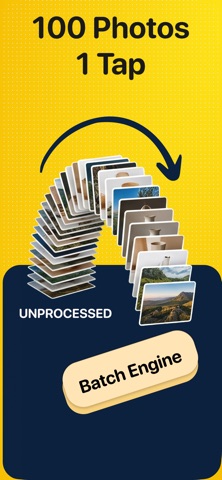
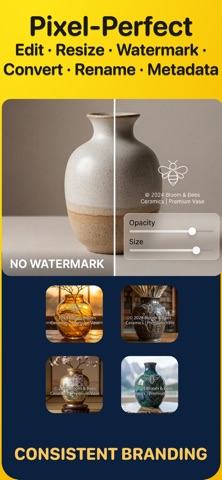
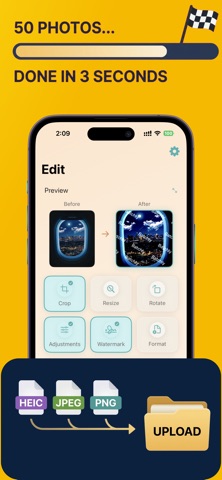
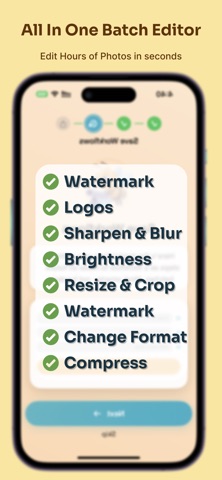
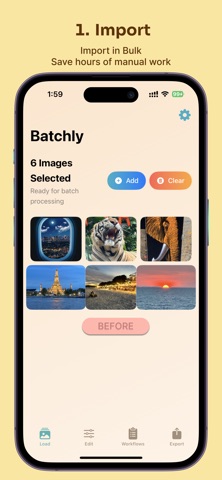
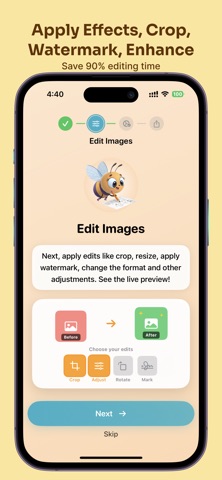
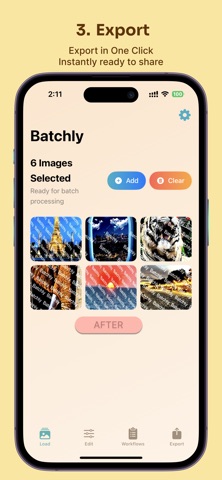
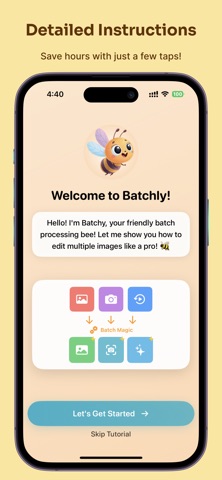
Stop editing photos one by one. Batchly helps you bulk resize, watermark, compress, rotate, and convert hundreds of images in seconds. Batchly is the friendly, powerful bulk photo tool for iPhone and iPad. Whether you need to prepare product photos for Etsy, watermark your photography, or shrink images for the web, Batchly handles the heavy lifting so you don't have to. What you can do • Bulk Resize: Scale images by pixel, percentage, or standard presets (Instagram, Etsy, eBay). • Watermark & Protect: Stamp logos, signatures, or copyright text with pixel-perfect precision. • Compress & Convert: Reduce file sizes and convert between HEIC, JPEG, PNG, and TIFF. • Smart Crop: Auto-crop to 1:1, 4:3, 16:9, or custom aspect ratios. • Rotate & Flip: Straighten a whole shoot at once, or mirror images horizontally and vertically. • Mass Adjustments: Apply brightness, contrast, saturation, and exposure edits to your entire camera roll. Chain them together Operations stack in the order you choose. Crop to square, resize to 1080px, drop your logo in the corner, convert to JPEG, and compress — one pass, one tap, across every photo you selected. WHY CHOOSE BATCHLY? • Save Your Workflow: Create reusable recipes for repeated tasks (e.g., "Resize for Instagram + Logo"). • 100% Private: All processing happens offline on your device. Your photos never leave your phone. • No Limits: Edit dozens or hundreds of photos at once. • Keeps Originals Safe: Your source photos stay untouched — Batchly writes new files. • Keeps Your Metadata: EXIF, camera info, date, location, copyright, and IPTC details carry over to every exported photo, so credits and organization stay intact. • Edit Any Step: Tap a step in your workflow to tweak it without rebuilding the whole recipe. • Modern Design: A clean, playful interface that makes chores feel fun. Perfect for: • Sellers on Poshmark, Depop, Etsy, eBay, and Shopify prepping listing photos to spec • Social media managers resizing one shoot for every platform at once • Photographers watermarking proofs before sending them to clients • Real estate and property listings that need consistent dimensions • Anyone freeing up storage by compressing a camera roll • Anyone who values their time! No account, no uploads, no sign-up. Process up to 7 photos at a time for free — upgrade to Pro when you need unlimited batches and saved workflows. EULA: https://www.apple.com/legal/internet-services/itunes/dev/stdeula/ Privacy Policy: https://harmonycrafted.com/apps/batchly/privacy.html Terms of Use: https://www.apple.com/legal/internet-services/itunes/dev/stdeula/ Get consistent results, faster workflows, and professional watermarks—try Batchly today.
What's new · 1.22
New: pick a shape when you resize by pixels. Turn on "Use longer side and shorter side" and choose Original, 3:2, 4:3, 16:9, 5:4, or 1:1. Original keeps each photo's own shape, so a 3:2 camera no longer gets squeezed into 4:3. Just enter the long side and Batchly works out the rest. Workflow steps and summaries now show the shape you picked, like "3000 × 2000 px, 3:2". Workflows saved before this update resize exactly as they did before.
Details