

Audio Extractor Video to MP3 *
Shital Gorasiya · Photo & Video
Independent analytics for this App Store listing. AppTracker is not affiliated with Shital Gorasiya.
Chart standing · US
Screenshots




About
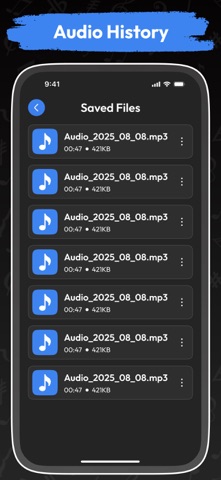
Turn your videos into high-quality audio files in seconds. Video to MP3 & Audio Editor lets you extract sound from videos, trim audio clips, replace audio tracks in videos, and save them in multiple formats like MP3, AAC, or WAV – all in one simple app. Whether you want to grab a song from a video, create a custom ringtone, or swap background music, this app makes it fast, precise, and hassle-free. Main Features - Audio Extractor – Video to Audio Converter - Convert any video into MP3, AAC, or WAV format. - Extract full audio or just a selected time range. - Maintain high-quality sound output. Audio Cutter & Trimmer - Precisely trim your audio by setting start and end times. - Save trimmed clips in your preferred format. - Use trimmed audio on other videos instantly. - Replace or Change Video Audio - Remove the original audio track and apply new music. - Loop trimmed audio on your video. - Preview before saving to ensure perfect sync. How It Works - Select a video or audio file. - Set your desired time range or choose the full track. - Pick your output format – MP3, AAC, or WAV. - Extract, trim, or replace audio as you wish. - Save, share, or apply audio to another video. Why You’ll Love It - Easy & User-Friendly – No complicated tools. - Fast Conversion – Works in the background with notifications. - Multi-Format Support – MP3, AAC, WAV, and more. - Versatile Editing – Extract, trim, replace, and preview. - Quick Sharing – Share directly to social media or messaging apps. With Video to MP3 & Audio Editor, your videos and audios are yours to customize. Extract music, edit tracks, and create unique sound experiences effortlessly. In app purchase included : Lifetime Premium Privacy policy : https://privacypolicy50.wordpress.com/privacy-policy-subscription/ Terms and condition :https://privacypolicy50.wordpress.com/terms-and-condition/
Details