

Charts Maker Tool: GraphSnap
No Worries Lifestyle, LLC · Productivity
Independent analytics for this App Store listing. AppTracker is not affiliated with No Worries Lifestyle, LLC.
Chart standing · US
What changed · US
Listing changes AppTracker has observed for this app in this storefront — new versions, price moves, rating shifts, and store copy.
In-app purchases · US
What this app sells inside itself, grouped by kind and priced for this storefront.
Screenshots


About
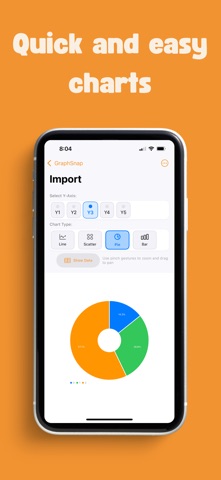
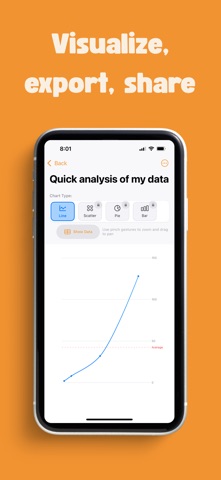
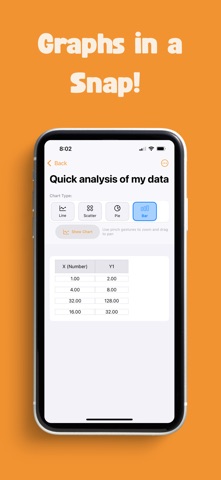
Visualize your data instantly with GraphSnap: Simple Charts, the easiest and fastest way to create beautiful charts from your data. Forget complicated tools—just enter your information manually or import directly from a CSV file to generate clear, professional-looking charts in seconds. Perfect for students, professionals, hobbyists—anyone who wants simple, quick charts without the hassle! Why choose GraphSnap? - Fast & Easy Chart Creation: Turn raw numbers into beautiful charts in seconds—no experience needed! Effortlessly create line, scatter, pie, and more. - Simple Data Input: Enter data manually or quickly import from a CSV file. GraphSnap handles your data smoothly, so you can focus on insights rather than formatting. - Export & Share: Save and export your charts and data easily as CSV files or high-quality images. - Versatile Chart Types: Quickly switch between chart styles (line charts, scatter plots, pie charts, and more), helping you present data exactly how you envision. - No Complexity, Just Charts: Clean interface, intuitive controls—GraphSnap makes charting straightforward. Whether you're managing business data, academic research, or personal projects, creating professional charts has never been simpler. Ready to make charting easy? Download GraphSnap: Simple Charts now and start visualizing your data clearly, simply, and instantly! For more information, please visit our Terms of Use (https://www.noworrieslifestyle.com/eula/) and Privacy Policy (https://www.noworrieslifestyle.com/privacy-policy/).
What's new · 1.5.0
Fixed: charts with text categories could show rows in a different order after relaunch. Your data now always stays in the exact order you entered or imported it. Plus small stability improvements.
Details