

Smart Cast: Mirror To PC & TV
ANDROID VIETNAM TECHNOLOGY CORPORATION · Entertainment
Independent analytics for this App Store listing. AppTracker is not affiliated with ANDROID VIETNAM TECHNOLOGY CORPORATION.
Chart standing · US
What changed · US
Listing changes AppTracker has observed for this app in this storefront — new versions, price moves, rating shifts, and store copy.
* New feature: Screen mirroring with sound - Seamless TV connectivity. - Enhanced user experience.
Price & rating history · US
Reconstructed from the listing changes AppTracker has observed in this storefront. A field is charted once it has changed more than once, and each line starts at the value it moved from.
Average rating · ★ 4.35 now · 4 changes on record
Ratings breakdown · US
The star breakdown behind this app's rating in this storefront.
In-app purchases · US
What this app sells inside itself, grouped by kind and priced for this storefront.
Screenshots



About
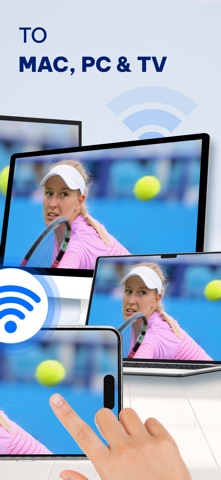
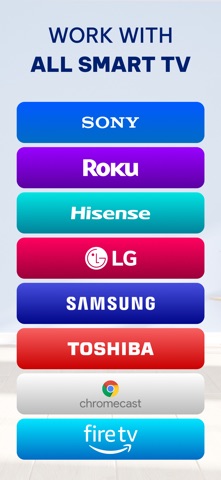
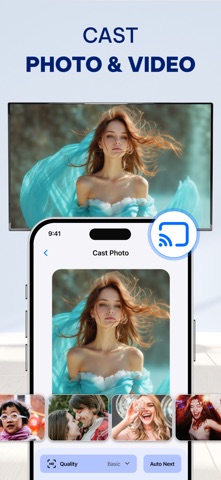
Smart Cast: Mirror To PC & TV makes it easy to display photos, videos, and web content from your phone onto a big screen. Watch movies, present slideshows, browse the web, or mirror your entire phone screen to a TV, PC, or MacBook for a more immersive experience. No more limitations of a small screen—enjoy your favorite content in a clearer, larger, and more shareable way. Cast Photos & Videos to TV – Enjoy Your Content on a Bigger Screen - Cast photos and videos from your phone to Chromecast, Smart TVs and AirPlay - Requires all devices to be connected to the same WiFi network for a stable and fast connection - The app requests local network access to connect with your TV, ensuring secure and private streaming - Only displays selected photos and videos, keeping your personal files private - Find online photos and videos and cast them directly to your TV without downloading View photos in high resolution, play videos in full quality, relive memories on a big screen, and enjoy content with family and friends Mirror Your Entire Phone Screen to TV & PC – Work and Entertainment Without Limits - Supports screen mirroring via a web browser on TV, MacBook, laptop, PC, or AirPlay-compatible device - Simply open the provided link in a web browser on your receiving device—no extra software required - Your entire phone screen will be displayed in real time, allowing seamless interaction - Watch movies in full HD on a big screen for a better cinematic experience - Play games with a larger view and smoother controls for a console-like feel - Boost productivity with presentations and document viewing on a bigger screen, making work and online learning more effective Turn your phone into a powerful tool for entertainment, gaming, and work without being restricted by a small display! Cast Whiteboard from Your Phone – Enhance Learning & Team Collaboration - Use your phone as a digital whiteboard to draw, take notes, and sketch ideas directly on a big screen - Perfect for presentations, teaching, and teamwork, making it easier to share concepts and brainstorm ideas - Compatible with Chromecast, Smart TVs, AirPlay, and web browsers on PC, MacBook, and laptops - Share handwritten notes and drawings instantly, eliminating the need for a physical whiteboard Simplifies collaboration, enhances teaching and presentations, and provides a more interactive way to communicate ideas. Smart Cast: Mirror To PC & TV allows you to enjoy content on a big screen effortlessly—whether for entertainment, gaming, work, or learning—all in one simple app. Disclaimer: - This app is not affiliated with any official TV brands, Chromecast, or AirPlay manufacturers. - Some streaming services may have content restrictions that prevent screen mirroring or video casting. - The performance of screen mirroring may depend on device compatibility, network stability, and TV model. • Privacy Policy: https://sites.google.com/view/pp-screen-mirroring-tv/home • Terms of Use(EULA): https://sites.google.com/view/eula-of-screen-mirroringstream/home
What's new · 2.2.20260717
* New feature: Screen mirroring with sound - Seamless TV connectivity. - Enhanced user experience.
Details