

ScanPro: PDF Scanner & OCR
CHINAR MAHMUDOVA KORUK · Business
Independent analytics for this App Store listing. AppTracker is not affiliated with CHINAR MAHMUDOVA KORUK.
Chart standing · US
What changed · US
Listing changes AppTracker has observed for this app in this storefront — new versions, price moves, rating shifts, and store copy.
Thanks for using the app! This update brings: • Faster, smoother performance throughout the app • A cleaner, easier-to-use interface • Fixes for the issues you reported
Ratings breakdown · US
The star breakdown behind this app's rating in this storefront.
Screenshots

About
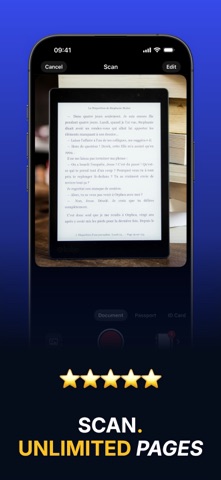
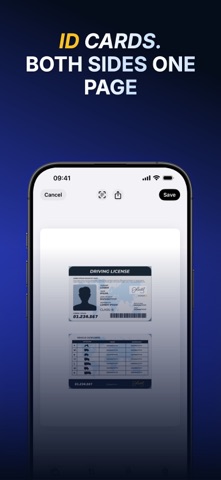
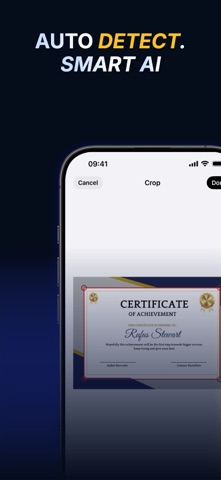
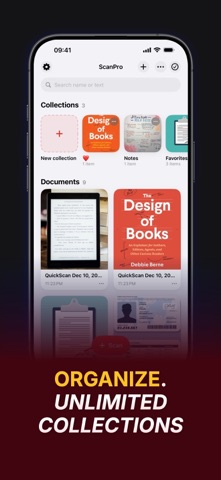
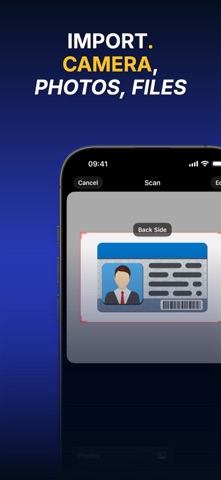
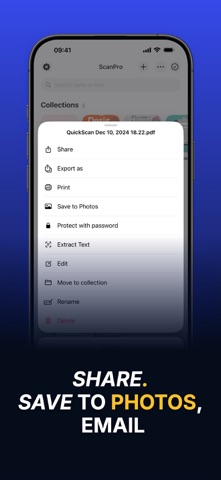
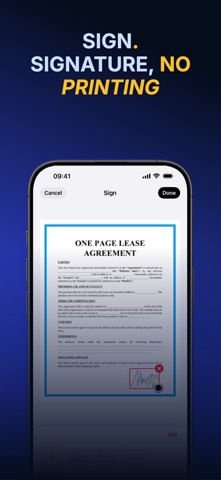
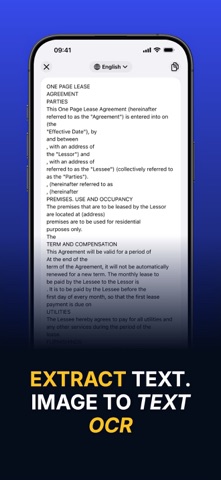
Your iPhone already has a scanner in it. ScanPro turns it into one that makes clean, sharp PDFs — of a contract, a receipt, a passport, your ID, or the whole stack of paper on your desk. Hold the camera over the page and wait — ScanPro takes the shot itself, finds the edges, straightens it and turns it into a PDF you can sign, rename, find by the words on it and send — in seconds, without a computer. ----- ◆◆◆ WHY YOU'LL LOVE IT ◆◆◆ • Real scans, not photos: edges detected, perspective corrected, colours cleaned up • Hands-free: the shutter fires by itself once the page is held still • Sign with your finger and drag the signature exactly where it belongs • Pull the text out of any scan and paste it wherever you need it • Everything stays on your device — nothing is ever uploaded • Find any document by the words printed on it, even months later ----- SCAN – Documents, passports and ID cards, front and back on one page – Automatic edge detection and cropping, or set the corners yourself – Add pages from the camera, your photo library, or a PDF in Files – Auto capture: hold the phone still over a page and it scans itself, sheet after sheet EDIT – Drag pages to reorder them, delete the ones you don't want – Crop, rotate and pick from nine looks: colour, greyscale and high-contrast black & white – Nothing is destroyed — the original photo stays untouched, so you can always change your mind SIGN – Draw your signature once and reuse it on any document – Move it, resize it, recolour it, and place one on every page that needs it EXTRACT TEXT – Turn a scan into text you can copy, edit and send – Dozens of recognition languages – Edit the result before you use it ORGANIZE & SHARE – Collections keep contracts, receipts and school papers apart – Search your whole library by name or by the text on the pages – Grid or list view, sorted by name, date or size – Share by AirDrop, Messages, email or any other app — or send a copy locked with a password – Save pages to Photos as images – New scans name themselves after the title on the first page – Merge several documents into a single PDF – Lock the app with Face ID, Touch ID or your passcode ----- SCANPRO PRO Scanning, cropping, filters, rotating and sharing are free. PRO adds unlimited pages per document, ID card scanning, signatures, editing saved documents, drafts, saving to Photos, password-protected sharing, extra collections, text extraction from the whole document and App Lock. Pay only for as long as you need PRO. ----- Support Contact: leadingappdeveloper@gmail.com Terms of Use: https://akoruk.github.io/apps/scanner/terms.html Privacy Policy: https://akoruk.github.io/apps/scanner/privacy.html
What's new · 2.0.1
Thanks for using the app! This update brings: • Faster, smoother performance throughout the app • A cleaner, easier-to-use interface • Fixes for the issues you reported
Details