
Chart standing · US
What changed · US
Listing changes AppTracker has observed for this app in this storefront — new versions, price moves, rating shifts, and store copy.
- Improved User Interface & Experience
Price & rating history · US
Reconstructed from the listing changes AppTracker has observed in this storefront, so each line starts at the first change on record.
Average rating
Ratings breakdown · US
The star breakdown behind this app's rating in this storefront.
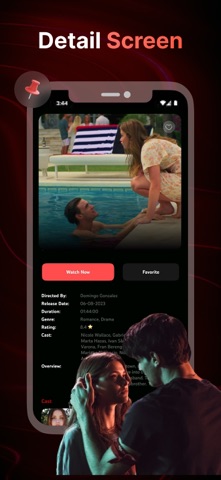
Screenshots


About
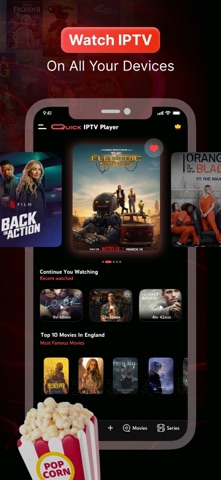
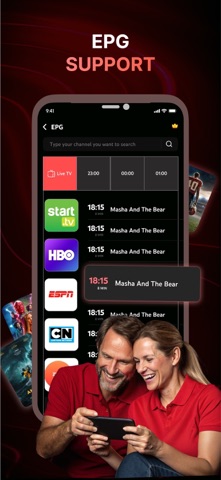
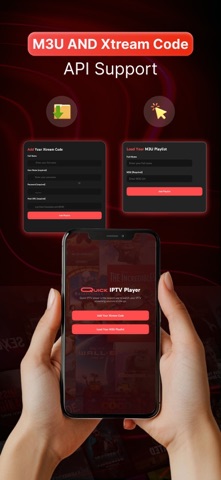
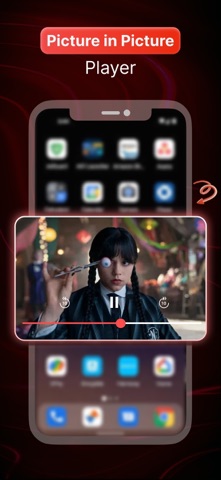
Enjoy a fast, smooth, and reliable media player experience with IPTV Smart Player, an all-in-one player designed for personal playlists and streaming sources. Simply add your M3U playlist or sign in with Xtream Codes to get started in seconds. WHY CHOOSE IPTV SMART PLAYER • Fast and intuitive media player with smooth playback • Full support for M3U, M3U8, and Xtream Codes API • Built-in Program Guide (EPG) support • Save favorites and resume playback anytime • Easy playlist organization and management FEATURES • High-quality media playback • Support for personal playlists and media libraries • Picture-in-Picture (PiP) mode • AirPlay support • Program Guide (EPG) integration • Favorites and Recently Watched • Smart notifications and reminders • Playlist and category management • Multi-screen playback and aspect ratio controls PREMIUM FEATURES • Ad-free experience • Unlock Picture-in-Picture (PiP) mode • Unlock AirPlay support • Unlock Multi-screen playback • Access all premium features without limitations GET STARTED IN SECONDS 1. Obtain your M3U playlist URL or Xtream Codes credentials from your provider. 2. Open the app and tap “Add Playlist.” 3. Import your playlist or sign in with your credentials. 4. Enjoy your personal media library. DISCLAIMER IPTV Smart Player is a media player only and does not provide, host, sell, or distribute any media content, channels, playlists, or streaming services. Users are responsible for providing their own content from legal sources. Privacy Policy: https://ghalitlabs.com/privacy-policy Terms of Use: https://www.apple.com/legal/internet-services/itunes/dev/stdeula/
What's new · 1.6.26
- Improved User Interface & Experience
Details