

Autovin Nigeria
Freewaves Global Solutions Inc. · Productivity
Independent analytics for this App Store listing. AppTracker is not affiliated with Freewaves Global Solutions Inc.
Chart standing · US
What changed · US
Listing changes AppTracker has observed for this app in this storefront — new versions, price moves, rating shifts, and store copy.
Sign in with Apple You can now sign in or create an account with Apple, alongside Google and email. Use your wallet credits If you hold credits, you can now spend one on a VIN or plate check straight from the app instead of paying again — the same way it has always worked on the website. More ways to top up Wallet top-ups now accept card, OnePay and bank transfer. Previously the app offered card only. Better scanning VIN scanning reads plates it used to miss, particularly where the stamped characters are easily confused. If the camera needs permission, the app now says so and takes you to Settings rather than asking you to retake the photo. Barcode scanning sets itself up automatically the first time you use it. Getting around The home screen recognises you when you are already signed in and offers your dashboard directly. The AutoVIN logo now returns you to the home screen from anywhere, and your correct country is shown in the header. Questions or feedback: support@autovin.com.ng
Ratings breakdown · US
The star breakdown behind this app's rating in this storefront.
In-app purchases · US
No in-app purchases.
Screenshots


About
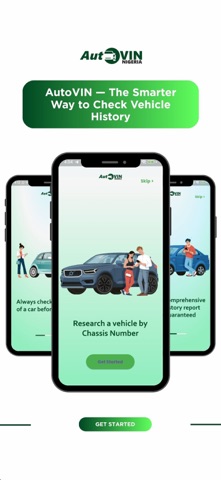
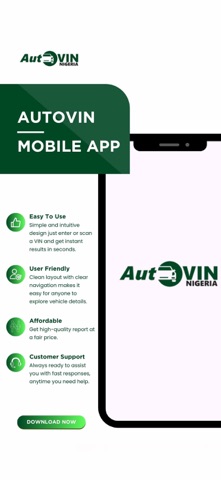
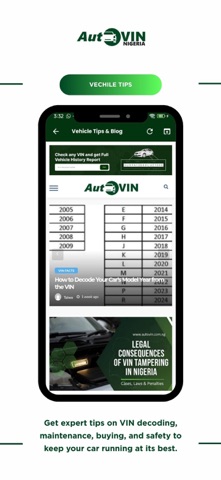
AutoVIN makes vehicle data lookup fast and easy. Users can search by entering or scanning VIN numbers, ensuring quick and accurate information. Integrated with secure payments, the app offers a smooth experience for paid services. Whether you’re checking car history or validating VINs, AutoVIN is your trusted companion for vehicle data.
What's new · 4.0
Sign in with Apple You can now sign in or create an account with Apple, alongside Google and email. Use your wallet credits If you hold credits, you can now spend one on a VIN or plate check straight from the app instead of paying again — the same way it has always worked on the website. More ways to top up Wallet top-ups now accept card, OnePay and bank transfer. Previously the app offered card only. Better scanning VIN scanning reads plates it used to miss, particularly where the stamped characters are easily confused. If the camera needs permission, the app now says so and takes you to Settings rather than asking you to retake the photo. Barcode scanning sets itself up automatically the first time you use it. Getting around The home screen recognises you when you are already signed in and offers your dashboard directly. The AutoVIN logo now returns you to the home screen from anywhere, and your correct country is shown in the header. Questions or feedback: support@autovin.com.ng
Details