

Comcast Business
Comcast Cable Communications Management, LLC · Business
Independent analytics for this App Store listing. AppTracker is not affiliated with Comcast Cable Communications Management, LLC.
Chart standing · US
What changed · US
Listing changes AppTracker has observed for this app in this storefront — new versions, price moves, rating shifts, and store copy.
In this latest update, we’ve made some enhancements and minor bug fixes to improve your overall app experience.
Price & rating history · US
Reconstructed from the listing changes AppTracker has observed in this storefront. A field is charted once it has changed more than once, and each line starts at the value it moved from.
Average rating · ★ 4.41 now · 8 changes on record
Ratings breakdown · US
The star breakdown behind this app's rating in this storefront.
Screenshots

About
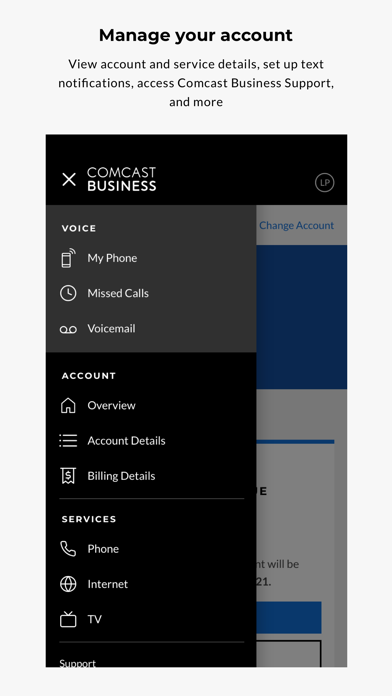
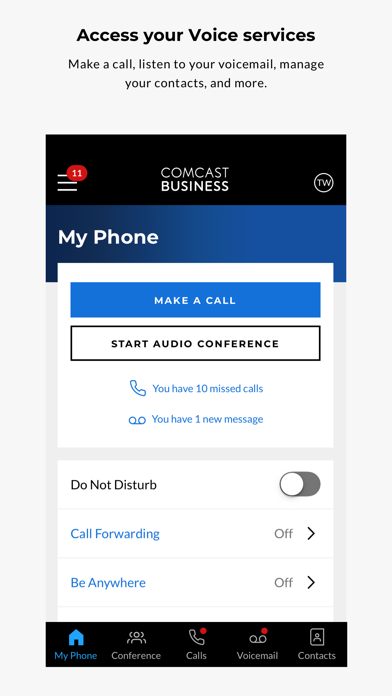
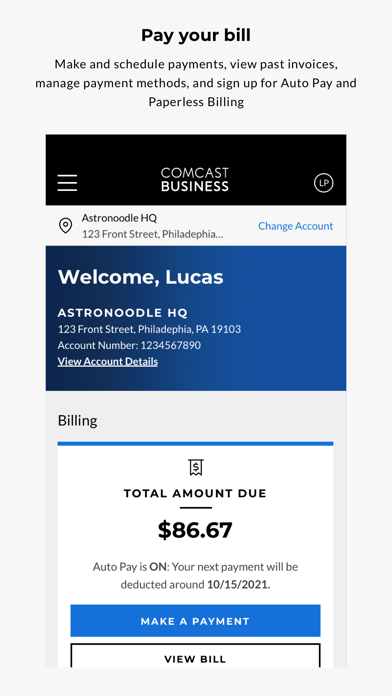
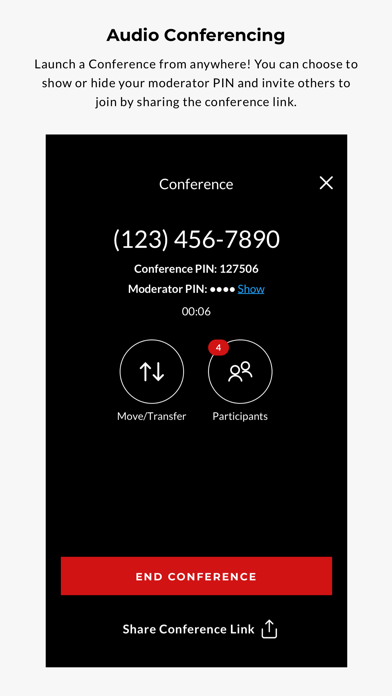
AVAILABLE TO COMCAST BUSINESS CUSTOMERS Access your Comcast Business account anytime and anywhere with the Comcast Business App—an innovative, all-in-one tool designed with your business in mind. With streamlined navigation and an intuitive layout, the Comcast Business App makes it easier than ever to manage your account on the go, right from your mobile device. With the Comcast Business App, you can: • Manage your account details • View upcoming service appointments • Pay your bill, view past invoices, and manage your payment methods • Enroll in Auto Pay and Paperless Billing • Manage WiFi networks, hotspots, and more • Set up notifications for billing and service requests • Stay up-to-date on your service status • View your TV channel lineup • Forward calls to your home, mobile phone, or colleagues with Call Forwarding • Troubleshoot technical issues in a few easy steps • Access Comcast Business Support These features are available to Business Internet, Business TV, Business Voice, Business Voice Mobility, Business VoiceEdge™, and/or Business VoiceEdge Select™ customers and will vary depending on your services. Comcast Business Voice Mobility, Business VoiceEdge®, and Business VoiceEdge Select™ customers can also: • Easily host a conference call for up to 50 participants (Business VoiceEdge® customers only) • View recent calls, listen to and manage voicemail, and customize greetings • Make outgoing calls through the app to display your business phone number on caller IDs • Quickly transfer calls to colleagues or third parties • Forward calls to your home, mobile phone, or colleagues with Call Forwarding • Quickly move active calls to your Be Anywhere devices and desk phones • Select the phones that will ring on inbound calls by managing Be Anywhere devices • Easily manage security settings These features will vary depending on your services. You can submit feedback to CBMA_Feedback@comcast.com
What's new · 5.16.11
In this latest update, we’ve made some enhancements and minor bug fixes to improve your overall app experience.
Details