
Chart standing · US
Ratings breakdown · US
The star breakdown behind this app's rating in this storefront.
Screenshots
About
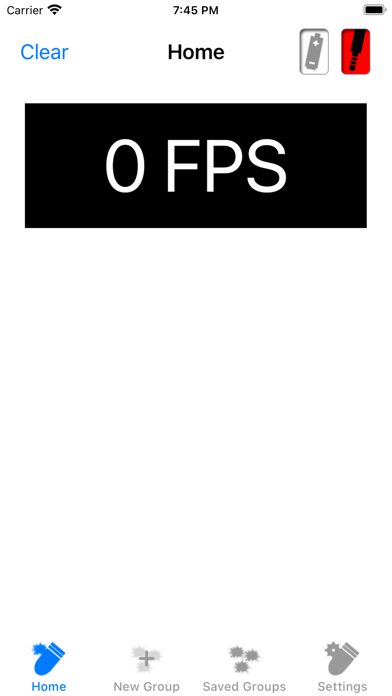
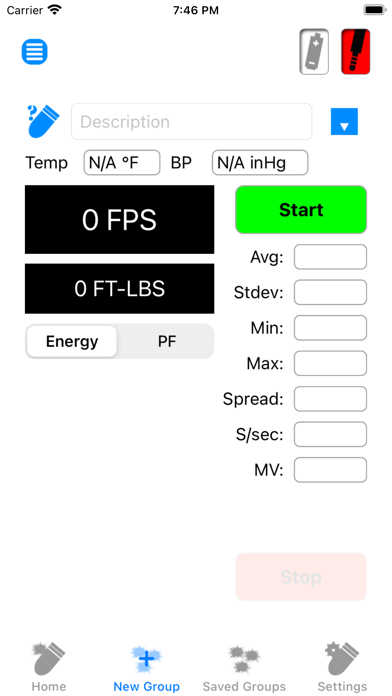
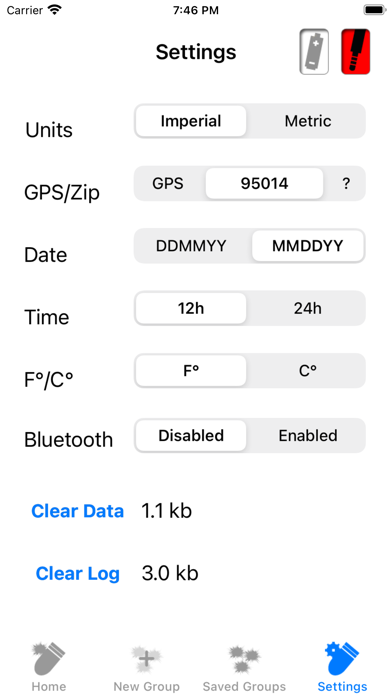
The Ballistic Chronograph app is for use with the Caldwell line of Ballistic Chronographs supporting a 3.5mm line-out serial port. Users running iOS 7 or greater • When prompted “Caldwell Ballistic Precision Chronograph” Would Like to Access the Microphone - select OK. • Please ensure that Settings -> Privacy -> Microphone -> Caldwell Ballistic Precision Chronometer is enabled (Access Granted). Running the app with the setting disabled will result in no shots being seen even though the app is showing it as connected. Users running version 1.14 or greater • When prompted “Caldwell Ballistic Precision Chronograph” Would Like to Access the Camera - select OK. • When prompted “Caldwell Ballistic Precision Chronograph” Would Like to Access Photos - select OK. • Please ensure that Settings -> Caldwell Ballistic Precision Chronometer -> Camera is enabled (Access Granted). Chrono G2 users running 1.17 or greater To enable Bluetooth in the app. In the Chrono Settings - set Bluetooth enabled. If prompted - Turn on Bluetooth to Allow "Caldwell Ballistic Precision Chronograph" to Connect to Accessories. Select Settings. Turn on Bluetooth. If prompted - Bluetooth is not enabled. Enable Bluetooth to continue. In Settings - Turn on Bluetooth.
What's new · 1.21
Version 1.21 contains the following changes/updates: • Dark mode fix.
Details