

FlowTimer(without touching)
Keietsu Yasuhara · Utilities
Independent analytics for this App Store listing. AppTracker is not affiliated with Keietsu Yasuhara.
Chart standing · US
Screenshots


About
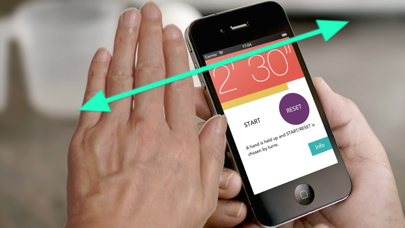
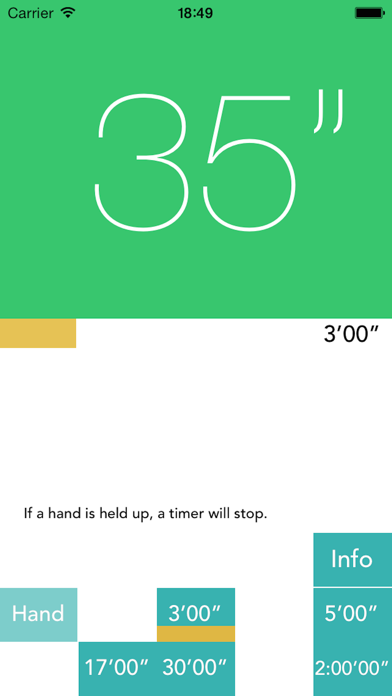
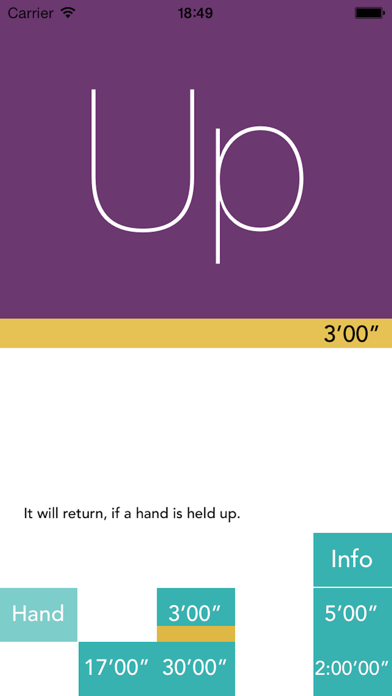
When starting an application, it is a timer which can perform a setup and stop of time by holding up a hand. - Please taste a slightly wonderful operational feeling. - It is convenient also in a timer when you do not want to touch iPhones, such as under cooking, directly. [Usage] - Hold up a hand etc. To right and left on about 1 inch from iPhone. 1. Hold up to right and left and set up a time. If it holds up repeatedly before a yellow bar is lost, time will increase. 2. If START/RESET is displayed, and it holds up to right and left, it can choose by turns. 3. If it holds up during subtraction of a timer, stop. - There are four presets (eight by add-on) which sets timer time beforehand. - Since the proximity sensor by the side of the superior extremity of a screen is used, even if it is not a hand, react. If -> proximity sensor has the hold-up a long time, a screen will disappear. Although a problem is not in operation, it is as good touch as holding up to the right from the left from the right, or the left. - The model (iPod, iPad) without a proximity sensor chooses "Use tap" from "Info", and can operate by a tap it.
What's new · 1.8
Advertisement ID changed.
Details