

Audio to Video Converter
Muhammed Sadiq Afridi · Photo & Video
Independent analytics for this App Store listing. AppTracker is not affiliated with Muhammed Sadiq Afridi.
Chart standing · US
Screenshots



About
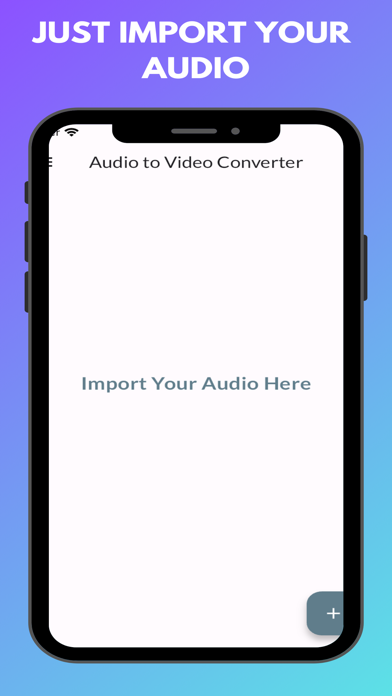
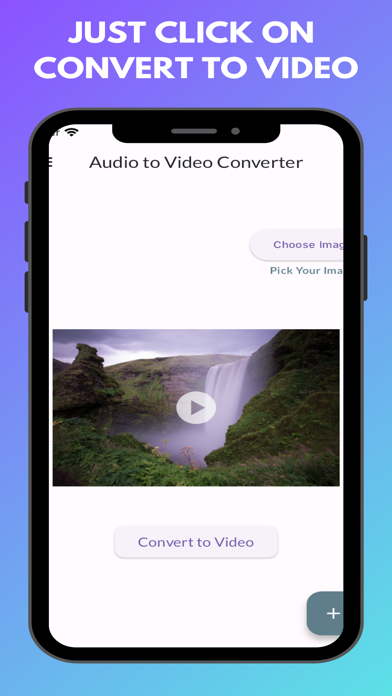
Audio to Video Converter Audio to Video Converter is an innovative iOS application designed to convert audio files into video files effortlessly. This unique concept addresses common user needs and issues with ease. Common Issues Addressed: Convert audio files to video files seamlessly. Enhance audio files by adding images and converting them into videos. High-quality audio-to-video conversion. A free, fast, and user-friendly solution. Unlimited usage with no restrictions. Features: Effortless Conversion: Convert audio files into video files quickly and efficiently. Free to Use: Enjoy all features without any cost. Add Images: Personalize your audio files by adding your desired photo before converting them to video. Unlimited Usage: Convert as many files as you want without any limitations. User-Friendly Interface: Professional, attractive, and intuitive UI for a seamless user experience. How to Use: Download and Install: Get Audio to Video Converter from the App Store. Open the App: Launch the app after installation. Import Audio: Select and import your audio file. Customize: Choose from options such as "Add Photo" to include an image in your video. Convert: Use the "Convert to Video" option to transform your audio file into a video. Enjoy: Experience the high-quality video output. If you have any questions or need support, feel free to email us at trickswithandro@gmail.com.
What's new · 1.0.3
Import User Interface
Details