

PiXXiE OFFICIAL LIGHT STICK
Shenzhen Shunfa Technology Co., Ltd. · Utilities
Independent analytics for this App Store listing. AppTracker is not affiliated with Shenzhen Shunfa Technology Co., Ltd.
Chart standing · US
Screenshots
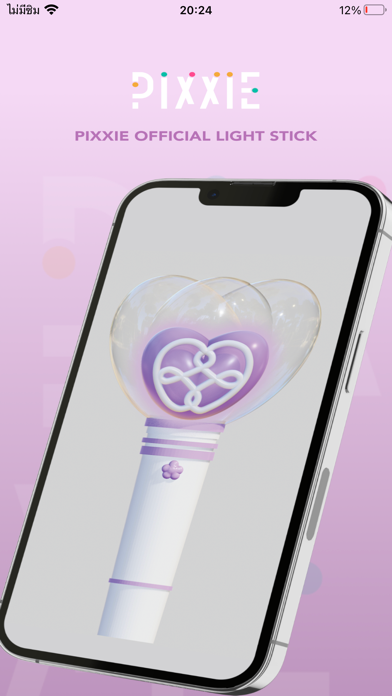


About
Official PiXXiE Light Stick This is the mobile application for “PiXXiE Official Light stick : The Blooming Heart” 1. Connecting the light stick Activate bluetooth on your smartphone Bring the light stick close to your smartphone. Open PiXXiE OFFICIAL LIGHT STICK Application Select Mode on the application Press the light stick’s button until the light stick blinks in purple color (2-3 Seconds). Then click the “connect” button on the application. Turn on the light Stick, the light will turn red for 10 seconds to connect with the RF signal. Once the light changes into purple, click “connect”. Once connected, the “connected” message will pop up on the screen. 2. Concert Mode After the light stick is connected, Scan QR CODE or pairing the light stick at the concert to pair the light stick with the main controller. For smooth lighting operation, please enjoy the show from the seat registered to the light stick. Changing the seat may interfere with the operation system of the main control. Please check the battery level of the light stick before the show, to make sure the light stick remains usable for the entire concert . 3. Self mode After the light stick is connected, you can manually select your preferred LED lighting color from the application. LIT Entertainment Co., Ltd.
What's new · 1.0.2
Interface font optimization
Details