

FujiStyle - Film Recipes Frame
罡 丁 · Photo & Video
Independent analytics for this App Store listing. AppTracker is not affiliated with 罡 丁.
Chart standing · US
What changed · US
Listing changes AppTracker has observed for this app in this storefront — new versions, price moves, rating shifts, and store copy.
NEW FEATURES Wireless Recipe Import (Beta) • Send recipes to your camera without a cable: pair your phone with the camera wirelessly, pick a recipe, and write it to a custom slot in one tap • Supported cameras: X-T50, X-S20, X100VI, X-E5, X-T5, X-T30 III, X-T30, X-S10, X-H2, X-H2S, GFX100 II, with more on the way • Some models are still being fine-tuned, so a few settings may not be written to the camera yet — let us know in the app and we'll keep adding support • First time only: open Pairing Registration in the camera menu; later connections remember the camera • After writing, browse the recipes already stored on your camera • USB import still works as before — use whichever suits you IMPROVEMENTS • EXIF recognition is now free: read a photo's shooting settings and create a recipe from it without a Pro membership • Better overall stability and performance • Numerous refinements throughout Thank you for your support. We read every piece of feedback sent from the app.
Price & rating history · US
Reconstructed from the listing changes AppTracker has observed in this storefront. A field is charted once it has changed more than once, and each line starts at the value it moved from.
Average rating · ★ 4.78 now · 4 changes on record
Ratings breakdown · US
The star breakdown behind this app's rating in this storefront.
In-app purchases · US
What this app sells inside itself, grouped by kind and priced for this storefront.
Screenshots
About
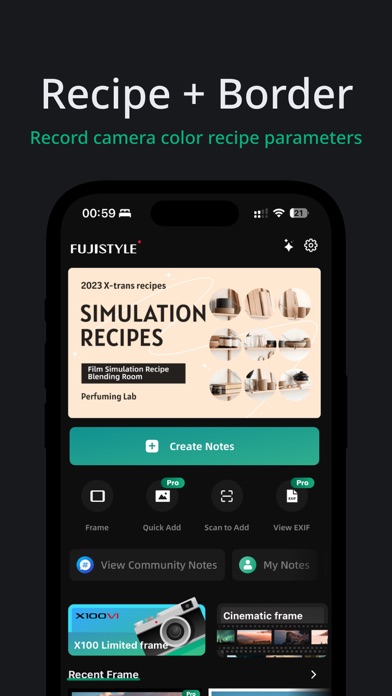
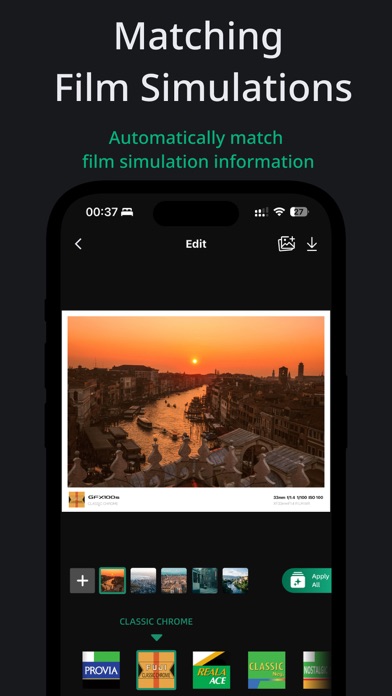
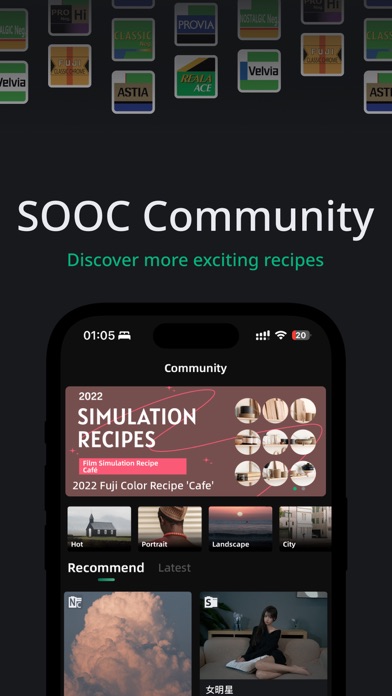
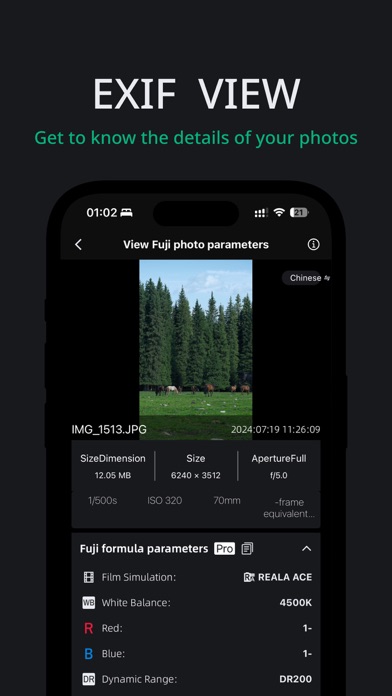
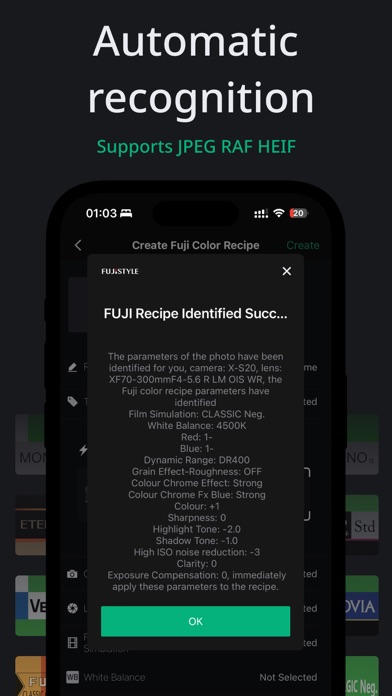
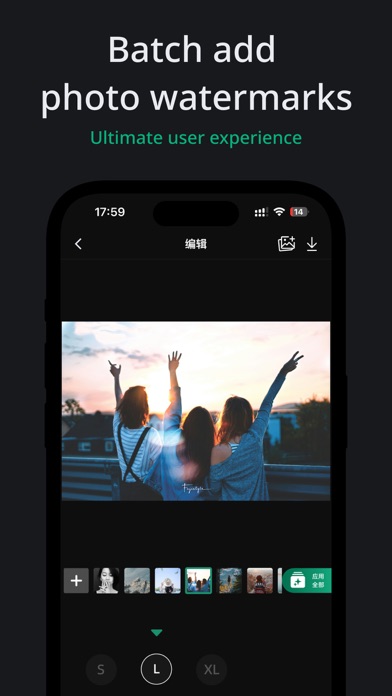
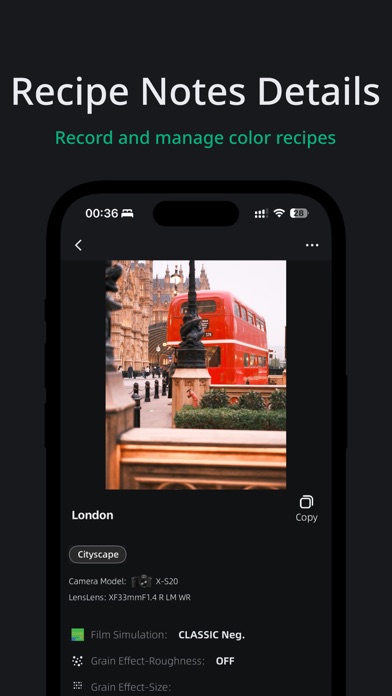
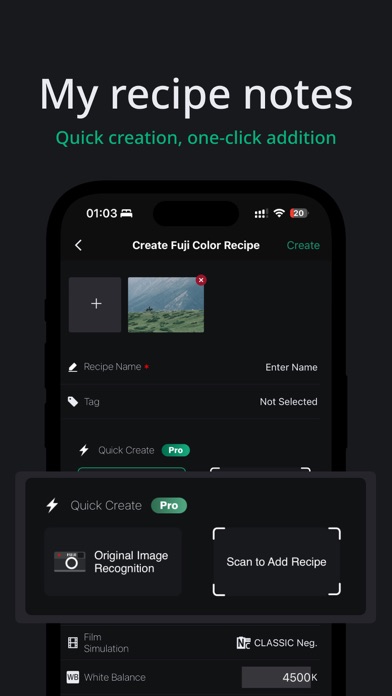
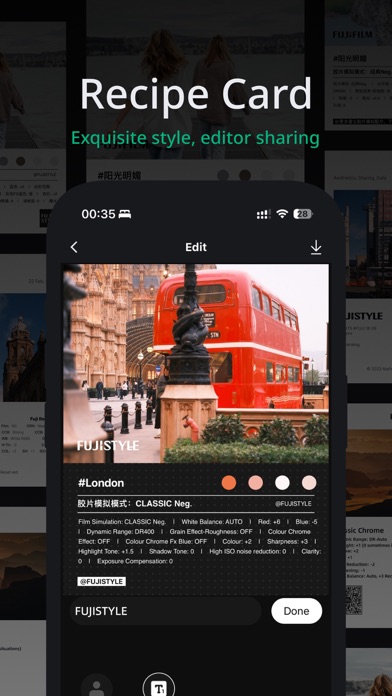
FUJISTYLE is a professional auxiliary tool designed specifically for Fuji camera users, making your photography experience more enjoyable and effortless. Whether you're recording and managing Fuji color recipes, adding watermarks and borders to your photos, or identifying film simulation parameters of your shots, FUJISTYLE can meet all your needs. Hundreds of Fuji recipes + over 100 border and watermark styles. • Highly Recommended by Fuji Photographers • Hot topic in Facebook Instagram fuji communities • 5.0 stars in several regions • Apple's Editor's Choice: Featured as App of the Week Thousands of Fuji camera users share color recipes here. We've also included some popular film simulation recipes, available for free viewing. If you use a Fuji X series camera, you can apply these recipe parameters to your camera to capture photos with unique color sensibilities. Special Declaration: FUJISTYLE is NOT an official FUJIFILM application! FUJISTYLE is an auxiliary tool designed to enhance the experience of Fuji camera enthusiasts and provide additional features. Not associated with the FUJIFILM Corporation. Not associated with the FUJIFILM Corporation. Not associated with the FUJIFILM Corporation. Key Features: 1. Fuji Color Recipe Notes: Enjoy the convenience of saving unlimited Fuji simulation recipes. FUJISTYLE makes recording and managing Fuji color recipes simple and easy, without worrying about the limited number of custom settings on your camera. Take high-quality photos and experience the limitless possibilities of Fuji cameras. 2. Fuji JPEG Original Color Recipe Recognition: With one-click operation, FUJISTYLE can intelligently recognize color recipes in Fuji original images, eliminating tedious manual input processes and simplifying your post-shooting workflow. 3. Fuji Borders and Watermarks: What you see is what you get editing experience, offering various Fuji-style borders and watermarks. FUJISTYLE can automatically recognize photo information, support batch watermarking, maintain original image quality, and enhance the individuality and quality of photos. 4. Fuji Recipe Community: Join FUJISTYLE to explore and share Fuji recipes. View and collect creative recipes in the community。 5. Camera Connection (USB or Wireless) – One-Tap Recipe Import: Connect your Fuji camera by USB cable or wirelessly and write any recipe straight into its custom slots (C1–C7) in one tap — with custom slot names, no more dialing in settings one by one. You can also read shooting parameters back from your camera to create new recipes instantly. FUJISTYLE User Benefits - Locally record and manage unlimited Fuji color recipes - One-click intelligent recognition of Fuji JPEG original color recipes - View basic photo EXIF information - Free access to view the film recipe community - Wireless recipe import (select models), free for a limited time Pro Member Exclusive Benefits - Add exclusive watermarks and borders (over 60 types) - Generate personalized film recipe cards - USB recipe import Automatic Renewal Membership Information Payment: "Continuous monthly/annual" products are auto-renewing items. Upon confirmation of purchase, fees will be charged to your Apple iTunes account. Renewal: Membership services will automatically renew 24 hours before the current paid plan expires. Fees will be charged from your iTunes account, and upon successful payment. - To cancel renewal, please turn off the auto-renewal function in iTunes/Apple ID settings at least 24 hours before the end of the current subscription cycle. - Restore Purchase: By logging into the device with the same Apple ID used for the purchase and pressing the "Restore Purchase" button, you can restore your purchase status for free. User Agreement https://cord-yuzu-95e.notion.site/FUJISTYLE-User-Agreement-385d2da2f48f4fcc8f2a21dc00262e28?pvs=4 Privacy Policy https://cord-yuzu-95e.notion.site/FUJISTYLE-Privacy-Policy-d2808cc8b4a0462886da66f0c1de2640?pvs=4
What's new · 1.3.46
NEW FEATURES Wireless Recipe Import (Beta) • Send recipes to your camera without a cable: pair your phone with the camera wirelessly, pick a recipe, and write it to a custom slot in one tap • Supported cameras: X-T50, X-S20, X100VI, X-E5, X-T5, X-T30 III, X-T30, X-S10, X-H2, X-H2S, GFX100 II, with more on the way • Some models are still being fine-tuned, so a few settings may not be written to the camera yet — let us know in the app and we'll keep adding support • First time only: open Pairing Registration in the camera menu; later connections remember the camera • After writing, browse the recipes already stored on your camera • USB import still works as before — use whichever suits you IMPROVEMENTS • EXIF recognition is now free: read a photo's shooting settings and create a recipe from it without a Pro membership • Better overall stability and performance • Numerous refinements throughout Thank you for your support. We read every piece of feedback sent from the app.
Details