

QuickScan Pro: QR Code Reader
MOCHA, LIMITED LIABILITY CO. · Utilities
Independent analytics for this App Store listing. AppTracker is not affiliated with MOCHA, LIMITED LIABILITY CO.
Chart standing · US
Screenshots


About
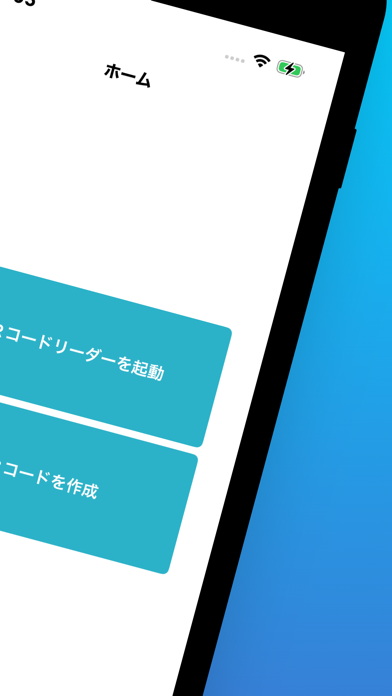
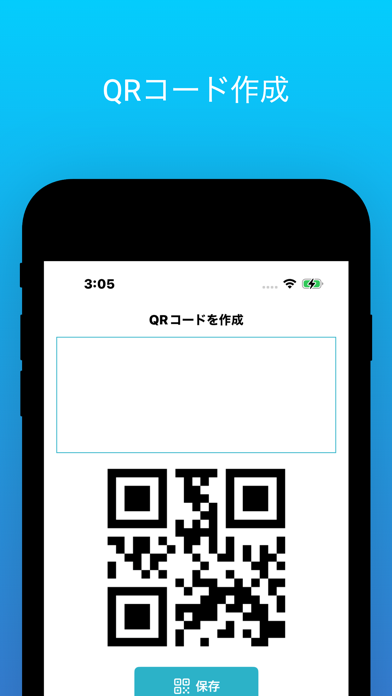
Main features Fast scanning: Read QR codes instantly with one touch. Supports a variety of QR codes: Supports various types of QR codes, including URLs, text, contact information, and Wi-Fi connection information. History management: Scanned QR codes are automatically saved for easy access at any time. Share function: Scanned results can be shared on social media or by email. Safety and security: You can check the contents of the QR code before scanning, preventing phishing and access to fraudulent sites. How to use Launch the app. Simply point the camera at the QR code and the scan will start automatically. The scan results will be displayed, and you can check the details or share them. Recommended points Simple design: Adopts an intuitive and easy-to-use interface. High-precision recognition ability: Equipped with the latest image processing technology, it recognizes QR codes with high accuracy. Privacy protection: No data obtained within the app will be transmitted to the outside. Download QuickScan Pro and make your life more convenient and smarter! Supported devices: iPhone and iPad running iOS 12.0 or later. Price: Free (with ads). Experience a new era of QR code scanning with QuickScan Pro!
What's new · 1.0.10
- Fixed bugs
Details