
Chart standing · US
Screenshots



About
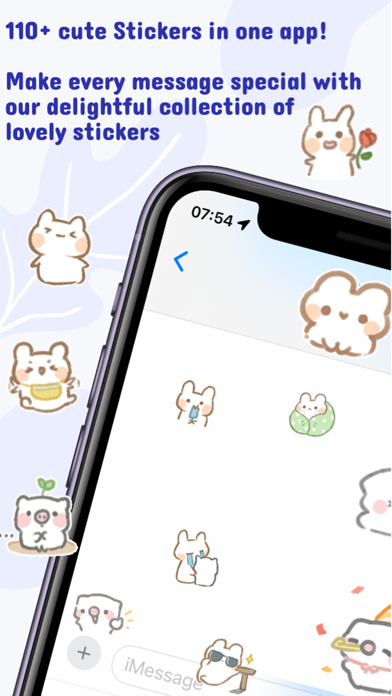
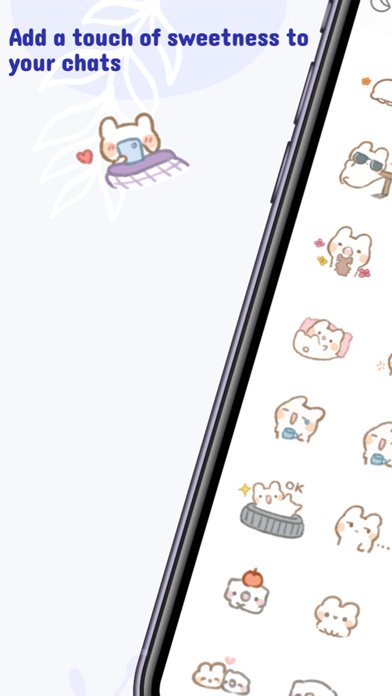
Cute Rabbit iMessage Sticker Pack: 110+ Expressive Emoji for iPhone and iPad. Download our adorable rabbit sticker pack for iMessage, featuring over 100 expressive emojis. Communicate your emotions with a wide range of cute rabbit stickers, perfect for every conversation. Key Features: • 110+ Stickers: Extensive collection with many free options • Diverse Emotions: Happy, romantic, motivational, relaxing, sad, and more • Customizable Layout: Adjust column display for optimal screen viewing How to Use iMessage Stickers: 1. Download the Rabbit Sticker Pack from the App Store 2. Open iMessage on your iPhone or iPad 3. Tap the '+' button in the message compose area 4. Select 'Stickers' from the app drawer 5. Find and tap the Rabbit Sticker Pack icon 6. Choose and send your favorite rabbit sticker Manage Sticker Packs: • Tap 'Edit' in the app drawer to show/hide or delete sticker packs Express yourself with our cute rabbit stickers in iMessage today!
What's new · 1.4.0
New in this version: - Arrange Your Stickers (Premium): press and drag any sticker in the new Sort view to put your favorites first. - Redesigned Favorites: a clean new grid for your starred stickers. Tap the star on any sticker to add it, and filter to see favorites only. - Cleaner toolbar: columns, favorites, and more are now one tap away. - Fixed an issue where a sticker could disappear after being attached to a message bubble. Thanks to everyone who reported it. - Smoother scrolling and improved battery life. - Small fixes and interface polish throughout. Thank you for using Cuteness Corner. If you enjoy it, please leave a quick review — it helps a lot.
Details