

TAR GZ & XZ Extract
Yevhen Kniaziuk · Utilities
Independent analytics for this App Store listing. AppTracker is not affiliated with Yevhen Kniaziuk.
Chart standing · US
What changed · US
Listing changes AppTracker has observed for this app in this storefront — new versions, price moves, rating shifts, and store copy.
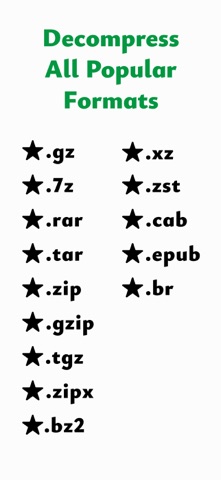
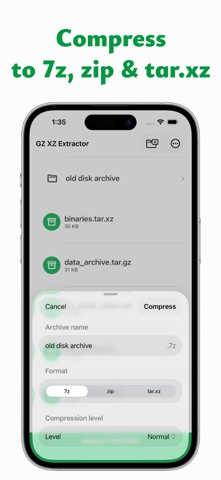
1. Added decompress support for a wide variety of archive formats. 2. Added a way to compress files to 7z, zip and tar.xz
In-app purchases · US
No in-app purchases.
Screenshots

About
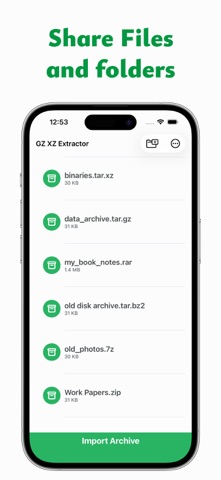
Extract tar, tar.gz, and xz easily! Extractor tool that will open Unix-type archives in a few taps. Just choose gz or xz archive file and extractor will do all other for you. All are fully automotive, no need for a long and hard step-by-step extract process. GZ and XZ Extractor main features: - Intuitive interface - Support tar.gz, tar.xz, tar, zip, bz2, br and 7z archives - Preview extracted files - File Explorer included Many are faced with a situation where it is urgently necessary to unzip the xz, tar, and tar.gz files. Although this may seem like a daunting task at first glance, in reality, it is done in just a few simple steps. GZ & XZ Extract will help you quickly and easily get your files from the archive. If you guessing what GZ means - it's a standard extension for files compressed by GNU zip and mostly used by Unix systems. XZ at the same time is an extension for archives that uses the XZ algorithm for compression, it is very efficient for large files and is commonly used to distribute Slackware Linux package distributions.
What's new · 1.3
1. Added decompress support for a wide variety of archive formats. 2. Added a way to compress files to 7z, zip and tar.xz
Details