

Processing & p5.js iCompiler
riedel.wtf apps S.L. · Developer Tools
Independent analytics for this App Store listing. AppTracker is not affiliated with riedel.wtf apps S.L.
Chart standing · US
What changed · US
Listing changes AppTracker has observed for this app in this storefront — new versions, price moves, rating shifts, and store copy.
Processing 3.0 is now completely free for everyone! All features are included, with no in-app purchases or subscriptions. A better place to create • Sharper rendering (retina quality!). • Add a front or back camera to your sketches with CameraView, and explore more device sensors. • Save your drawings as PNG or JPEG images. More comfortable coding • Write with improved syntax highlighting, code completion, find and replace, undo and redo, and adjustable text size. • Keep your work protected with autosave and help resolving conflicting edits. • Find problems faster with clearer error messages and a console for printed output. • Run your sketches repeatedly with improved reliability. Easier project management • Import complete projects or choose individual sample projects to try again. • Rename and duplicate projects and files. • Open project folders from Files, including supported iCloud Drive locations, and share whole projects. Learn and explore • Browse a searchable offline reference with examples you can copy. • Add compatible JavaScript libraries to p5.js projects and choose their load order. • Enjoy expanded Processing compatibility, including StringList, circle, and square. The old Add to Home Screen feature has been removed because it no longer works reliably unfortunately.
Ratings breakdown · US
The star breakdown behind this app's rating in this storefront.
In-app purchases · US
What this app sells inside itself, grouped by kind and priced for this storefront.
Screenshots
Keywords this app targets
Search terms AppTracker associates with this app — estimates, not search volume. ❝ = in the app's title; a highlighted number is its current position for that term.
Similar apps
Competitors and close alternatives, as estimated by AppTracker.
 Pocket Assembler
Hudson Heavy Industries
2 shared topics
Pocket Assembler
Hudson Heavy Industries
2 shared topics
 Code IDE: Python Java C++ Html
Mohammad Abdul Malik
2 shared topics
Code IDE: Python Java C++ Html
Mohammad Abdul Malik
2 shared topics
 Programming Notebook PRO
Ryan Rudes
2 shared topics
Programming Notebook PRO
Ryan Rudes
2 shared topics
 Visual Code Editor - vCode
Devang Samirbhai Shah
2 shared topics
Visual Code Editor - vCode
Devang Samirbhai Shah
2 shared topics
 Pyroid
TERMUX LIMITED LIABILITY COMPANY
2 shared topics
Pyroid
TERMUX LIMITED LIABILITY COMPANY
2 shared topics
 Code App
thebaselab Ltd
2 shared topics
Code App
thebaselab Ltd
2 shared topics
 Code Runner: Compiler
Omer Faruk BAGCI
1 shared topic
Code Runner: Compiler
Omer Faruk BAGCI
1 shared topic
 CodeSnack IDE
Mobibean, LLC
1 shared topic
CodeSnack IDE
Mobibean, LLC
1 shared topic
About
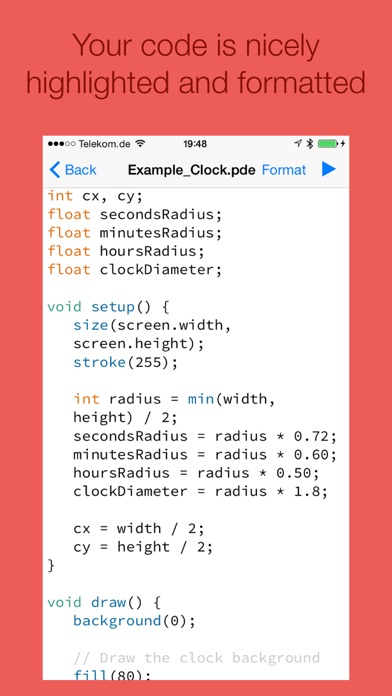
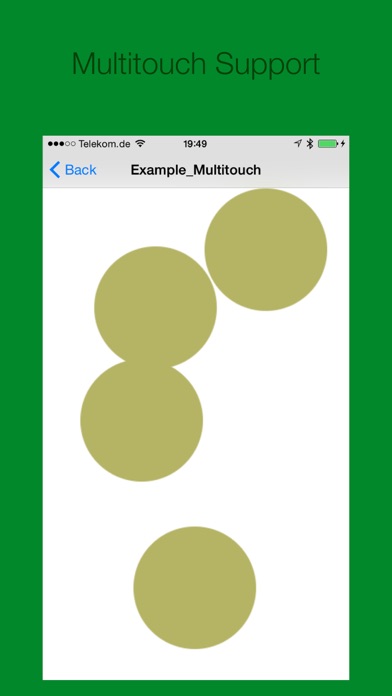
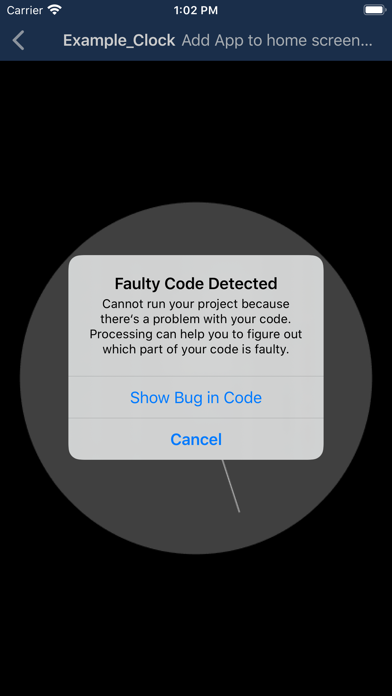
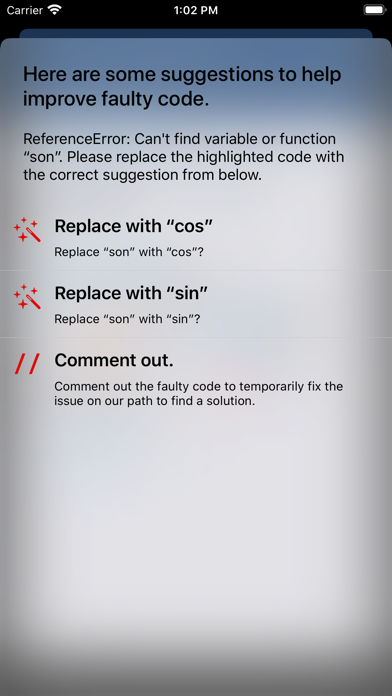
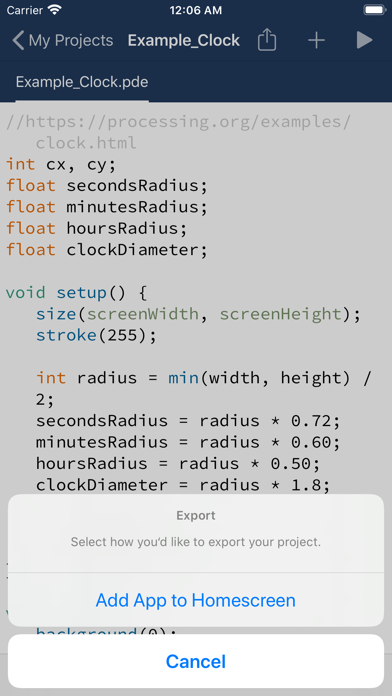
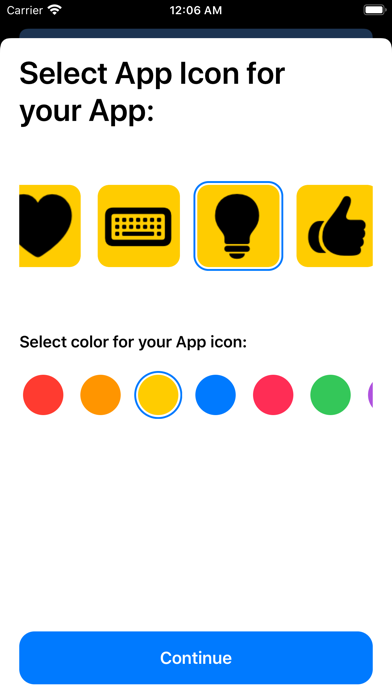
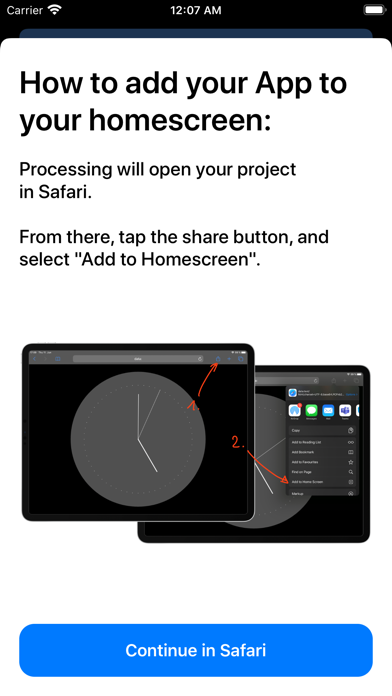
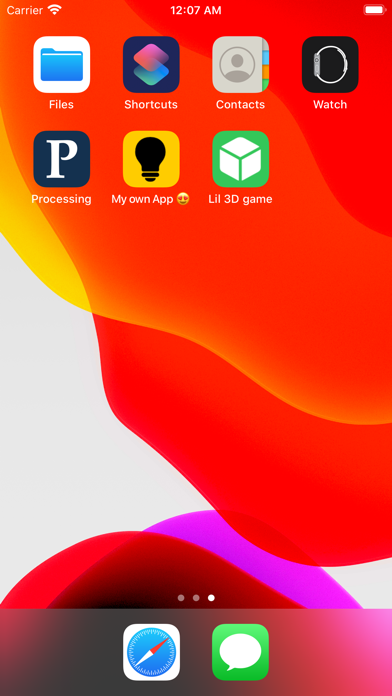
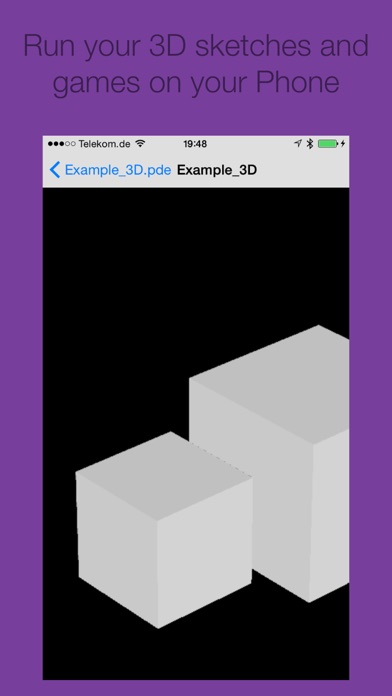
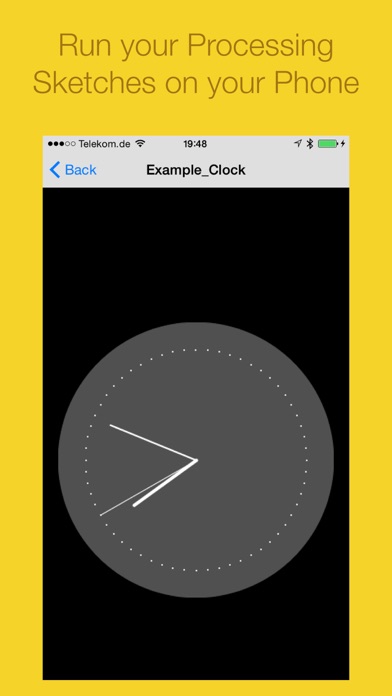
Compose and compile your Processing & p5.js projects right on your phone or iPad, wherever your are! Export your Processing projects as App on your home screen: 1. Select an App icon for your Processing project. 2. Add it to your home screen. You can now use the app offline, just like any other app! This app is already being used in high schools and universities to teach and learn Processing & p5.js. Your code is highlighted and formatted for excellent reading-comfort. Processing Pro allows you to see which parts of your code are causing problems. 3D sketches and games are supported. This is not an official app by processing.org or p5.js Available subscription: Processing Pro, offers additional functionalities, such as exporting your sketches as apps. Trailer Music: Circle of Alchemists Privacy and Terms: http://processing-app.org/terms/
What's new · 3.0
Processing 3.0 is now completely free for everyone! All features are included, with no in-app purchases or subscriptions. A better place to create • Sharper rendering (retina quality!). • Add a front or back camera to your sketches with CameraView, and explore more device sensors. • Save your drawings as PNG or JPEG images. More comfortable coding • Write with improved syntax highlighting, code completion, find and replace, undo and redo, and adjustable text size. • Keep your work protected with autosave and help resolving conflicting edits. • Find problems faster with clearer error messages and a console for printed output. • Run your sketches repeatedly with improved reliability. Easier project management • Import complete projects or choose individual sample projects to try again. • Rename and duplicate projects and files. • Open project folders from Files, including supported iCloud Drive locations, and share whole projects. Learn and explore • Browse a searchable offline reference with examples you can copy. • Add compatible JavaScript libraries to p5.js projects and choose their load order. • Enjoy expanded Processing compatibility, including StringList, circle, and square. The old Add to Home Screen feature has been removed because it no longer works reliably unfortunately.
Details