

Free TV Remote™ for LG TVs
Zhengzhou Zhijian Intelligence Technology Co., Ltd. · Utilities
Independent analytics for this App Store listing. AppTracker is not affiliated with Zhengzhou Zhijian Intelligence Technology Co., Ltd.
Chart standing · US
What changed · US
Listing changes AppTracker has observed for this app in this storefront — new versions, price moves, rating shifts, and store copy.
Price & rating history · US
Reconstructed from the listing changes AppTracker has observed in this storefront. A field is charted once it has changed more than once, and each line starts at the value it moved from.
Average rating · ★ 4.26 now · 9 changes on record
Ratings breakdown · US
The star breakdown behind this app's rating in this storefront.
In-app purchases · US
What this app sells inside itself, grouped by kind and priced for this storefront.
Screenshots
About
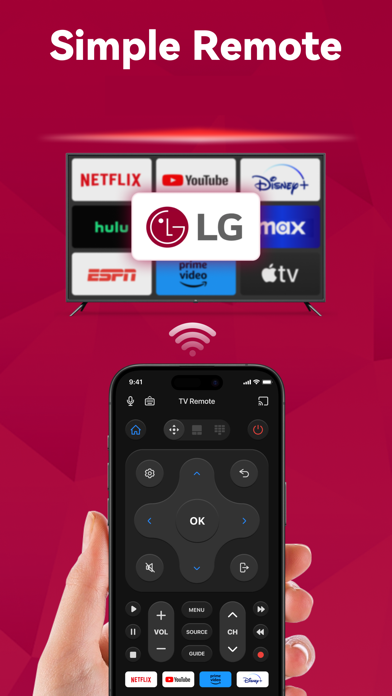
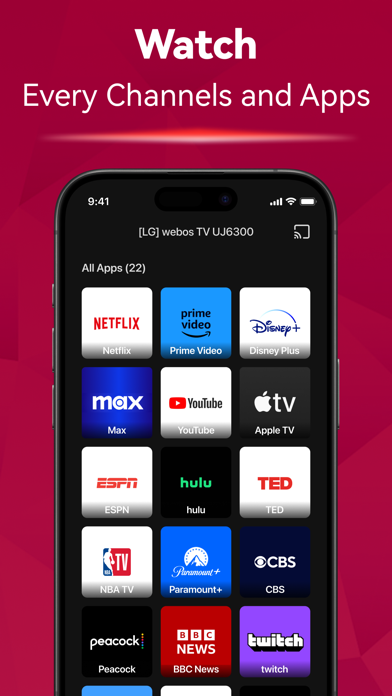
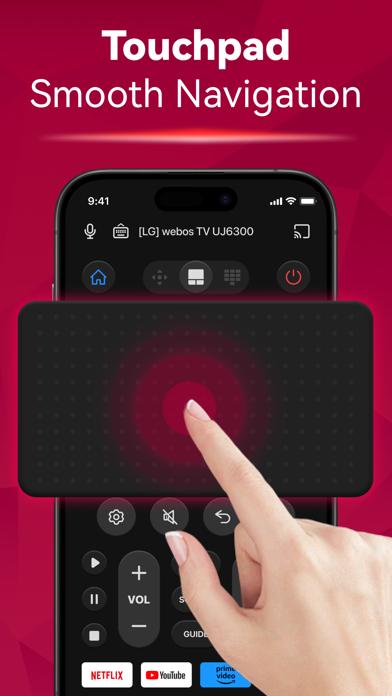
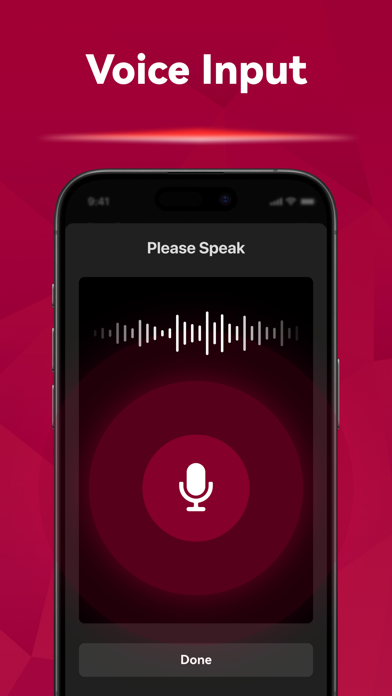
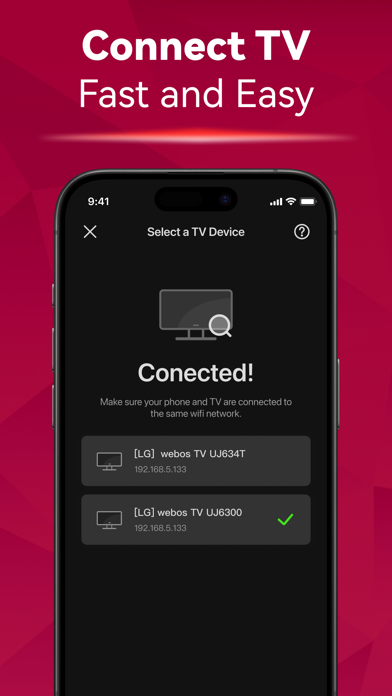
Can't find your remote again? Introducing the TV Remote app! Say goodbye to the hassle of searching for your remote. Simply connect it to the same Wi-Fi network as your TV, you can effortlessly turn the TV on/off, switch channels, adjust the volume and manage content playback - just like a typical physical remote control. It even has a touchpad and voice input for added convenience. Enhance your TV experience with the TV Remote app today! Here are the guidelines for using the TV Remote: 1. Download and install the universal TV Remote app. 2. Select a TV that is connected to the same WiFi network. 3. Tap to connect. 4. Voila! The TV Remote control is now all set up. Enjoy seamless control of your TV with these simple steps! With the TV Remote app, you'll enjoy a range of convenient features: - Automatic detection of TVs on the same WiFi network makes setup a breeze. - Rapid TV control gives you instant access to volume adjustment, reverse, and fast forward functions. - Experience smooth and efficient TV control with the touchpad feature. - Swift text input and search functionality help you find your favorite shows and movies quickly. - Power on/off your TV directly from your device including LED, OLED, 4K etc. - Take advantage of voice search functionality for hands-free control. - Just like a standard remote like AKB series, or Magic Remote Enjoy the functionalities and features of the app at your own discretion. For troubleshooting: - The app can only connect to the same WiFi network as your TV device. - For connection failure with TV, app reinstallation and TV reboot are suggested to resolve most issues. Privacy Policy: https://sites.google.com/view/tv-remote-ios-privacy-policy Terms of Use: https://sites.google.com/view/tv-remote-ios-terms-of-use
What's new · 1.2.3
- bug fixes
Details