

Music Editor: Mp3 Converter
VODAPLAY CO., LTD · Utilities
Independent analytics for this App Store listing. AppTracker is not affiliated with VODAPLAY CO., LTD.
Chart standing · US
What changed · US
Listing changes AppTracker has observed for this app in this storefront — new versions, price moves, rating shifts, and store copy.
Ratings breakdown · US
The star breakdown behind this app's rating in this storefront.
In-app purchases · US
No in-app purchases.
Screenshots


About
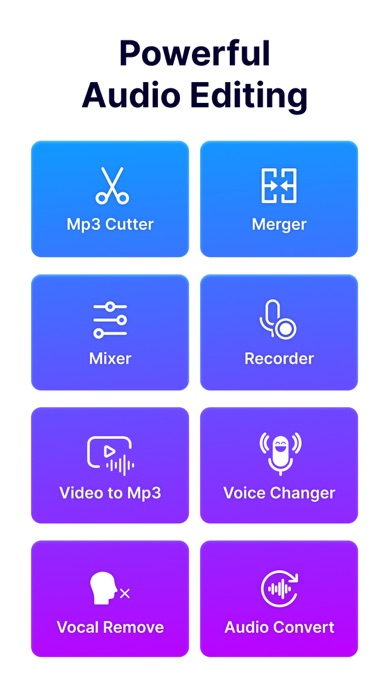
Music Editor: Mp3 Converter is a powerful audio editing application offering a range of advanced features to help users efficiently manage and modify audio files. Here are the standout features of the app: 1. Audio editing: - Audio Cutter helps you easily trim audio files with options for trim side or trim middle. - Adjust volume and speed of audio files effortlessly. 2. Merge and mix audio files: - Merge multiple audio files into one. - Mix different audio tracks to create unique compositions. 3. High-Quality voice recorder: - Provides high-quality voice recording capabilities. - Options to record from camera, microphone, or default settings. 4. Audio processing: - Convert audio file formats. - Extract vocals from music tracks. - Modify voices with effects like baby voice, elderly voice, robot, animal, etc. 5. Convert Video to MP3: - Easily convert video files to MP3 format. - Supports processing multiple video files simultaneously. 6. Video processing: - Cut videos as needed. - Compress and reduce video file sizes. - Adjust video speed. 7. High-Quality Export: - Export files in high quality, ensuring accuracy and clarity of both audio and video after editing. Music Editor: Mp3 Converter is the perfect tool for both professionals and beginners, enabling you to create high-quality audio and video content with ease.
What's new · 1.0.8
-Fix bugs and optimize app
Details