

Screen Mirroring: Air TV Cast+
Patrik Novak · Entertainment
Independent analytics for this App Store listing. AppTracker is not affiliated with Patrik Novak.
Chart standing · US
What changed · US
Listing changes AppTracker has observed for this app in this storefront — new versions, price moves, rating shifts, and store copy.
Price & rating history · US
Reconstructed from the listing changes AppTracker has observed in this storefront. A field is charted once it has changed more than once, and each line starts at the value it moved from.
Average rating · ★ 4.62 now · 2 changes on record
Ratings breakdown · US
The star breakdown behind this app's rating in this storefront.
Screenshots
About
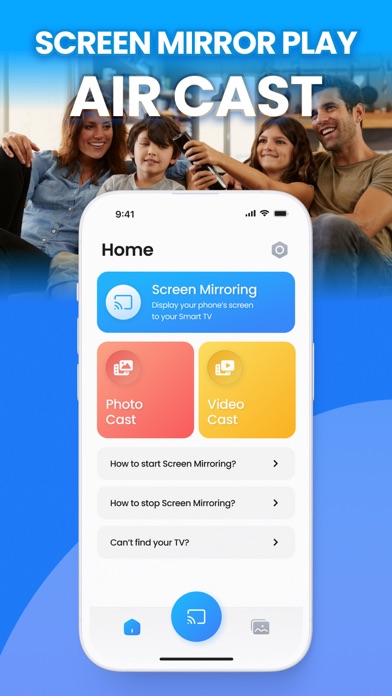
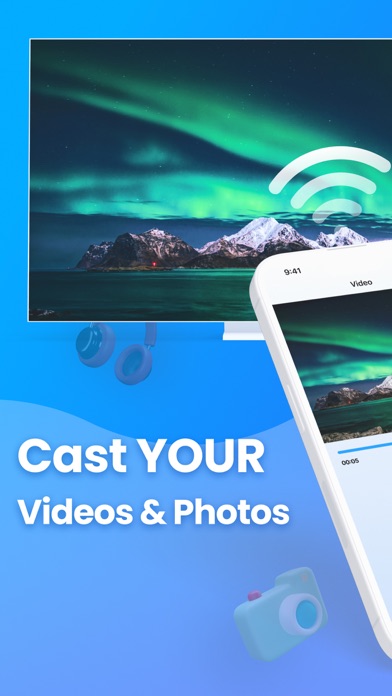
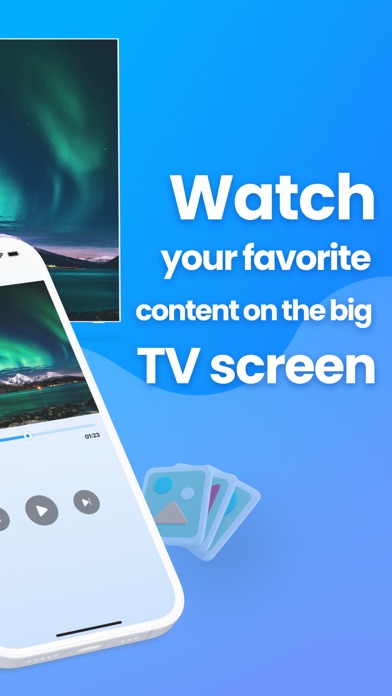
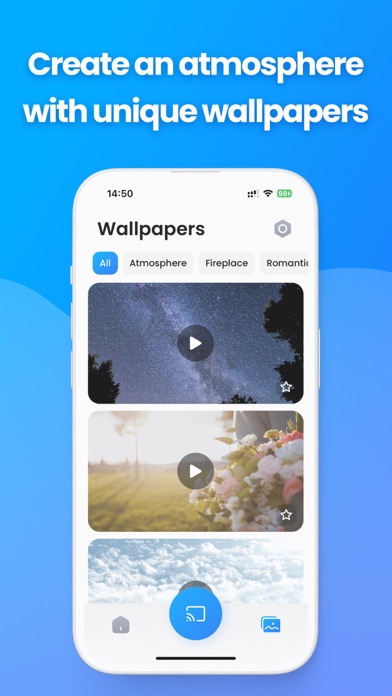
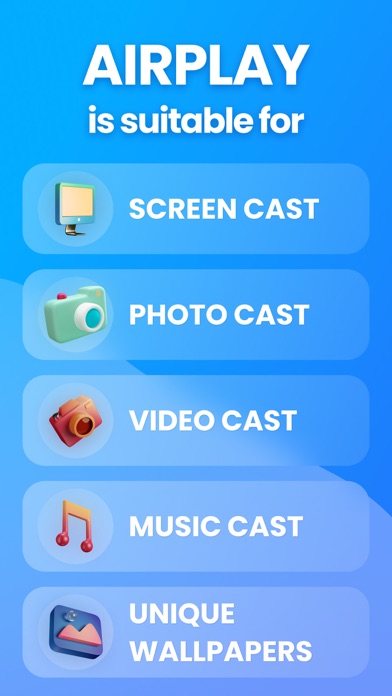
Screen Mirror Play | Air Cast is an exceptional application that elevates your entertainment experience by enabling seamless screen mirroring between your smartphone and TV. This user-friendly app allows you to effortlessly mirror videos, music, photos, and more onto your television screen in high quality. With Screen Mirror Play, you can transform your living room into a multimedia hub, enjoying your favorite content on a larger, more immersive display. One of the standout features of this app is its rapid and stable casting capability, ensuring a swift connection between your phone or tablet and the TV. The straightforward interface facilitates a simple, one-click connection process, making it convenient for users of all levels of technical expertise. All media file types, including videos, photos, audios, and PDFs, are supported, offering a versatile platform for content sharing. This Cast To TV app supports multiple devices, making it a versatile solution for various setups. Whether you want to play mobile games on your TV screen, cast live videos from your browser, or share your screen at high speeds, Screen Mirror Play has you covered. The real-time speed of the mirror technology employed in this app sets it apart, ensuring a smooth and enjoyable viewing experience. Furthermore, Screen Mirror Play | Air Cast goes beyond ordinary screen mirroring applications by offering a unique feature – a collection of video wallpapers to enhance your TV's ambiance. Choose from a variety of themes such as Christmas, Romance, Coziness, Nature, and more, creating a captivating atmosphere that complements your viewing experience. This additional touch adds a personalized and aesthetically pleasing dimension to the app, making it a comprehensive solution for both practical and decorative needs. Elevate your entertainment with Screen Mirror Play | Air Cast and enjoy the perfect blend of functionality and creativity. Before you start: — Before connecting the device, make sure VPN is turned off. — The TV must be connected to WI-FI network same as your phone. Subscription Information: – Payment will be charged to iTunes Account at confirmation of purchase – Subscription automatically renews unless auto-renew is turned off at least 24-hours before the end of the current period – Account will be charged for renewal within 24-hours prior to the end of the current period, and identify the cost of the renewal – Subscriptions may be managed by the user and auto-renewal may be turned off by going to the user's Account Settings after purchase – Any unused portion of a free trial period, if offered, will be forfeited when the user purchases a subscription to that publication, where applicable Privacy Policy: https://docs.google.com/document/d/1ob0apgeUsOu7uEHlT2D_yJScAS5Xq39hS2o74IM2dBs/edit?usp=sharing Terms of Use: https://docs.google.com/document/d/1pvbva3Hzy8kjXUTFuHmyALZN2xDi6LZ_nkEYGM-fjcs/edit?usp=sharing If you face any problems with the app, feel free to contact us at: kadr1paat99@gmail.com
What's new · 1.1
Wallpaper Collection Update
Details