

Document Scanner & Scan to PDF
Md Sajedur Rahaman · Business
Independent analytics for this App Store listing. AppTracker is not affiliated with Md Sajedur Rahaman.
Chart standing · US
What changed · US
Listing changes AppTracker has observed for this app in this storefront — new versions, price moves, rating shifts, and store copy.
- Performance Improvement. - Existing Bug Fixes.
Price & rating history · US
Reconstructed from the listing changes AppTracker has observed in this storefront. A field is charted once it has changed more than once, and each line starts at the value it moved from.
Average rating · ★ 4.58 now · 2 changes on record
Ratings breakdown · US
The star breakdown behind this app's rating in this storefront.
Screenshots



About
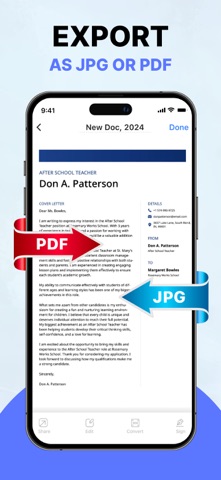
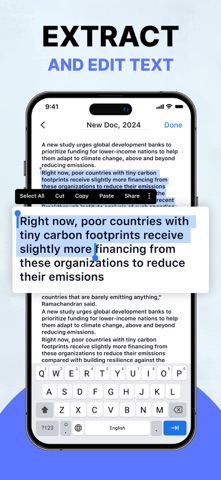
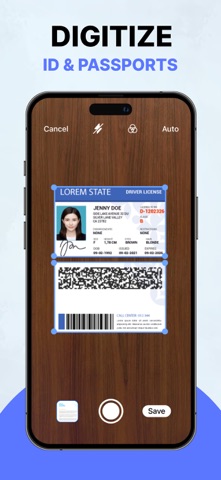
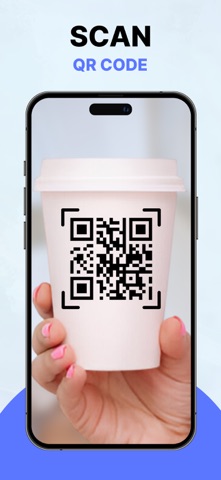
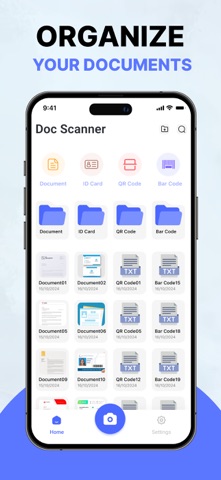
Document Scanner is a simple and reliable scanning app that helps you to perform a variety of scans. Using this doc scanner, you can turn your device into a portable scanner. This doc scanner helps you to scan PDF, photos, documents and ID card. Then you can save, delete, and share your documents. You can also scan QR code & barcode using the QR code & barcode scanner feature. Enjoy the freedom to study and work without needing access to scanning and printing machines. It makes your document management easy, organized, convenient, and worry-free. Key Features: - Scan PDF, photos, documents, receipts, papers, ID card, Passport, etc. - Scan QR code & barcode. - Edit, crop, filters, rotate, save, share, and delete document. - Extract image to text with OCR. - Draw a signature on your document. - Import photos and export documents. Document Scanner: Our Document scanner is helpful for students, educators, managers, accountants, realtors, and lawyers. You can easily scan PDF, photos, documents, passports, ID cards, receipts, papers, books, etc. You can also organize your documents and save them as PDF. Scanning Modes: - ID card & Passport Scanner: ID card & Passport Scanner lets you scan your ID card & passport. - QR code & Barcode Scanner: QR code & barcode scanner allows you to scan QR code & barcode. - Photo, Receipt, Paper & Book Scanner: This scanner helps you to scan PDF, photos, receipts, papers, books, and many more things. Extract image (OCR): Easily extract text from images with the OCR tool. With just a few taps you can convert your image into editable text, which save your time and effort. After that, you can save it. Edit: You can edit, crop, and rotate your photos. You can also add your favorite filters to make your documents more attractive. Draw Signature: You can use this scanner to draw signatures in different colors on your images. Then you can resize and place them in your image. Organize Documents: The Documents Organizer feature helps you to keep your documents in different folders. It keeps them organized so you can find them at the right time. You can also delete unnecessary documents. Import & Export: Through our Doc Scanner, you can import your photos from your device and export them to PDF. Share: Share your information via Email, WhatsApp, Instagram, Facebook, Telegram, Google Drive, etc.
What's new · 1.7.1
- Performance Improvement. - Existing Bug Fixes.
Details