

CutLabX
Dongguan Xinjia Laser Technology Co., Ltd · Graphics & Design
Independent analytics for this App Store listing. AppTracker is not affiliated with Dongguan Xinjia Laser Technology Co., Ltd.
Chart standing · US
What changed · US
Listing changes AppTracker has observed for this app in this storefront — new versions, price moves, rating shifts, and store copy.
New Features 1. Added tutorial for device connection 2. Added function to save created graphics locally or upload to TF card 3. Added AI painting style function 4. Added function to extract outer contour from images Optimizations & Bug Fixes 1. Optimized offline gallery function 2. Fixed issue where default preview power does not take effect 3. Optimized slider interaction on parameter page 4. Optimized display of contour mode for some transparent images 5. Optimized other known issues and user experience
Price & rating history · US
Reconstructed from the listing changes AppTracker has observed in this storefront. A field is charted once it has changed more than once, and each line starts at the value it moved from.
Average rating · ★ 1.74 now · 4 changes on record
In-app purchases · US
No in-app purchases.
Screenshots



About
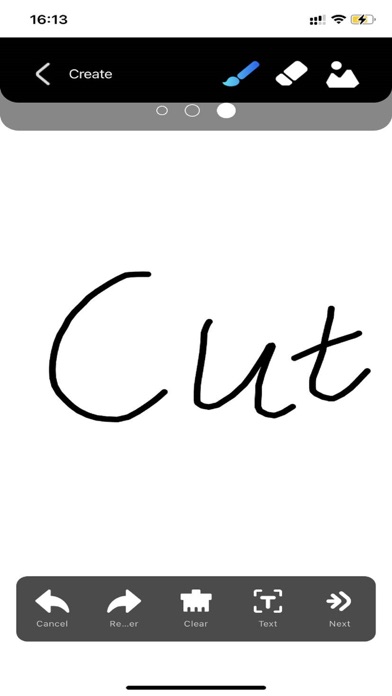
CutLabX is a GRBL laser engraving machine software that can load common image formats and easily create outstanding works with just a few simple steps. It can also be used for designing graphics, images, text, QR codes, and more. Compared to other GRBL software, CutLabX is suitable for both professional users and beginners. It provides a large collection of free design resources that are constantly updated. If you are skilled in design, you can upload your own designs to CutLabX for others to use and earn commissions. In summary, it is a great alternative to software like Lightburn and LaserGRBL! CutLabX supports all GRBL devices such as Ortur, XTool, ATOMSTACK, Twotrees, Glowforge, and more.
What's new · 1.2.6
New Features 1. Added tutorial for device connection 2. Added function to save created graphics locally or upload to TF card 3. Added AI painting style function 4. Added function to extract outer contour from images Optimizations & Bug Fixes 1. Optimized offline gallery function 2. Fixed issue where default preview power does not take effect 3. Optimized slider interaction on parameter page 4. Optimized display of contour mode for some transparent images 5. Optimized other known issues and user experience
Details