

PLIST Editor Reader
NEURASYNC · Utilities
Independent analytics for this App Store listing. AppTracker is not affiliated with NEURASYNC.
Chart standing · US
What changed · US
Listing changes AppTracker has observed for this app in this storefront — new versions, price moves, rating shifts, and store copy.
Price & rating history · US
Reconstructed from the listing changes AppTracker has observed in this storefront. A field is charted once it has changed more than once, and each line starts at the value it moved from.
Average rating · ★ 3.33 now · 5 changes on record
In-app purchases · US
No in-app purchases.
Screenshots

About
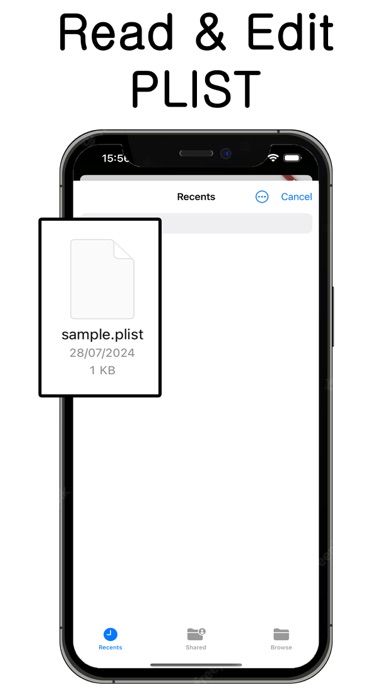
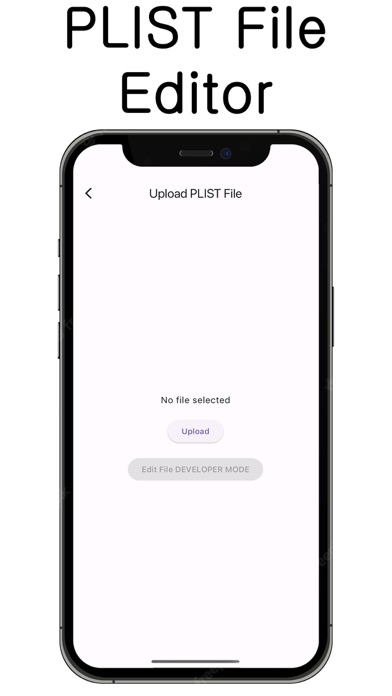
Plist File Reader and Editor is a powerful and intuitive tool designed to simplify the management of Property List (plist) files, a format commonly used in macOS and iOS applications for storing serialized objects and data. Whether you're a developer, system administrator, or power user, this versatile software offers an array of features that streamline the process of viewing, editing, and managing plist files, ensuring you have full control over your data. Key Features: Comprehensive Plist Viewing: The Plist File Reader and Editor supports both XML and binary plist formats, providing a user-friendly interface to browse and inspect the contents of your files. With an organized tree structure, you can easily navigate through complex data sets, understanding the hierarchy and relationships between elements. Advanced Editing Capabilities: Edit existing plist files with ease using our intuitive editor. Whether you're modifying text, numbers, dates, booleans, arrays, or dictionaries, the editor provides a seamless experience, allowing you to make changes quickly and accurately. For added convenience, the software includes validation features to ensure your edits adhere to the plist format, preventing errors and data corruption. Create and Customize Plist Files: Beyond editing existing files, the Plist File Reader and Editor empowers you to create new plist files from scratch. Define your structure, add elements, and populate data with simple drag-and-drop actions. The software supports advanced features like copying and pasting elements, batch editing, and undo/redo functionality, making it easy to experiment and refine your data. Cross-Platform Compatibility: Designed to work seamlessly on both macOS and Windows, the Plist File Reader and Editor offers a consistent experience regardless of your operating system. This cross-platform support ensures that you can work with plist files in diverse environments, whether you're developing for Apple's ecosystem or managing configurations on different platforms. Data Conversion and Export: Convert plist files between XML and binary formats with a single click. The software also supports exporting data to various formats, such as JSON, CSV, and more, making it easy to integrate plist data into other applications or workflows. This flexibility is invaluable for developers working with APIs, data analysis, or configuration management. Enhanced Security and Privacy: The Plist File Reader and Editor is built with security in mind, ensuring your data remains private and secure. The software does not collect any personal information or transmit data over the internet, offering peace of mind for users handling sensitive information. Customizable Interface: Tailor the interface to suit your preferences with customizable themes, fonts, and layouts. The software's responsive design adapts to different screen sizes and resolutions, providing an optimal user experience on both desktops and laptops. Extensive Documentation and Support: Whether you're a novice or an experienced user, the Plist File Reader and Editor comes with comprehensive documentation, tutorials, and a dedicated support team ready to assist you. Explore the help resources to learn best practices, troubleshoot issues, and discover advanced features that can enhance your workflow. In summary, the Plist File Reader and Editor is an indispensable tool for anyone working with plist files. Its robust features, ease of use, and cross-platform compatibility make it the perfect choice for developers, administrators, and power users alike. Unlock the full potential of your plist data with this versatile and reliable software, and take control of your data management tasks with confidence.
Details