

Software Course through images
Merbin Joe · Books
Independent analytics for this App Store listing. AppTracker is not affiliated with Merbin Joe.
Chart standing · US
What changed · US
Listing changes AppTracker has observed for this app in this storefront — new versions, price moves, rating shifts, and store copy.
Design change Bug fixes Many new features added
Screenshots




About
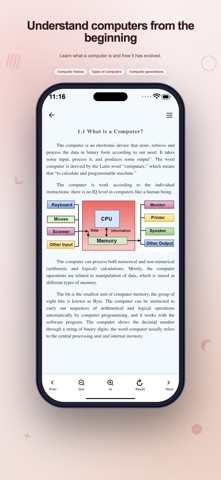
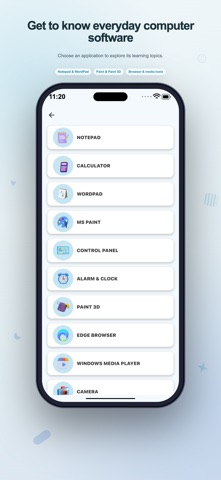
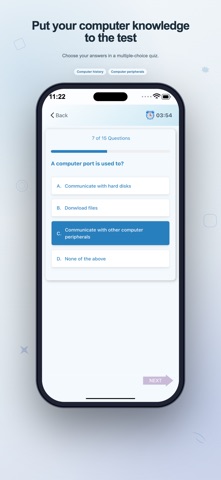
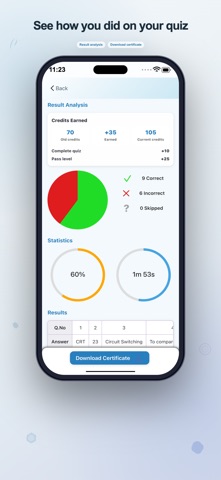
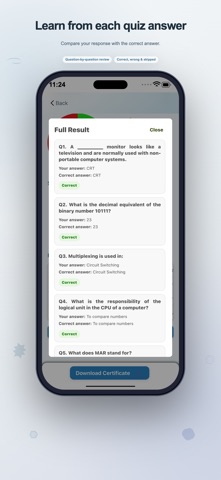
Turn computer terminology into knowledge you can use. Learn Computer brings reading, interactive practice, and self-assessment together so you can explore a topic, try a challenge, and check your understanding. Use it when beginning a computer course, revising for an interview, or refreshing everyday computing skills. A clear starting point Open Computer Basic to explore the foundations: what a computer is, how computers developed, memory, data processing, file concepts, and number systems. Choose topics from the lesson menu and move through the material at your own pace. Worked number-conversion examples give you a place to revisit binary, decimal, octal, and hexadecimal ideas. Explore the subjects behind daily computer use The hardware section explains components including processors, memory, storage, and input and output devices. Software lessons describe familiar categories of desktop tools, from text editors and drawing tools to calculators and system settings. The networking section covers connections, devices, and protocols. Read these lessons as a reference while building your understanding of how a computer and its software fit together. Practice on the screen Interactive Learning offers seven labs, each organized into 100 levels. Select a lab, follow its prompt, and use the feedback to work on the skill being tested. Keyboard practice asks you to enter shortcut combinations in sequence. The mouse-speed game challenges you to tap targets before time runs out. Hardware matching connects component names with descriptions. A PC-building activity asks you to choose parts for example machines. Shortcut matching pairs key combinations with their actions. Command exercises ask you to complete snippets, while cable scenarios ask you to choose how devices connect. These are touch-based learning activities and simulations. They do not assemble a real PC, execute commands on another computer, or configure a network. Completed levels and your last activity position are saved on this device, allowing you to return to unlocked practice later. Create a personal revision collection Browse shortcut references and computer interview questions and answers. Explore the tips and troubleshooting sections when you want to revisit a practical topic. Save supported items as favorites, then open the corresponding saved section from the Favorites page. This makes it easier to keep useful explanations close while preparing for a class or revising terminology. Measure your understanding The computer certificate area includes timed quizzes and result analysis. Review answers after a quiz to see what you answered correctly and which questions need another look. Bronze, Silver, Gold, and Diamond tiers use score requirements to recognize progress. When a result qualifies, preview an in-app certificate and use the available save or share action. The certificate is a record of achievement within Learn Computer, not a formal or accredited qualification. Make study fit your routine Read a lesson when you have a question, open a lab when you want active practice, or use a quiz for a broader check. Choose light or dark appearance from the app's theme control. Favorites and lab progress are kept locally on the device you are using. Learn Computer is intended for beginners, students, and learners revisiting computer fundamentals. Some lesson illustrations and linked resources require internet access. Advertisements are included in the app.
What's new · 3.4
Design change Bug fixes Many new features added
Details