

WebForge IDE
Parallax Dynamics Inc. · Developer Tools
Independent analytics for this App Store listing. AppTracker is not affiliated with Parallax Dynamics Inc.
Chart standing · US
Ratings breakdown · US
The star breakdown behind this app's rating in this storefront.
In-app purchases · US
What this app sells inside itself, grouped by kind and priced for this storefront.
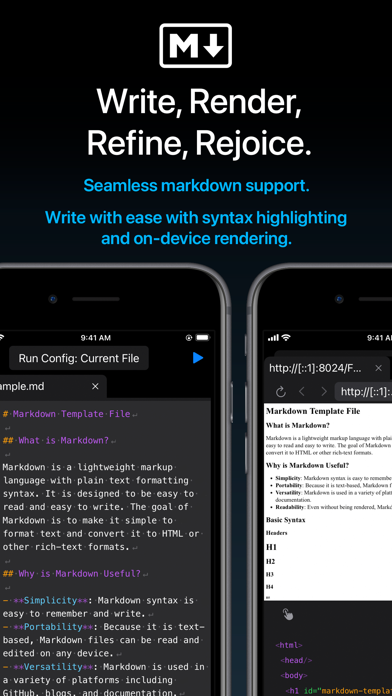
Screenshots


Keywords this app targets
Search terms AppTracker associates with this app — estimates, not search volume. ❝ = in the app's title; a highlighted number is its current position for that term.
Similar apps
Competitors and close alternatives, as estimated by AppTracker.
 Web IDE - AI Code Editor
Tahmiez Sandaim
Web IDE - AI Code Editor
Tahmiez Sandaim
 Webli
Sebastian Dombrowski
Webli
Sebastian Dombrowski
 Visual Code Editor - vCode
Devang Samirbhai Shah
Visual Code Editor - vCode
Devang Samirbhai Shah
 Codeye - Web Inspector
Just4Work
Codeye - Web Inspector
Just4Work
 Combine - Code Editor & Git
Margins Technologies LLC
Combine - Code Editor & Git
Margins Technologies LLC
 Code IDE: Python Java C++ Html
Mohammad Abdul Malik
Code IDE: Python Java C++ Html
Mohammad Abdul Malik
 PythonIDE: Python Code Editor
文禄 张
PythonIDE: Python Code Editor
文禄 张
 Forge — Developer Toolkit
Zima Logistics LLC
Forge — Developer Toolkit
Zima Logistics LLC
About
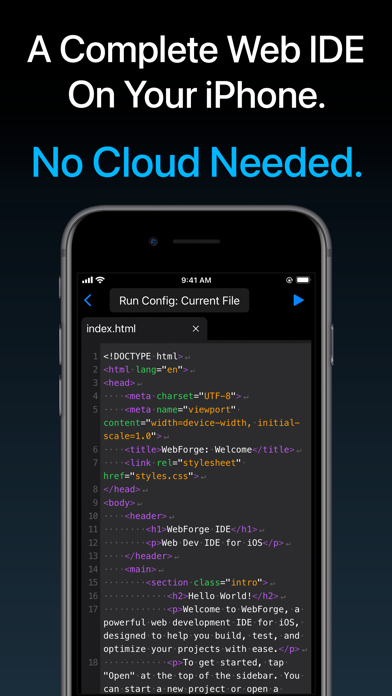
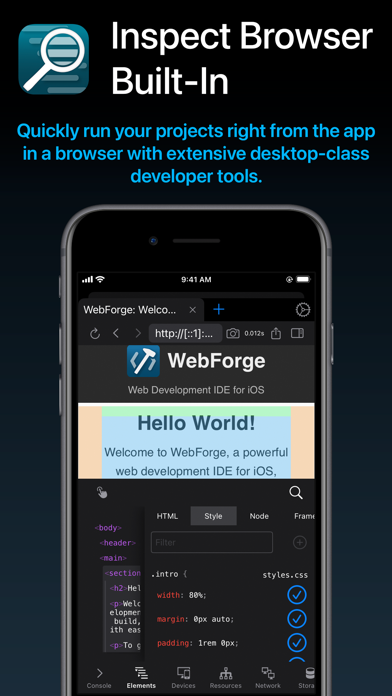
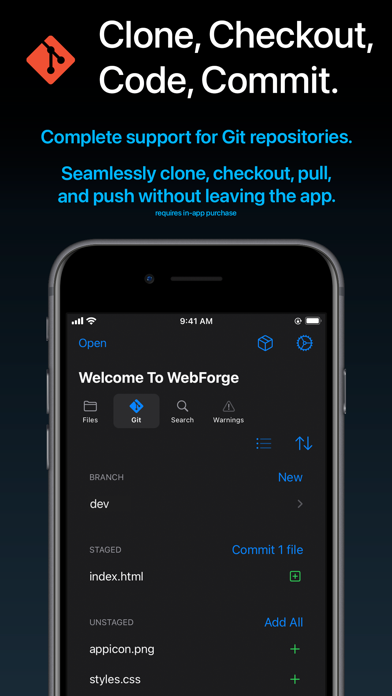
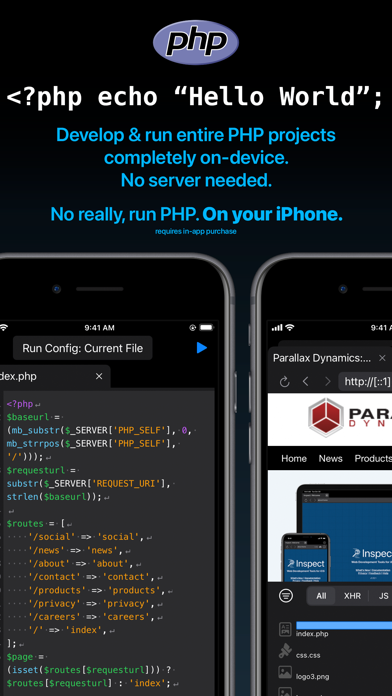
A complete, powerful web development environment for iOS. WebForge includes everything you need to develop, run, and debug your web projects on your iPad or iPhone. No cloud needed. Includes: - Powerful code editor with syntax highlighting. - Inspect Browser built-in, providing extensive desktop-class browser dev tools. - Complete Git support - clone, branch, commit, pull, and push. - Run entire NodeJS & PHP projects on-device. Support for includes and a wide variety of extensions. Run on your device in the built-in browser. - Clone projects locally to your device or open code stored on iCloud. - Includes customizable and extensive code checking with in-editor notices to keep your code bug-free. - No cloud needed, everything runs on your device. Easily build fantastic web projects on your iPad and iPhone! Privacy Policy: https://apps.pdyn.net/webforge/privacy Terms of Service: https://apps.pdyn.net/webforge/terms
What's new · 1.3.0
Happy Fall 2024! Here's what's new in v1.3: - Added SSH Plugin: connect to remote systems over SSH from the terminal. - NodeJS Plugin - Added stepping debugger. Set breakpoints by tapping on the line number or adding the "debugger" keyword. - Added debugger panel. See running session, start/stop execution, and step over/in/out when paused. View active call frames and scope variables. - Added breakpoints panel. See all added breakpoints. - Detect run configurations in package.json files and select them from the run menu. Run with single tap on the play button. - Enhanced run environment, supporting Vite 5.4.x - Bookmarks Plugin - Added option to include a note for the bookmark. Notes will appear in the bookmark panel and in the editor as a line-level notice. - Added icon in editor gutter to indicate bookmarked lines. - Fixed bug causing some bookmarked lines to not appear in the panel. - JSHint Plugin - Default esversion changed to 6. - Terminal - Added support for multiple commands on a single line using &&. - Code Editor - Added syntax highlighting for TypeScript files.
Details