

Fotom - Loyalty Card Wallet
VIACHESLAV NIGMATULLIN · Shopping
Independent analytics for this App Store listing. AppTracker is not affiliated with VIACHESLAV NIGMATULLIN.
Chart standing · US
Ratings breakdown · US
The star breakdown behind this app's rating in this storefront.
In-app purchases · US
What this app sells inside itself, grouped by kind and priced for this storefront.
Screenshots

About
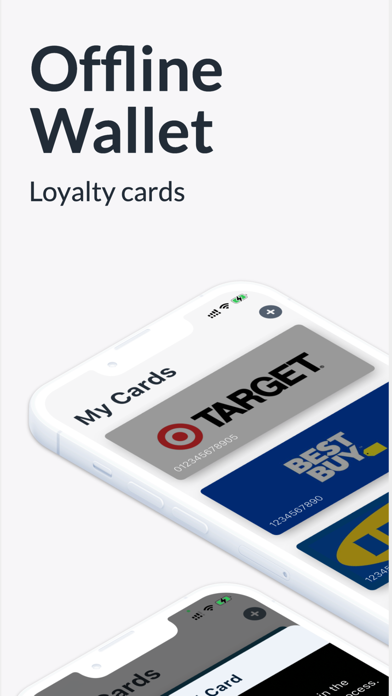
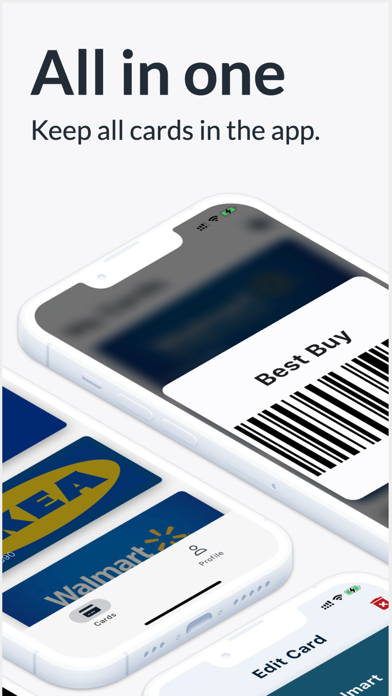
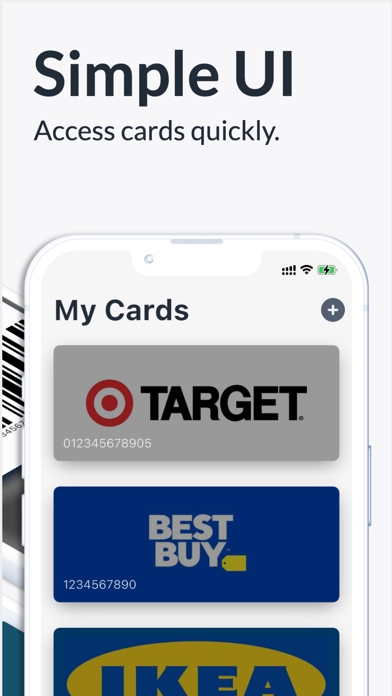
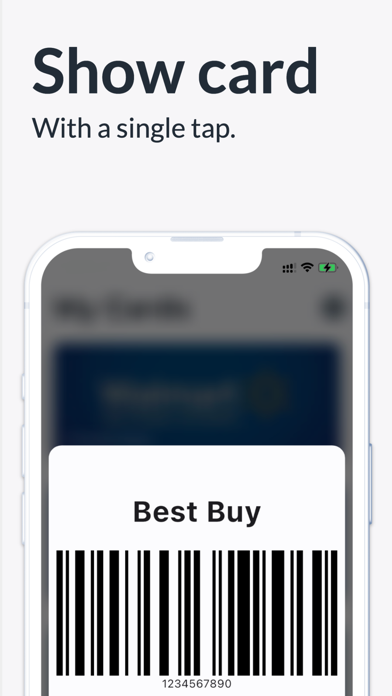
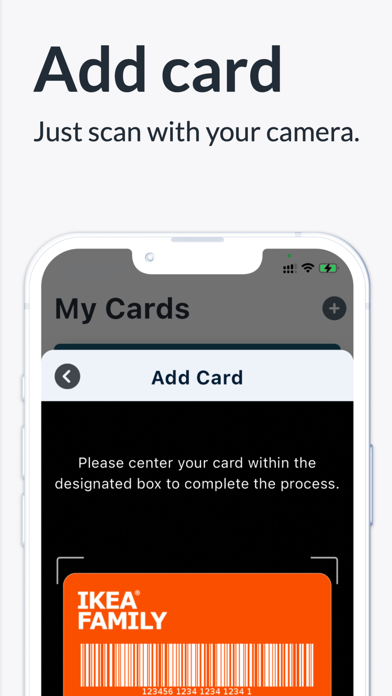
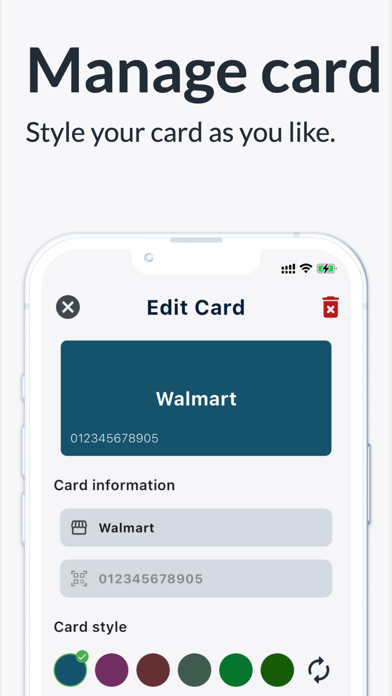
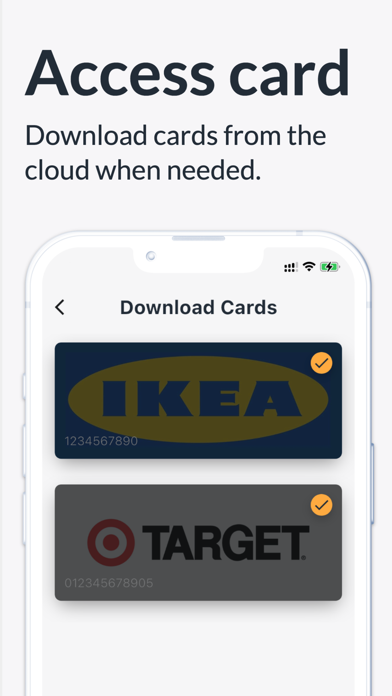
Fotom keeps all your loyalty cards in one offline wallet, so you can add cards, organize them, and show barcodes quickly at checkout. Replace plastic cards with a clean digital card holder. Scan a barcode, save the card, customize its look, and open it whenever you shop — even without internet. Main features: • Add loyalty, reward, and membership cards • Scan barcodes or add card details manually • Show a barcode at checkout • Edit and organize cards in one place • Customize each card’s appearance • Keep cards available offline • Sync cards with the cloud • Share cards with family Use Fotom for supermarkets, pharmacies, coffee shops, retail stores, gyms, and other membership cards. A simple loyalty card wallet for everyday shopping. Terms of Use (EULA): https://www.apple.com/legal/internet-services/itunes/dev/stdeula/
What's new · 3.0.0
Fotom Wallet 3.0 — We're excited to bring you a major Fotom Wallet update focused on a fresh design, smoother everyday use, and readiness for the latest iOS experience. This release introduces a complete visual refresh, redesigned loyalty cards, clearer profile and sync screens, and compatibility improvements so keeping your cards handy at the store feels even more seamless. What's improved in this update: • Fotom Wallet has a brand-new look inspired by iOS — cleaner screens, native icons, and a more polished feel throughout the app. • Loyalty cards are redesigned with wallet-style proportions, refined layouts, and better legibility when you use a photo as your card background. • You can now choose Show photo only on a card, so checkout shows just your image without the store name or barcode overlaid on top. • Adding and editing cards is easier with a refreshed flow, a curated color palette, and a quick shuffle option when picking a card color. • The profile screen is reorganized into clear Account and Sync sections, making settings, uploads, and downloads easier to find. • Upload and download screens have been refreshed to match the new design and feel more consistent with the rest of the app. • Opening a barcode for scanning at checkout is cleaner and easier to read on screen. • Switch between list and grid views on your cards screen with updated controls when you have multiple cards. • Compatibility and stability improvements for recent iOS versions, along with updates to keep the app running smoothly behind the scenes. Thank you for using Fotom Wallet and helping us improve the app with every release.
Details