

PDF Scanner: Convert Document
GREWON TECHNOLOGIES PRIVATE LIMITED · Business
Independent analytics for this App Store listing. AppTracker is not affiliated with GREWON TECHNOLOGIES PRIVATE LIMITED.
Chart standing · US
What changed · US
Listing changes AppTracker has observed for this app in this storefront — new versions, price moves, rating shifts, and store copy.
Minor bug fixes & Improve performance.
Ratings breakdown · US
The star breakdown behind this app's rating in this storefront.
In-app purchases · US
What this app sells inside itself, grouped by kind and priced for this storefront.
Screenshots




About
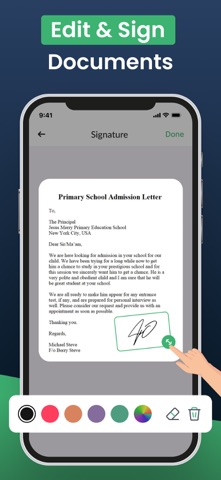
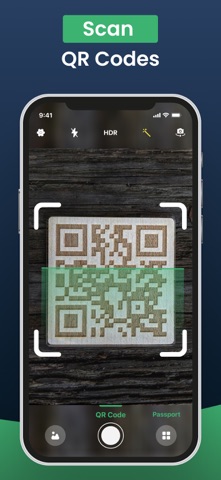
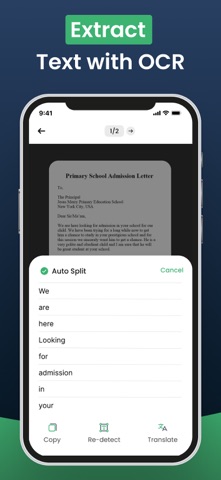
Convert photo to PDF, scan documents, and turn JPEG, JPG, or images into PDFs in seconds with PDF Scanner: Photo to Document. A powerful image-to-PDF converter for receipts, IDs, forms, and more. Key Features: • Convert Photos & Images to PDFTurn JPEG, JPG, and PNG files into clean, professional PDF documents. • Scan with Camera or Upload from GallerySnap paper documents or choose from your photo library. • Auto Crop & Smart FiltersEdge detection, black & white modes, and more for enhanced clarity. • Merge Multiple FilesCombine several images into one seamless PDF. • Quick Save & ShareSend PDFs via email, cloud, or AirDrop right from your phone. • Offline & SecureYour data stays private—no internet or server uploads required. Whether you’re a student scanning notes, a professional sending contracts, or anyone needing to convert a photo to PDF—this app helps you get it done quickly and effortlessly. No more bulky scanners or desktop tools. Carry a smart document converter in your pocket and stay productive on the go. Download PDF Scanner: Photo to Document now and turn your images into professional, shareable PDFs in one tap. Subscribe to get Pro access to all features. You will be charged after the purchase confirmation. Subscriptions auto-renew 24 hours before the expiration date. You can manage your subscriptions in Account Settings on the App Store. Privacy Policy: https://sites.google.com/view/go-scanner/privacy-policy Terms & Conditions: https://sites.google.com/view/go-scanner/terms-conditions
What's new · 4.6
Minor bug fixes & Improve performance.
Details