

Paper: Smart Notes & Memos
Steve NOSSE · Productivity
Independent analytics for this App Store listing. AppTracker is not affiliated with Steve NOSSE.
Chart standing · US
Ratings breakdown · US
The star breakdown behind this app's rating in this storefront.
In-app purchases · US
What this app sells inside itself, grouped by kind and priced for this storefront.
Screenshots

About
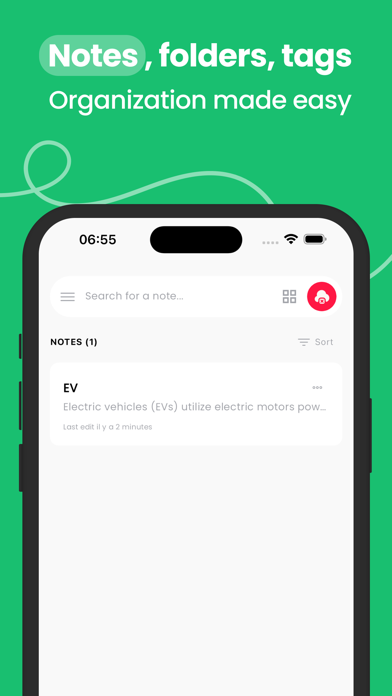
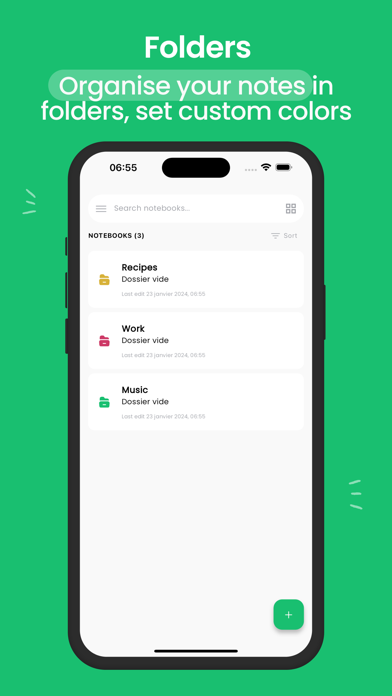
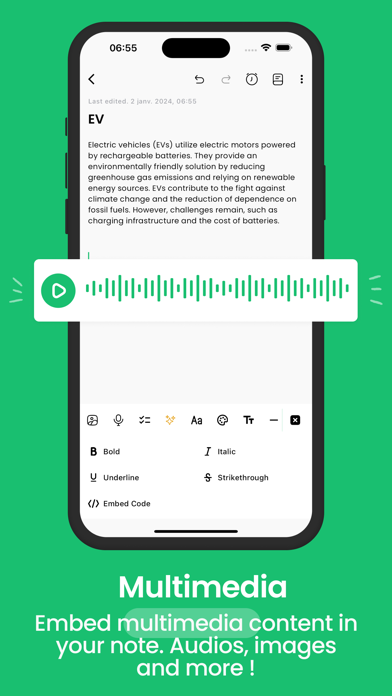
Paper is the simplest way to take notes, capture ideas, and stay organized. This free note taking app brings text notes, voice notes, checklists, and smart reminders together in one clean, fast and private space. TAKE NOTES YOUR WAY • Write text notes, record voice notes, and add images, drawings and math equations • Turn any note into a checklist or to-do list with deadlines and recurring reminders • Jot down memos and ideas on the go, wherever you are STAY ORGANIZED • Organize notes with notebooks, tags and pinned notes • Search everything instantly and filter by tag • Sync your notes across phone, tablet and computer • Use it as a journal, a memo pad, or your daily planner SMART AI ASSISTANT • Summarize long notes in one tap • Translate your notes into any language • Auto-tag and structure your notes automatically PRIVATE & SECURE • Notes are end-to-end encrypted • Secret Garden: a password-protected space for your most personal notes • No ads, no tracking: a private notes app you can trust SHARE EASILY • Share notes as a link, Markdown, or HTML • Collaborate on notes in real time with friends and teammates Paper Premium unlocks unlimited notebooks, automatic voice to text transcription, AI features, unlimited recurring reminders, and real-time collaboration. Download Paper now, the free notes app with AI, voice notes, checklists and full privacy. What's new: • Completely redesigned app: navigation now uses a bottom tab bar • Create notes with your voice • Notes sharing has been rebuilt and is now much more reliable • Fresh new UI across the entire app for a smoother experience • AI features have been improved and stabilized https://www.apple.com/legal/internet-services/itunes/dev/stdeula/
What's new · 4.0.0
What's new in this version: - Completely redesigned app: navigation now uses a bottom tab bar for easier one-hand use - Create notes with your voice - Notes sharing has been rebuilt from the ground up and is now much more reliable - Fresh new UI across the entire app for a smoother experience - AI features have been improved and stabilized
Details