

ShotView™
Garmin International · Sports
Independent analytics for this App Store listing. AppTracker is not affiliated with Garmin International.
Chart standing · US
What changed · US
Listing changes AppTracker has observed for this app in this storefront — new versions, price moves, rating shifts, and store copy.
- Updates to support the Texas App Store Accountability Act requirements. - Improved support for connected devices. - Easier account management. - Improved sessions sorting. - Improved app update experience. - Bug fixes and performance improvements.
Price & rating history · US
Reconstructed from the listing changes AppTracker has observed in this storefront. A field is charted once it has changed more than once, and each line starts at the value it moved from.
Average rating · ★ 4.47 now · 8 changes on record
Ratings breakdown · US
The star breakdown behind this app's rating in this storefront.
In-app purchases · US
No in-app purchases.
Screenshots


About
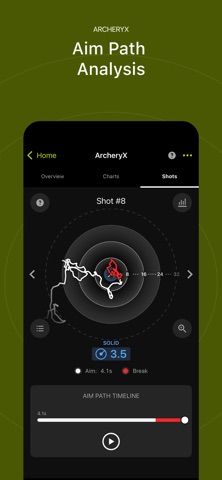
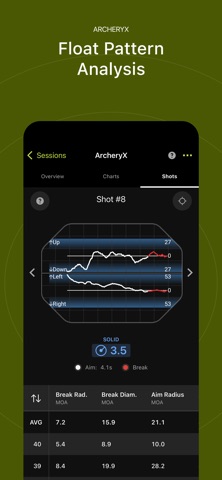
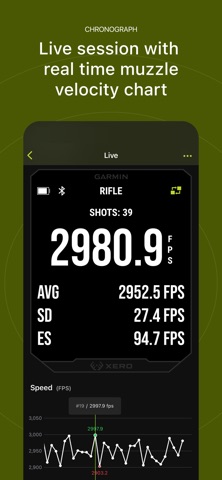
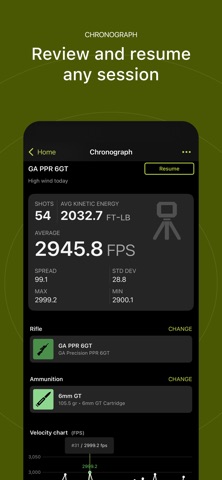
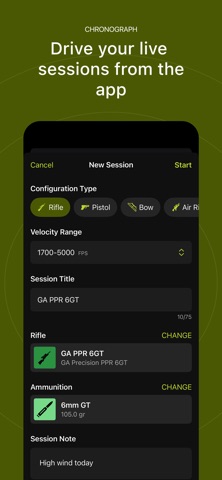
Use the ShotView™ app to connect to your Xero® chronographs, and ArcheryX compatible devices. Connected to a C2 you can view live sessions with realtime muzzle velocity chart, resume any session and swap between live sessions. Edits in the session name and shot list will be synced between C2 and app. Organize your platform and ammunition by creating configurable custom profiles and attach them to your sessions. After a shooting session is completed, see your ballistic data on the app, where it is organized and easy to interpret. Analyze shot data, including speed, deviation, extreme spread, kinetic energy and more - and export the raw data to CSV format. Exclude cold bore shots and other outliers from session calculations as desired. Create custom names for each session, add notes for specific shots, and mark clean bore and cold bore attributes for each shot. Filter by weapon type to quickly access specific sessions for review. View ArcheryX session cards and detailed session insights, complete with shot lists and session-type filters. Navigate to the Charts tab to view comparison and individual charts, and analyze Aim Path and Float Analysis data on the Shots tab. Edit and group shots, review performance statistics, and access Help pages for additional guidance. The ShotView™ app can send and save your recorded shot and session data to the cloud. You can access and use saved data on other phones or back up your data for future use. A Garmin account is required to store your data in the cloud.
What's new · 3.1
- Updates to support the Texas App Store Accountability Act requirements. - Improved support for connected devices. - Easier account management. - Improved sessions sorting. - Improved app update experience. - Bug fixes and performance improvements.
Details