

Lock Launcher : Screen Widgets
Plus Apps Bilisim Teknolojileri Reklamcilik Limited Sirketi · Graphics & Design
Independent analytics for this App Store listing. AppTracker is not affiliated with Plus Apps Bilisim Teknolojileri Reklamcilik Limited Sirketi.
Chart standing · US
What changed · US
Listing changes AppTracker has observed for this app in this storefront — new versions, price moves, rating shifts, and store copy.
Price & rating history · US
Reconstructed from the listing changes AppTracker has observed in this storefront. A field is charted once it has changed more than once, and each line starts at the value it moved from.
Average rating · ★ 4.59 now · 4 changes on record
Ratings breakdown · US
The star breakdown behind this app's rating in this storefront.
In-app purchases · US
No in-app purchases.
Screenshots
About
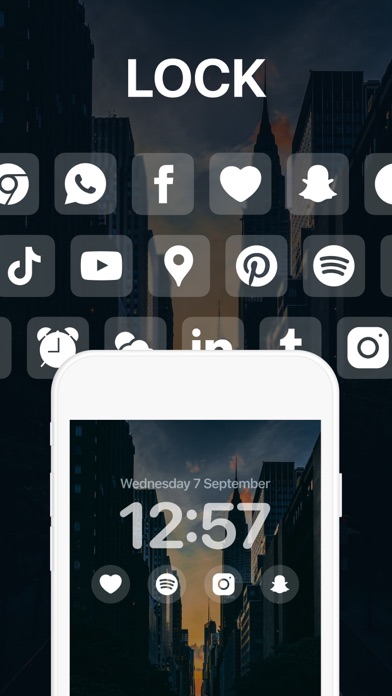
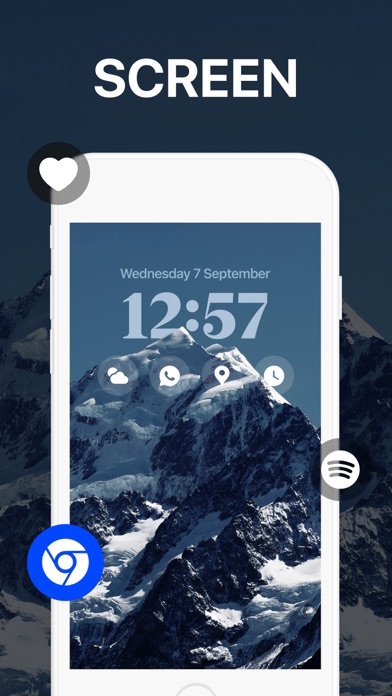
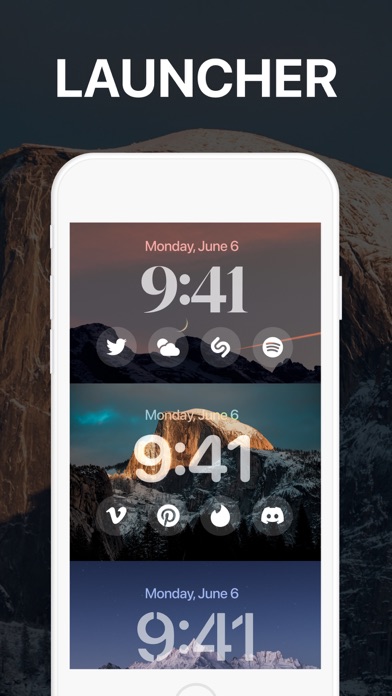
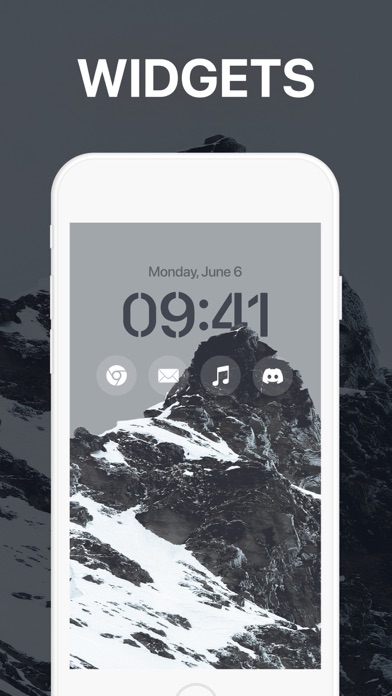
Customize your lock screen with Lock Launcher. Add any app to your lock screen and launch easily with one tap. Lock Launcher helps you to make your iPhone simple and pretty. Choose from top widgets and add apps to your lock screen with Lock Launcher. Instantly open any app straight from your lock screen with Lock Launcher app. Take full advantage of your lock screen with Lock Launcher widgets. Key Features of Lock Launcher: - Fully redesign your lock screen - Open any app from lock screen with one tap - Personalize your lock screen for iOS 16 - Transparent widgets for your lock screen - Top Widgets and Lock Launcher - Supports top widgets for iOS 16 How to set up Lock Launcher lock screen widgets: 1. Touch and hold the lock screen until the customize button appears 2. Tap Customize from the lock screen 3. Tap Add Widgets to see which top widgets you can add to your lock screen. 4. Select Lock Launcher in the field that opens. 5. Tap or drag the top widgets that you want to add to your lock screen. 6. Click Done in the upper right corner. Lock Launcher supports the following iOS 16 lock screen widgets: single content widget (small size, medium size, large size), two content widget (medium size, large size, three content widget (large size), four content widget (large size). Lock Launcher only supports lock screen widgets for iOS 16. Don’t forget to update Lock Launcher and check our new top widgets for lock screen. We add new iOS 16 lock screen widgets regularly. If you love the Lock Launcher app, please rate us on the App Store. Do you have any questions for us? We love receiving your feedback. You can reach us from: theplusapps@gmail.com Terms of Use: https://www.plusapps.com.tr/terms Privacy Policy: https://www.plusapps.com.tr/privacy
What's new · 1.6
Bug fixes and performance improvements
Details