

Create QRCode & BarCode
Nitin Katrodiya · Education
Independent analytics for this App Store listing. AppTracker is not affiliated with Nitin Katrodiya.
Chart standing · US
In-app purchases · US
What this app sells inside itself, grouped by kind and priced for this storefront.
Screenshots


About
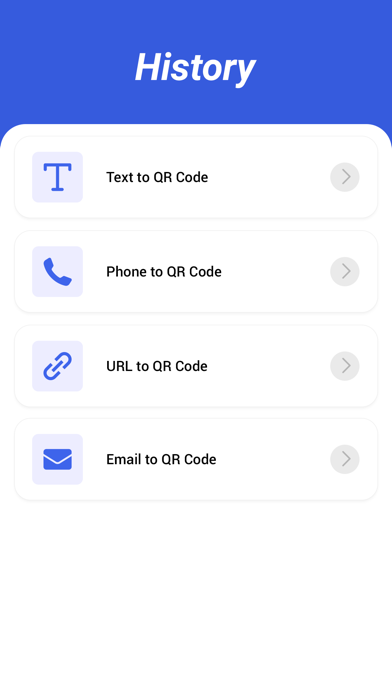
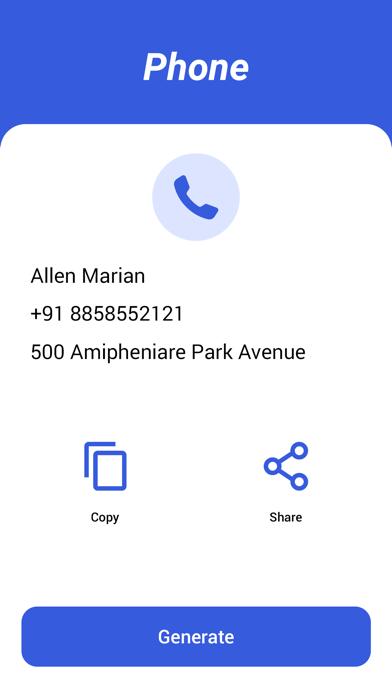
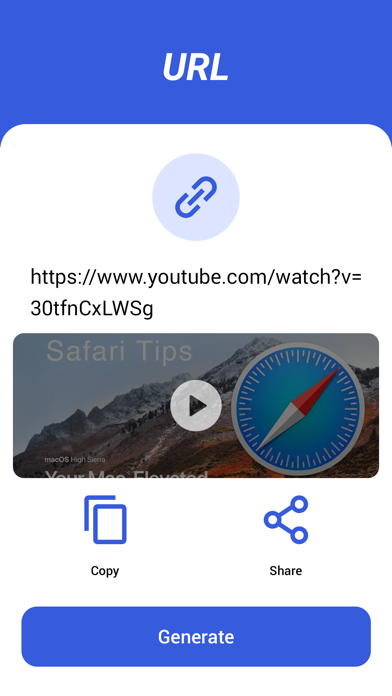
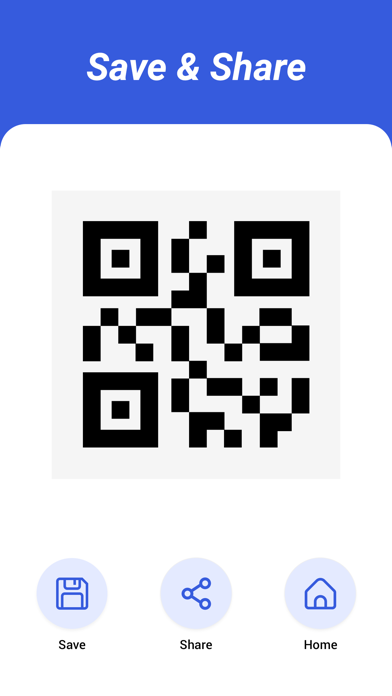
This app create a Barcode and QR code. Supported code types for creating: QR, Aztec, Code 128, Pdf 417. You can create QR code || Bar code from Texts , Url , Email & Contact and share || Save it to your iPhone Device. How To Create QRCode 1. Tap on create QRCode 2. Select Type Like (Texts , Url , Email & Contact) To Generate QRCode 3. Enter Valid Input & tap on create qrcode How To Create BarCode 1. Tap on create BarCode 2. Select Type Like (Texts , Url , Email & Contact) To Generate BarCode 3. Enter Valid Input & tap on create barcode SUBSCRIPTION INFORMATION : - Subscribe for unlimited access to all the Premium features. - - Subscription is automatically renewed unless canceled 24 hours before the renewal - Payment will be charged to iTunes Account at confirmation of purchase - Account will be charged for renewal within 24-hours prior to the end of the current period, at the same price - Subscriptions may be managed by the user and auto-renewal may be turned off by going to the user’s Account Settings after purchase - Any unused portion of a free trial period, if offered, will be forfeited when the user purchases a subscription to that publication, where applicable Privacy Policy : https://nitinkatrodiya.wordpress.com/privacy-policy/ & Terms of Service: https://nitinkatrodiya.wordpress.com/terms-and-condition/
What's new · 1.2
Solve Minor Bug Fix.
Details