

Superimpose V - Video Editor
Pankaj Goswami · Photo & Video
Independent analytics for this App Store listing. AppTracker is not affiliated with Pankaj Goswami.
Chart standing · US
What changed · US
Listing changes AppTracker has observed for this app in this storefront — new versions, price moves, rating shifts, and store copy.
New: Write On text animation! Watch your words write themselves, stroke by stroke, just like real handwriting. • How to use: select your text, tap Animation and pick Write On in the In tab (or Write Off in the Out tab to erase it). • It plays across the whole clip by default. Adjust Duration, Scope, Order and Overlap to set your own pace. Fixes: • Fixed crashes during playback, when adding GIFs and media, and when importing projects from Superimpose X.
Price & rating history · US
Reconstructed from the listing changes AppTracker has observed in this storefront. A field is charted once it has changed more than once, and each line starts at the value it moved from.
Average rating · ★ 4.64 now · 6 changes on record
Ratings breakdown · US
The star breakdown behind this app's rating in this storefront.
In-app purchases · US
What this app sells inside itself, grouped by kind and priced for this storefront.
Screenshots
About
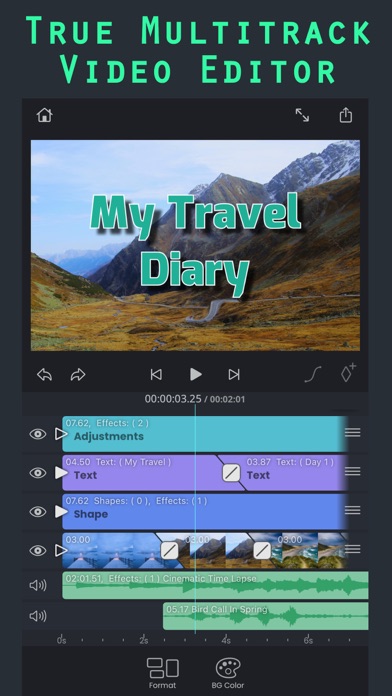
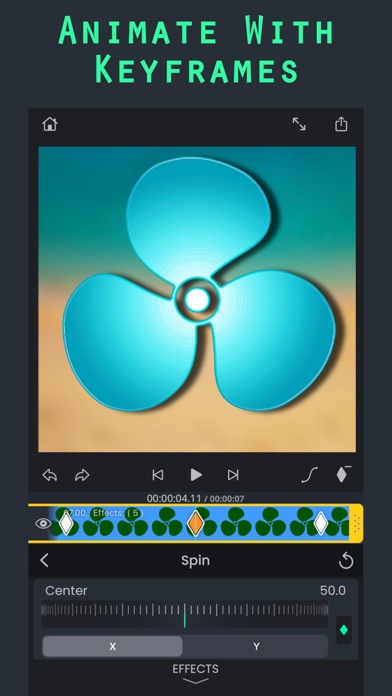
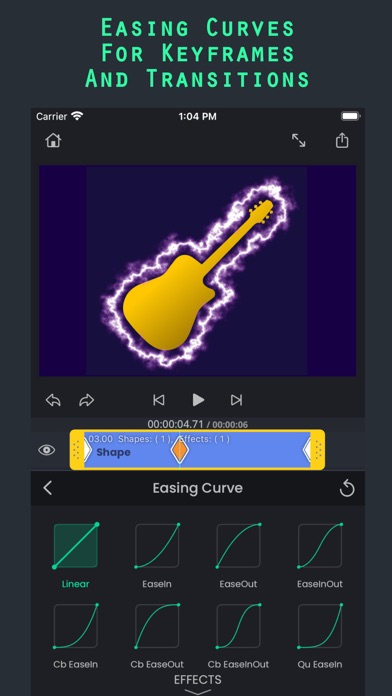
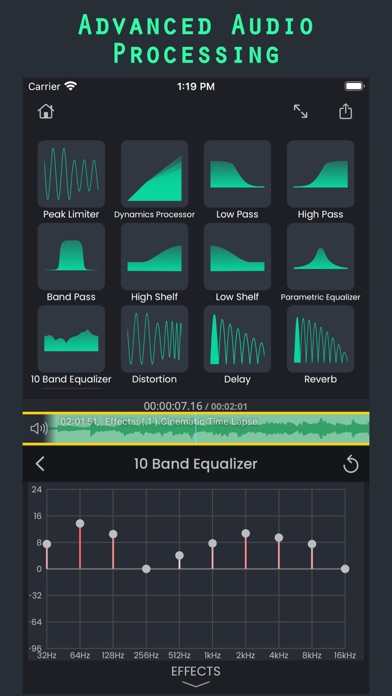
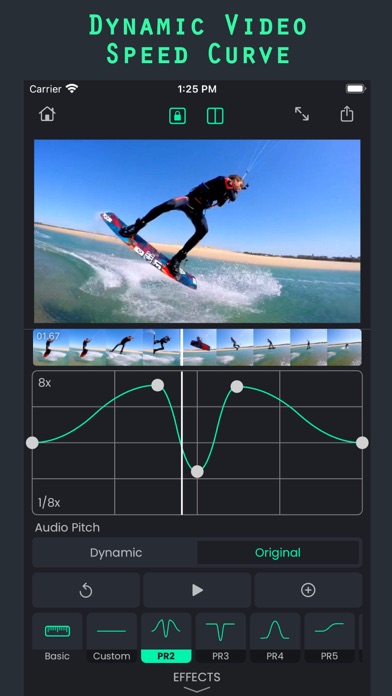
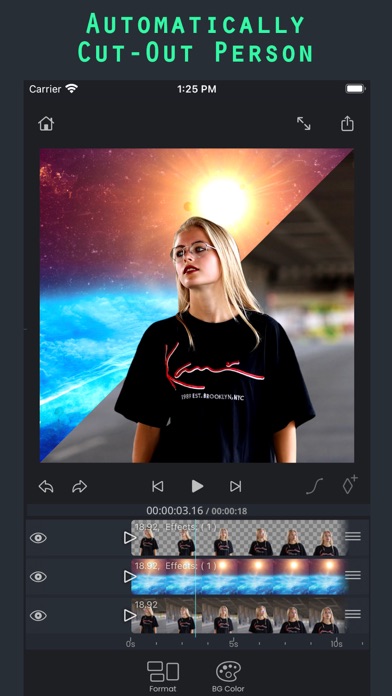
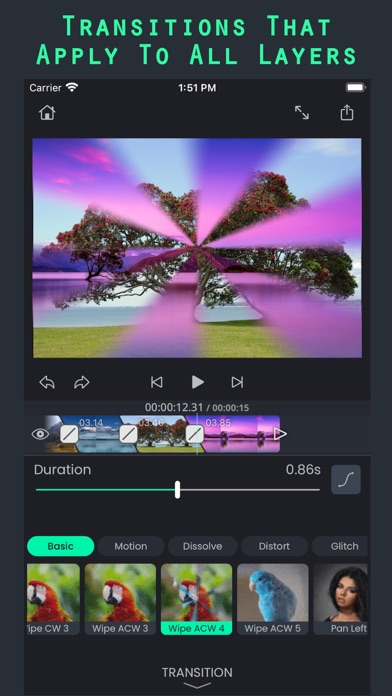
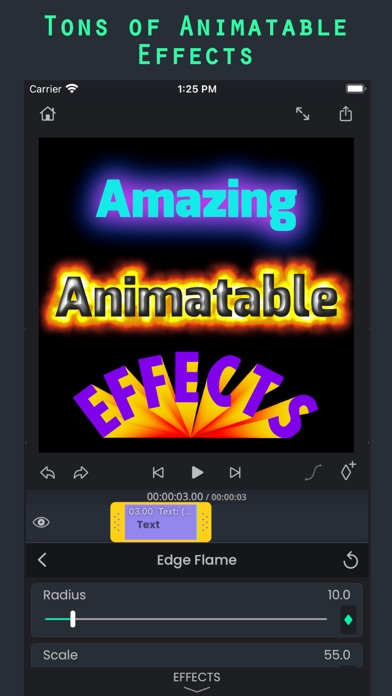
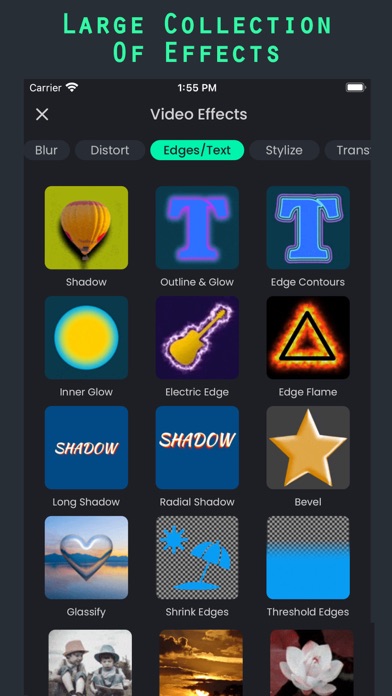
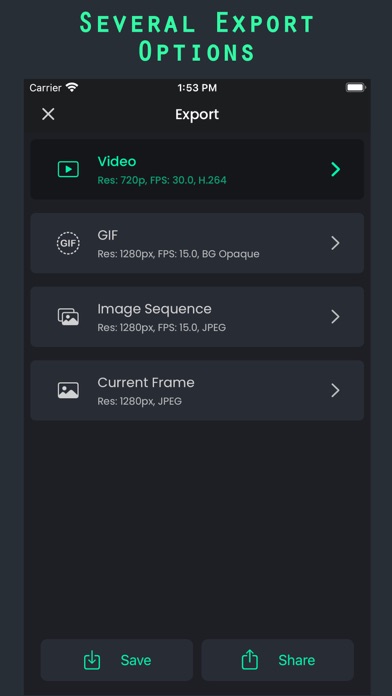
SuperimposeV: Powerful Video Editing Made Easy SuperimposeV isn't your average video editor. It offers advanced features like multi-track editing, tons of customizable effects, and animation for a professional touch. Key Features: ● Edit videos, images, audio, and text on multiple tracks. ● Stack effects and animations for unique results. ● Use masks for precise editing, including green screen and more. ● Track objects in videos and adjust speed for dynamic effects. ● Animate your text with elegant animations. ● Access royalty-free photos, videos, music, and GIFs. ● Export your creations in various formats, including GIF. Even basic editing is powerful: ● Split, trim, rotate, and freeze clips with ease. ● Apply color effects, blurs, distortions, and more. ● Enhance audio with EQ, filters, and transitions. Bonus: SuperimposeV integrates with Superimpose X / AI for photo editing within your video project. * Terms of use: http://www.superimposeapp.com/terms-of-use2.html * Privacy policy: http://www.superimposeapp.com/privacy.html
What's new · 3.6.0
New: Write On text animation! Watch your words write themselves, stroke by stroke, just like real handwriting. • How to use: select your text, tap Animation and pick Write On in the In tab (or Write Off in the Out tab to erase it). • It plays across the whole clip by default. Adjust Duration, Scope, Order and Overlap to set your own pace. Fixes: • Fixed crashes during playback, when adding GIFs and media, and when importing projects from Superimpose X.
Details