

Sound recording recorder
Albert Parti · Utilities
Independent analytics for this App Store listing. AppTracker is not affiliated with Albert Parti.
Chart standing · US
What changed · US
Listing changes AppTracker has observed for this app in this storefront — new versions, price moves, rating shifts, and store copy.
Ratings breakdown · US
The star breakdown behind this app's rating in this storefront.
In-app purchases · US
What this app sells inside itself, grouped by kind and priced for this storefront.
Screenshots


About
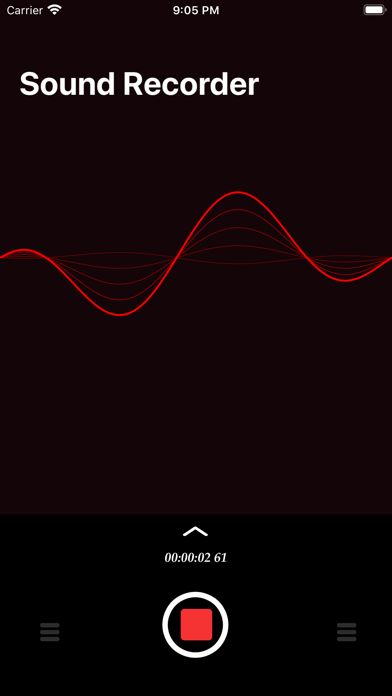
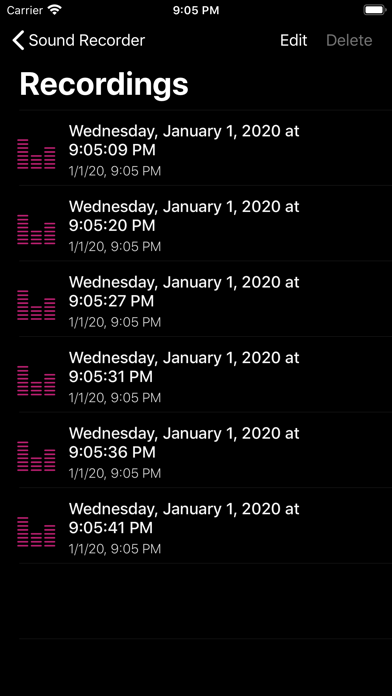
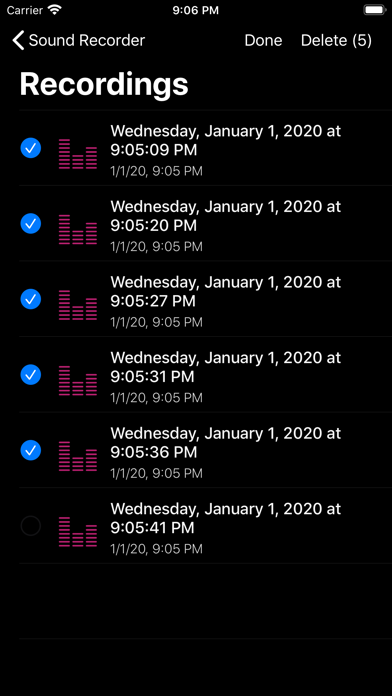
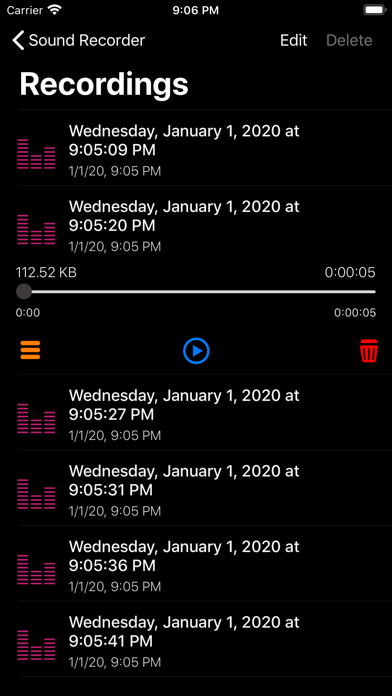
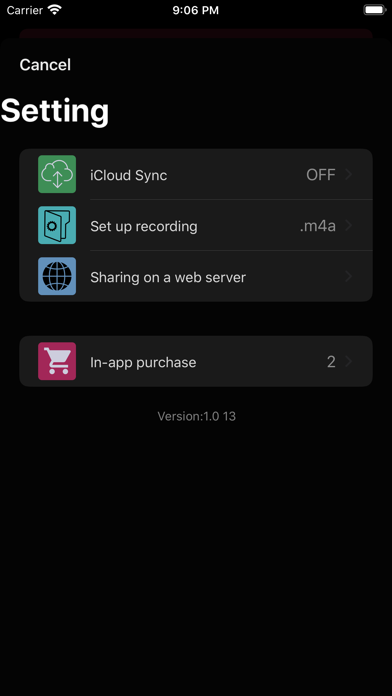
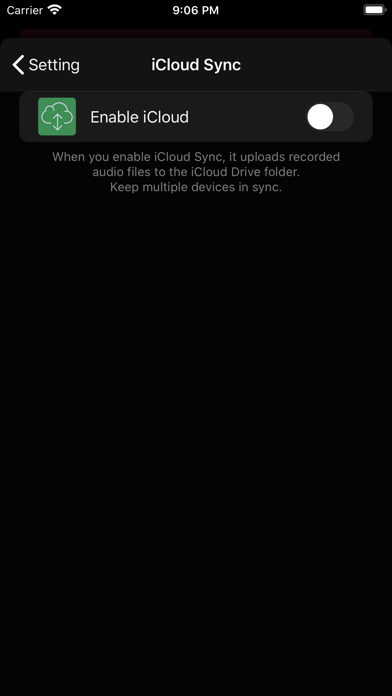
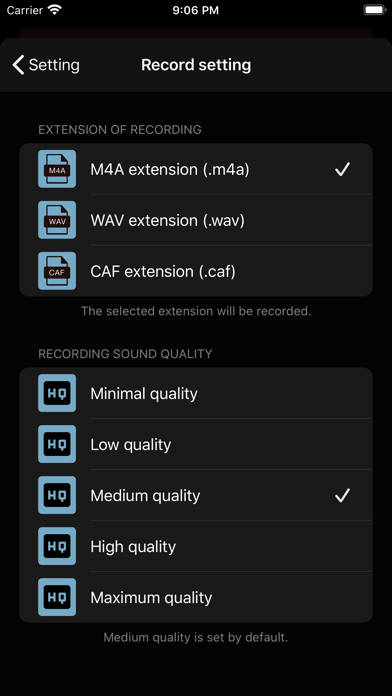
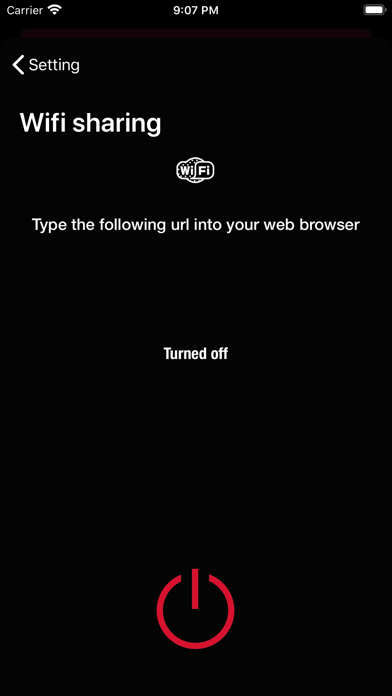
Tap the Record button to start recording, or press the Record button again to stop recording. During recording, you can pause the recording and start recording. "It is advisable to switch to Airplane mode during voice recording to avoid interference with incoming calls or other processes!" If an incoming call or other speaker activity occurs while recording, the recording will automatically stop and the recorder will notify you. - We can share recorded sounds • In messages • By e-mail • Notes • Facebook • messenger • Installed with 3 rd party applications - Recorded sounds can be renamed. - We can duplicate recorded sounds. -The recorded sounds can be cut at will. - Recorded sounds can be saved in iTunes or (Finder) in the File Sharing window. - Recorded voices can be shared over a Wifi network using the embedded Webserver. - Voices can be uploaded and downloaded to iCloud Drive. (iCloud login required) In the Settings view: • iCloud Auto Sync. • Recording settings format and sound quality. • Webserver-Wifi sharing In-app purchase: To turn off advertising: • (turns off ad serving) Pro Function: • Expand Share • Web sharing • iCloud Sync • Recording settings • (turns off ad serving) Watch Support: You can record audio with the watch. The sounds recorded on the watch are automatically copied to the iPhone. When selecting the file in the recorded list view of the class, you can copy the recorded sounds if for some reason they were not transferred to the device. Previous recordings will remain in the class until they are deleted.
What's new · 3.6.2
• Bug fixes and performance improvements
Details