

iCurlHTTP
Jason Cox · Utilities
Independent analytics for this App Store listing. AppTracker is not affiliated with Jason Cox.
Chart standing · US
What changed · US
Listing changes AppTracker has observed for this app in this storefront — new versions, price moves, rating shifts, and store copy.
Version 1.19 • New: Display Headers Only mode – skip the response body for faster testing of large downloads (like curl -o /dev/null) • New: Fixed Width Font option for the response viewer • New: Manually override the proxy – set a custom proxy or force a direct connection, independent of your device's system proxy • Increased the large file warning threshold to 2MB to match today's web pages • Fixed layout on newer iPhones with a notch or Dynamic Island • Major performance improvements – faster loading and much smoother scrolling on large responses, with several UI freezes fixed • General compatibility and stability updates
Ratings breakdown · US
The star breakdown behind this app's rating in this storefront.
Screenshots

About
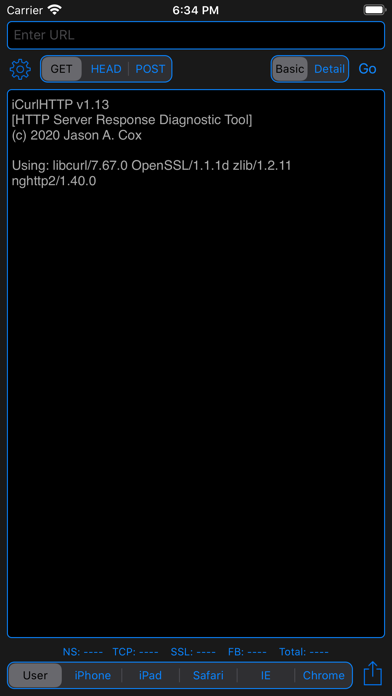
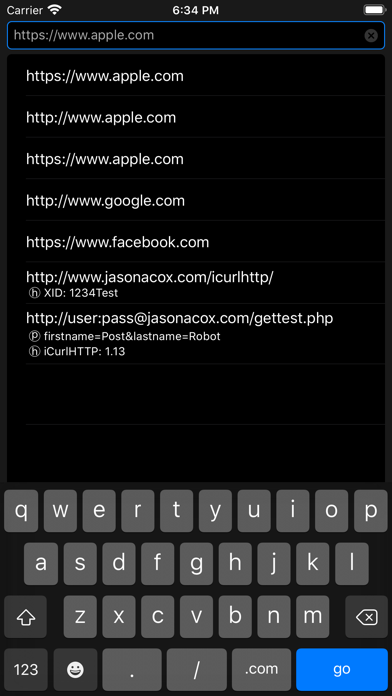
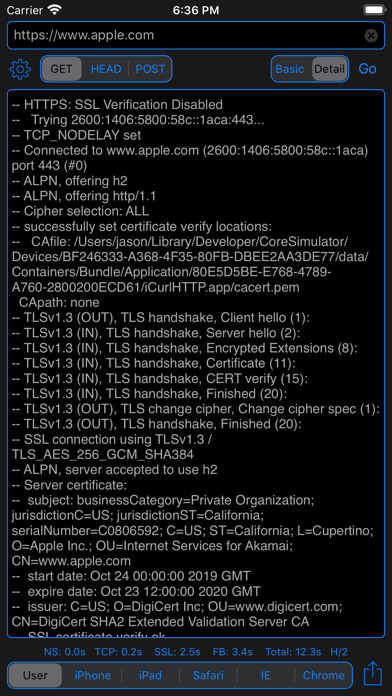
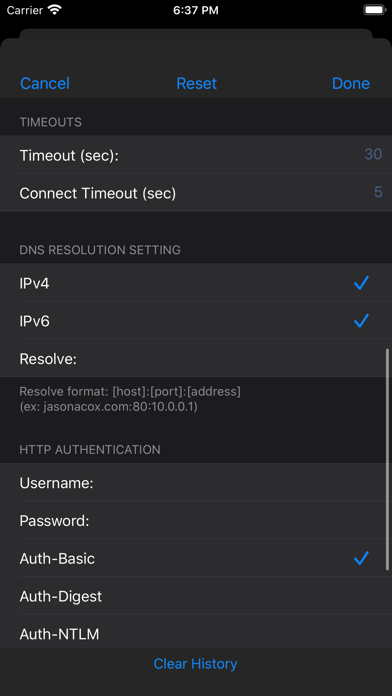
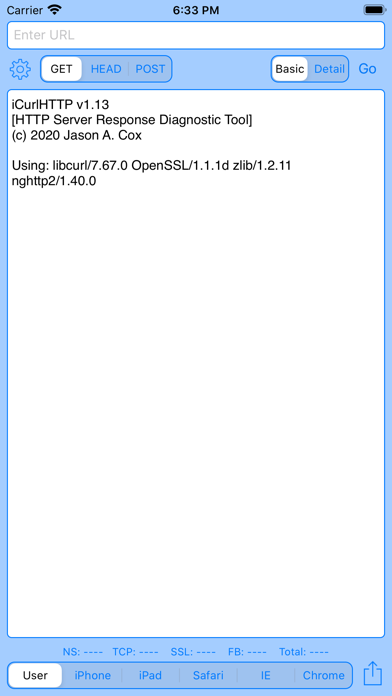
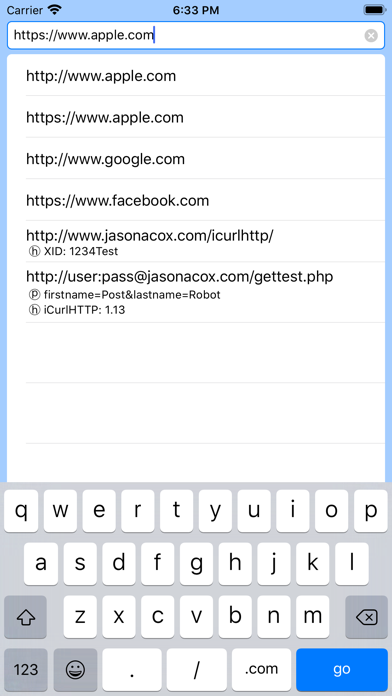
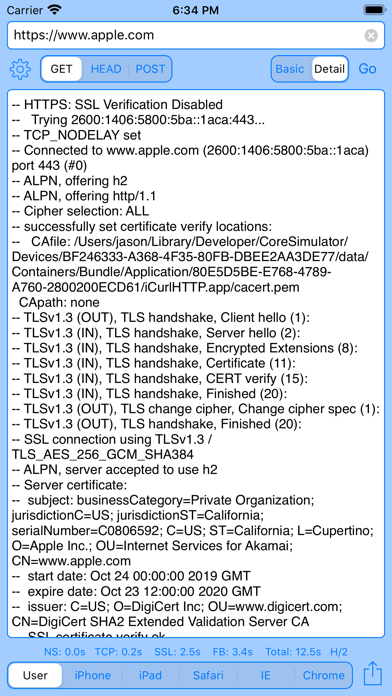
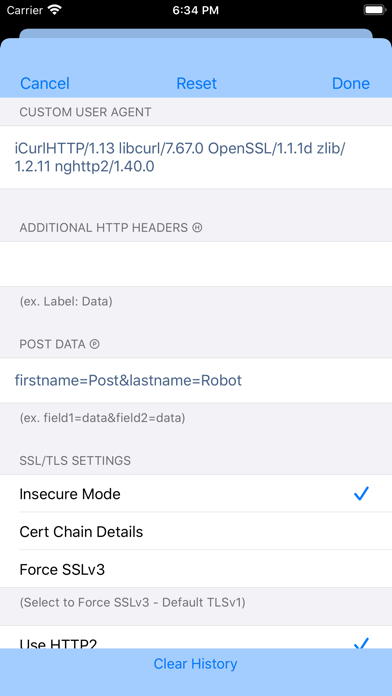
HTTP Web Server Response Diagnostic Tool - Curl for iPhone and iPad iCurlHTTP is a simple, easy to use app that allows you to run MacOS/Linux-like cURL tests against URLs. It can simulate different web browsers (user-agents) to retrieve the raw HTTP headers and HTML response from web servers. ** GET, HEAD & POST Requests (GET, HEAD, POST, PUT, DELETE, OPTIONS and TRACE on iPad) ** SSL Support - https requests with basic certificate and handshake information ** Keeps a history of URLs tested with HEADER and POST data and provides them in a dropdown for easy repeated testing ** Simulates curl, iPhone, iPad, Safari, IE, Chrome and custom user-agent browsers ** Simple single-view interface with realtime result screen. ** iPhone and iPad support ** Verbose and Basic Detail ** HTTP Timing Details (Name Lookup, TCP Connect, SSL Handshake, First Byte and Total) ** Set custom User-Agent, Host Headers, Timeouts, HTTP Authentication, SSL Mode and POST Data ** Share Feature to send output to Clipboard, Printer and Email ** HTTP/2 Support ** IPv4 and IPv6 DNS Resolution with Option for Manual Address Resolution (via HOST:PORT:ADDRESS)
What's new · 1.19
Version 1.19 • New: Display Headers Only mode – skip the response body for faster testing of large downloads (like curl -o /dev/null) • New: Fixed Width Font option for the response viewer • New: Manually override the proxy – set a custom proxy or force a direct connection, independent of your device's system proxy • Increased the large file warning threshold to 2MB to match today's web pages • Fixed layout on newer iPhones with a notch or Dynamic Island • Major performance improvements – faster loading and much smoother scrolling on large responses, with several UI freezes fixed • General compatibility and stability updates
Details