

Color Shine - image splash
Alexander Dr. Rieger · Photo & Video
Independent analytics for this App Store listing. AppTracker is not affiliated with Alexander Dr. Rieger.
Chart standing · US
In-app purchases · US
No in-app purchases.
Screenshots
About
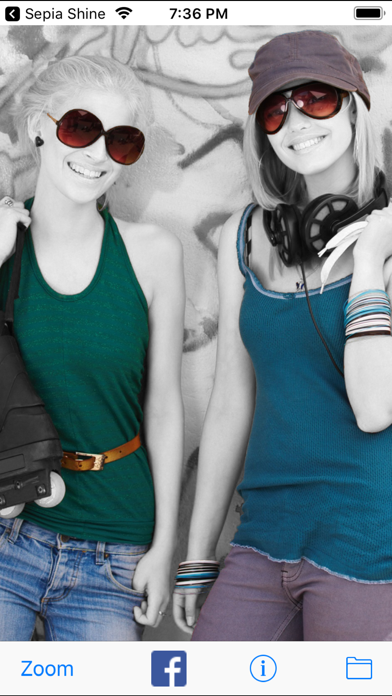
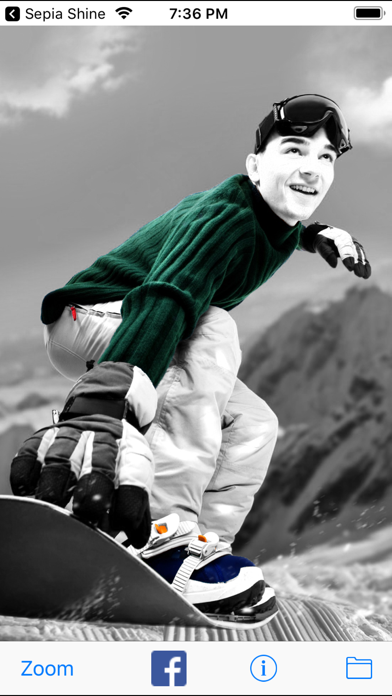
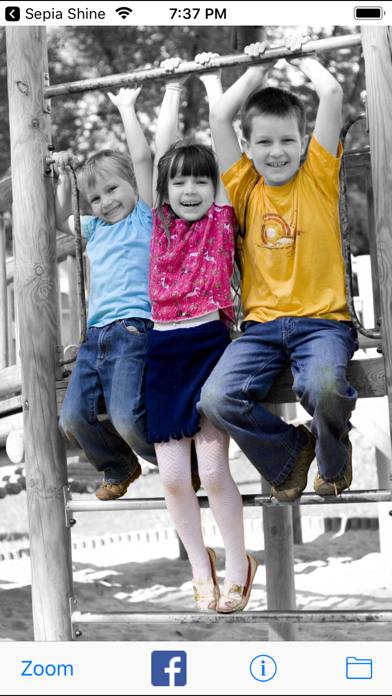
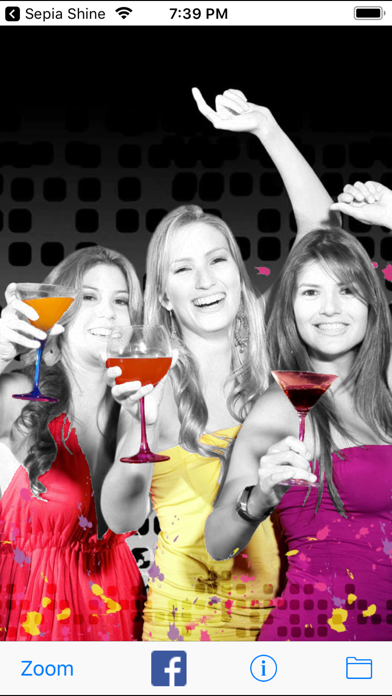
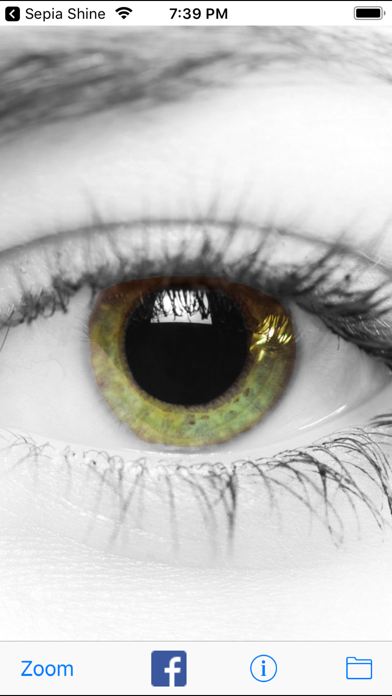
Let your photos color shine by converting them to gray while leaving some spots colored. The color shine effect will draw the viewer's attention to colorized spots in the image. Creating color shine images is as easy as drawing with your finger. You start by taking a photo with your camera and load it as a grayscale image. Use your finger to recolor parts of the image. Zoom into the image for detailed painting or use the erase mode to remove the colors again. Share your color shine images on Facebook, Twitter and other social nets. Send an email with the image attached to it or save it in your photo album. Features: - Easy finger painting - Paint, zoom and erase - Take pictures from your camera or photo album - Adjust the size of the painting circle - Share your paints on social nets - Undo function for paint corrections There are no limits on what you can color shine. Color shine your car, friends, kids, your dog or your holiday pictures.
What's new · 1.6.5
Performance improvements
Details