

TwinViewer
Masako Sakanashi · Photo & Video
Independent analytics for this App Store listing. AppTracker is not affiliated with Masako Sakanashi.
Chart standing · US
In-app purchases · US
What this app sells inside itself, grouped by kind and priced for this storefront.
Screenshots



About
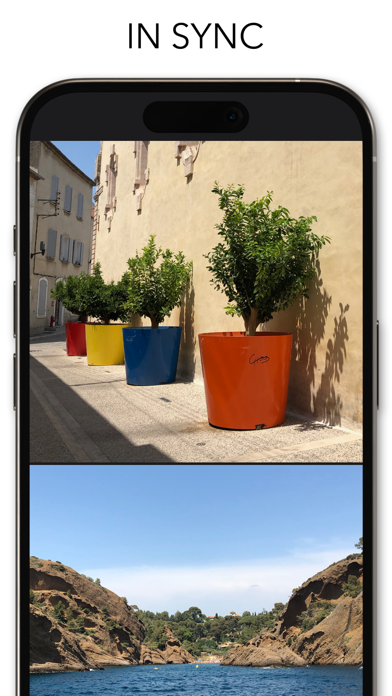
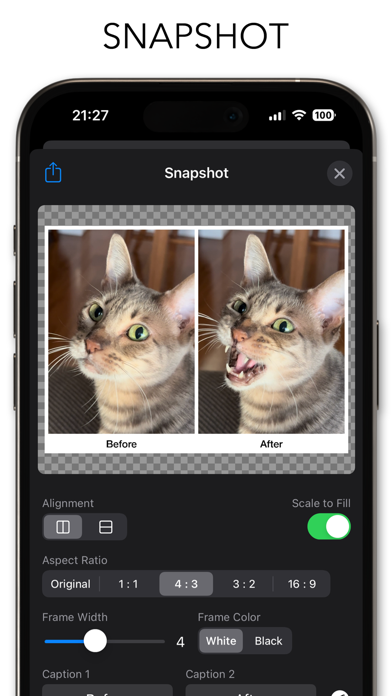
TwinViewer is a dual-screen photo viewer application. You can view two different albums simultaneously, compare two photos side by side, pick a better shot, or leave one and delete another. This is more than just a viewer. You can also create side-by-side combined images, get the detailed EXIF data, etc. ----- HOW TO USE ----- - Swipe left/right to browse next/previous photo. - Pinch open/close with two fingers to zoom in/out. - Double tap either one to display in full-screen mode. - Sync/Async button to switch the sync mode between two viewers. - Swap button to switch two viewers. - Grid Lines button to show/hide grid liens. - EXIF Data button to show/hide data such as image size or shooting date. - Snapshot button to created and share side-by-side images. * Please note that this application can be downloaded for free, but in-app purchase is required to use all functions.
What's new · 12.3
• Enabled 2-finger swipe up to delete photo • Fixed bugs • Minor improvements
Details