

iTransfer - File Transfer Tool
ComcSoft Corporation · Utilities
Independent analytics for this App Store listing. AppTracker is not affiliated with ComcSoft Corporation.
Chart standing · US
What changed · US
Listing changes AppTracker has observed for this app in this storefront — new versions, price moves, rating shifts, and store copy.
Ratings breakdown · US
The star breakdown behind this app's rating in this storefront.
In-app purchases · US
What this app sells inside itself, grouped by kind and priced for this storefront.
Screenshots



About
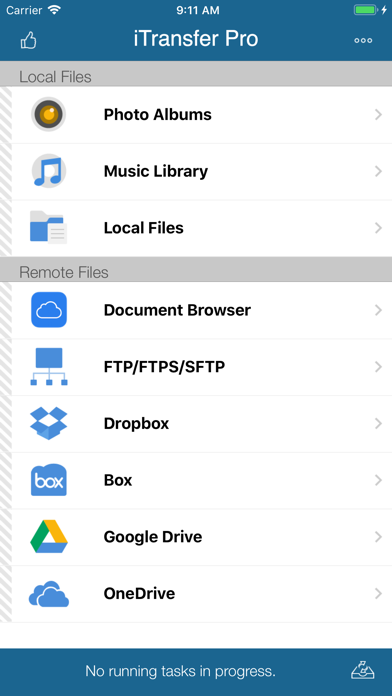
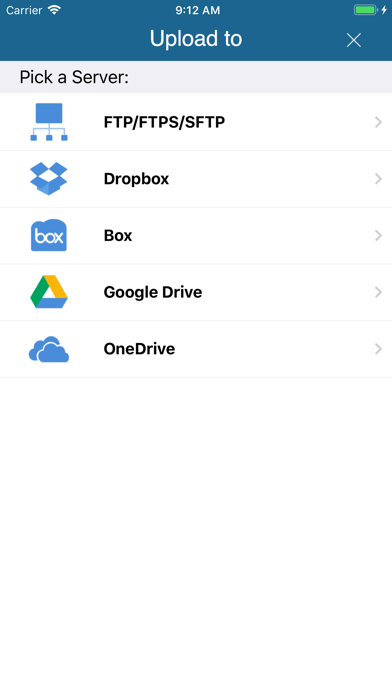
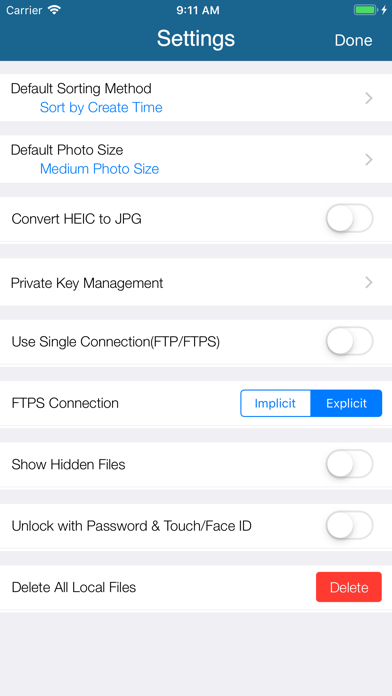
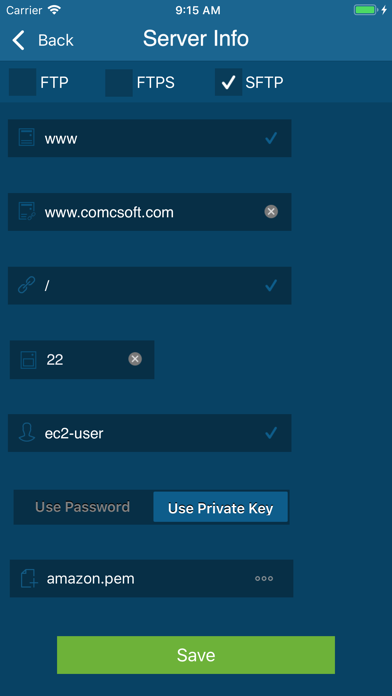
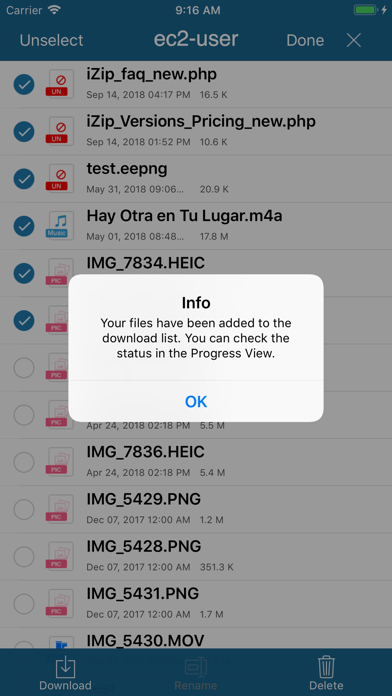
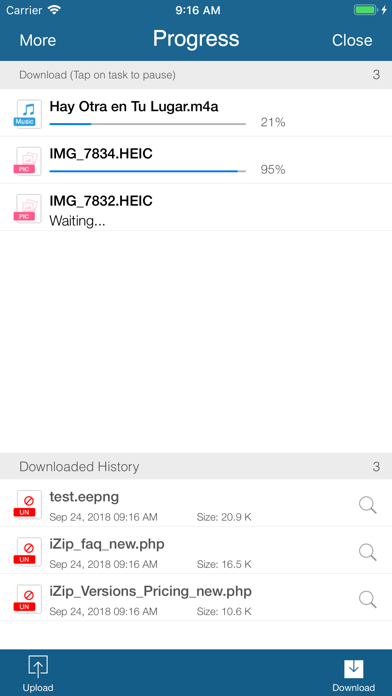
No. 1 App for file upload/download on iPhone/iPad! Most secure file download/upload tool for business and professional users. Supported features include: 1. Download files from your iCloud Drive. Save local files to iCloud Drive. 2. Upload/download files to/from FTP/SFTP/FTPS servers. 3. Upload/download files to/from DropBox, Box, OneDrive, and GoogleDrive. 4. Support both user name/password and Private Key authentication for SFTP. Support both PPK and PEM keys. Support importing keys from/exporting keys to iCloud Drive under iTransfer/keys folder. 5. Email files. 6. Manage files, including adding a folder, searching, renaming, moving or deleting files. 7. View supported files, including: PDF, DOC, EXCEL, PPT, image files, TXT, etc. 8. Open files using other Apps through “Open in”. 9. Play photo slideshows. 10. Support launching with a password. 11. Print documents. 12. Share photos on Facebook, Twitter and Weibo. With its simple interfaces, iTransfer provides the easiest way to transfer files on iPhone and iPad. If you have any questions, please visit: http://www.comcsoft.com/Portfolio/our_apps/iTransfer/iTransfer_overview.php.
What's new · 12.0
1. Updated for iOS/iPadOS 26. 2. Bug fixes and performance improvements.
Details