

HuePaint
Norbyte · Graphics & Design
Independent analytics for this App Store listing. AppTracker is not affiliated with Norbyte.
Chart standing · US
Ratings breakdown · US
The star breakdown behind this app's rating in this storefront.
In-app purchases · US
What this app sells inside itself, grouped by kind and priced for this storefront.
Screenshots
About
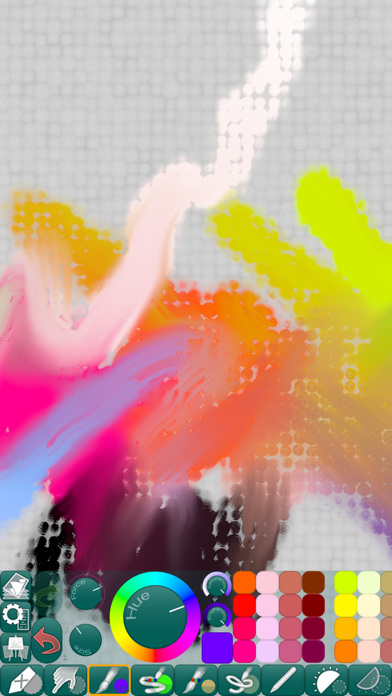
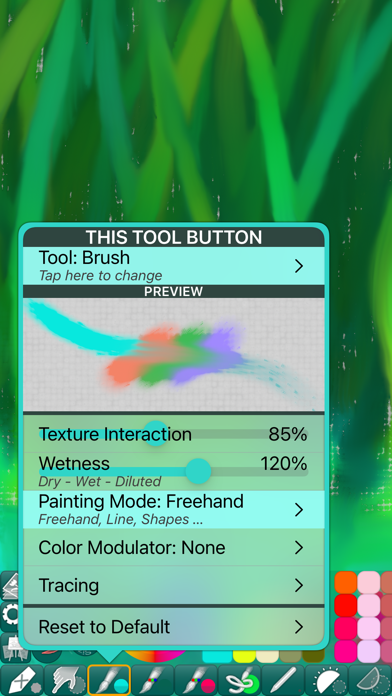
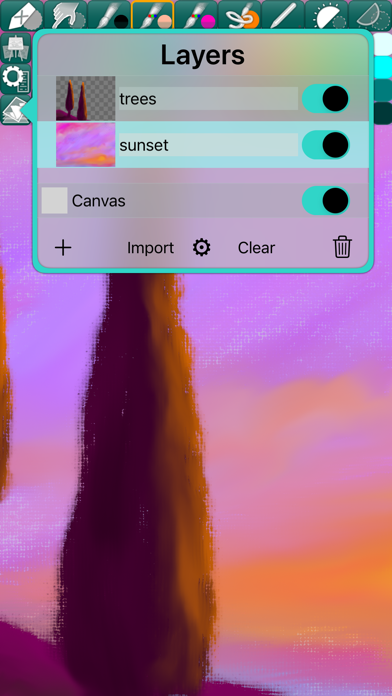
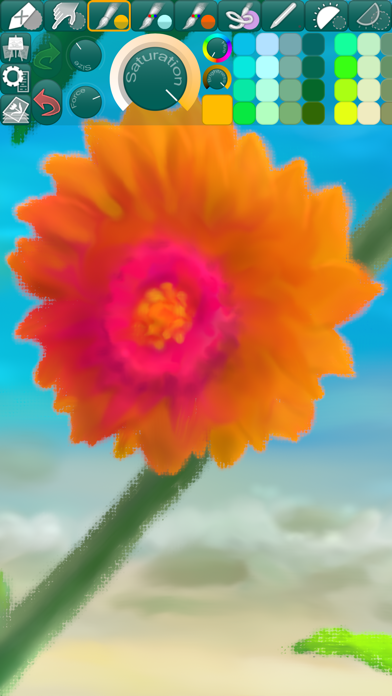
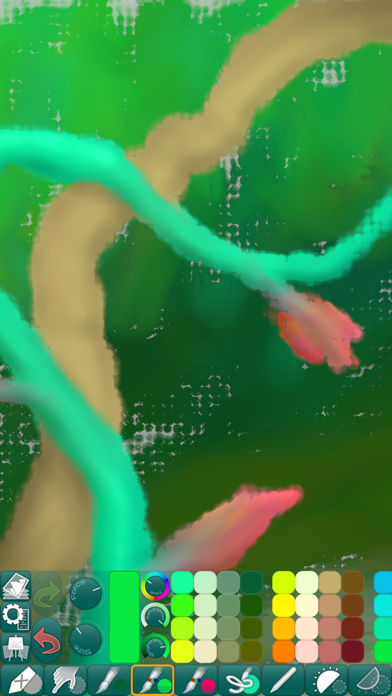
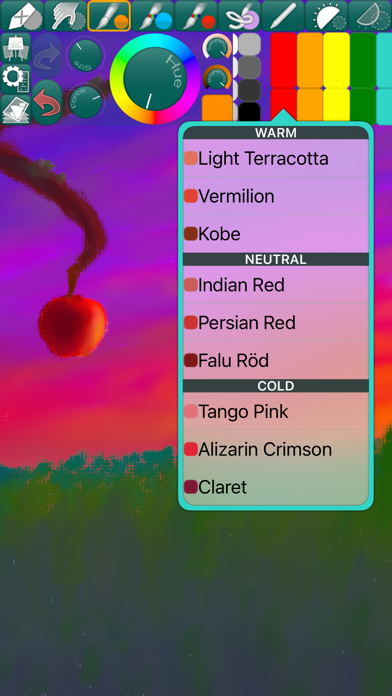
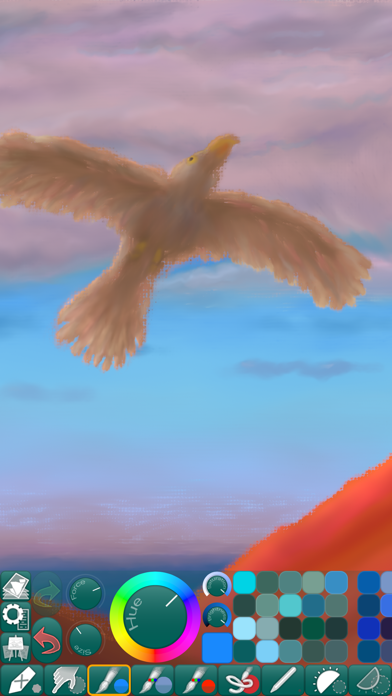
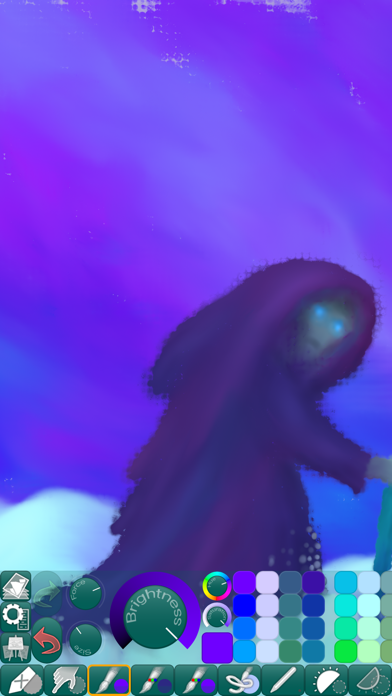
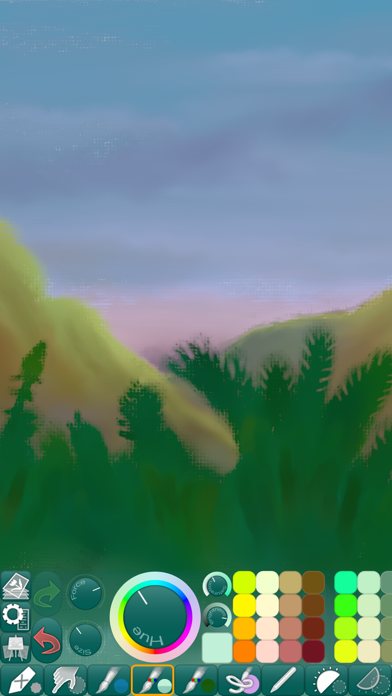
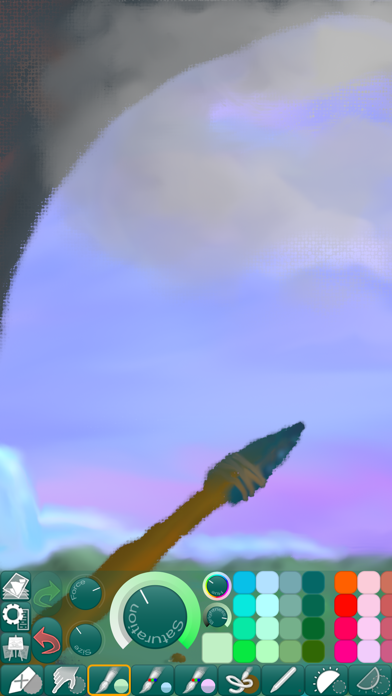
Paint and create beautiful works of art using this app’s expressive painting tools and workflow-friendly user interface. • COLORFUL PAINTING TOOLS • HuePaint features live-calculated brushes and strokes that interact in real time with a canvas texture that is uniquely generated for each picture. • FINGERTIP = STROKE SIZE • When you paint, the app measures how much of your finger is touching the screen and changes the stroke size accordingly. Apply just the corner of your fingertip for a thin line, or the whole fingerprint area for a broad stroke. A 2nd tool assigned to your finger will still use this feature, so don’t ignore it just because you have an Apple Pencil! • LEFT-HANDED? • Just swipe the toolbar over to the other side! • PARAMETERS CAN BE CHANGED LIVE • Use any buttons or controls to change/adjust color, size, force, simultaneously while painting. • UNIVERSAL PURCHASE • If you choose to buy the Pro upgrade, this one-time in-app purchase will unlock all Pro features in the app on all available platforms (iPad-iPhone-Mac)! • METAL • The engine is based on Metal, with 128-bit color and floating-point arithmetic. • SWIFT • The app was developed entirely using Swift (earlier versions used C++). • APPLE PENCIL SUPPORT • FULL SCREEN PAINTING • • DARK MODE • LANDSCAPE • PORTRAIT • WIDE COLOR • • MULTIPLE LAYERS • PHOTO TRACING MODE (Pro feature) •
What's new · 5.3.3
[FIXED] Some of the painting tools were not working as expected after the previous update.
Details