

Proclaim Remote
Faithlife Corporation · Utilities
Independent analytics for this App Store listing. AppTracker is not affiliated with Faithlife Corporation.
Chart standing · US
What changed · US
Listing changes AppTracker has observed for this app in this storefront — new versions, price moves, rating shifts, and store copy.
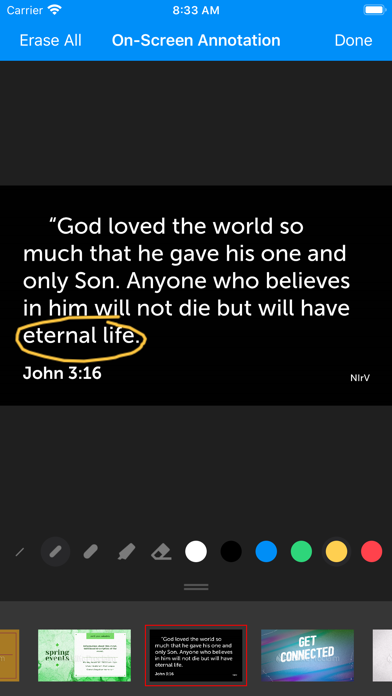
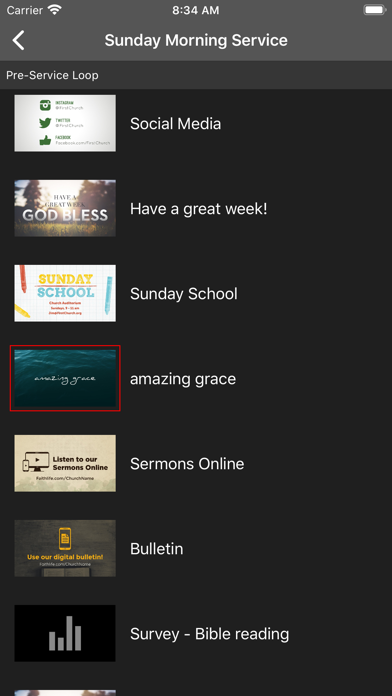
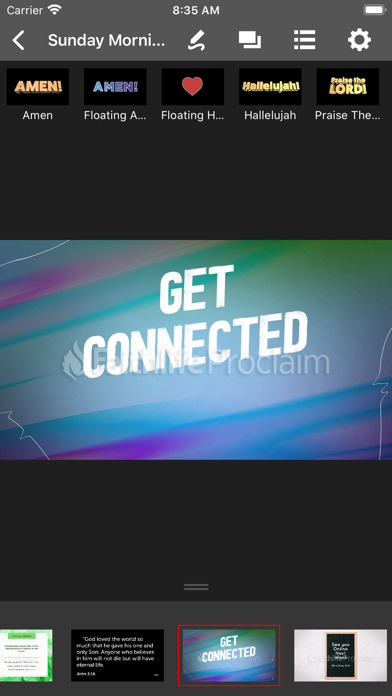
We rebuilt Proclaim Remote for iOS from the ground up! This release runs on a brand new cross-platform engine, giving us a faster, more modern foundation. Everything is still here and working the way you expect: * Control your presentation * Create On-Screen Annotations * Show a Quick Screen * View the Order of Service * Change display settings * Follow a presentation Because this is a full rewrite, you'll need to sign in again after updating. One-time step to get you back up and running.
Screenshots
About
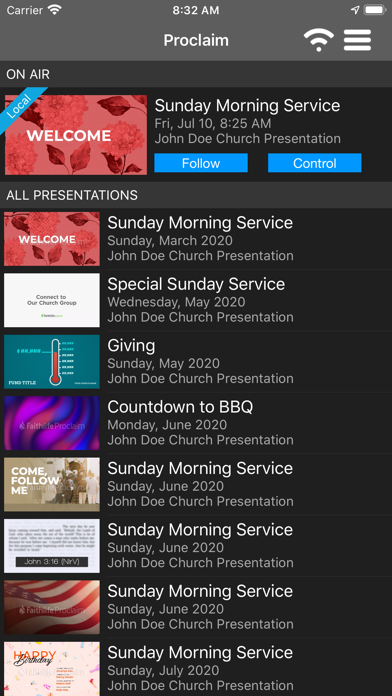
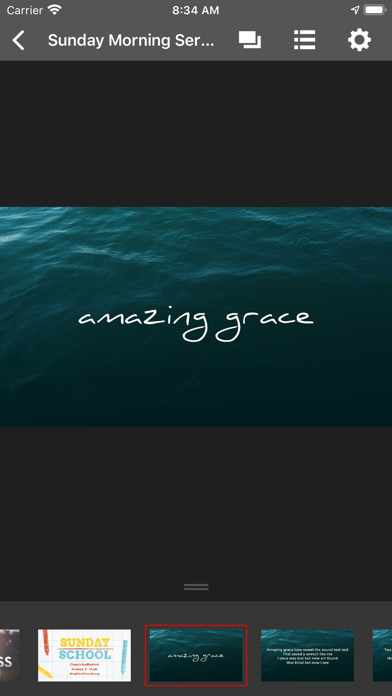
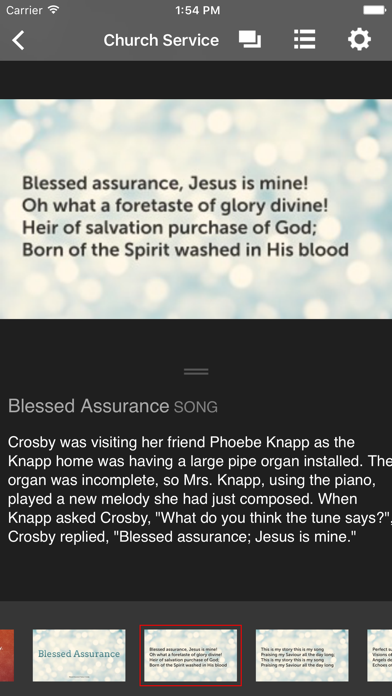
This remote app is the perfect compliment to Proclaim by Logos. It gives worship leaders, preachers, teachers, and other presenters even more access to the cutting edge features of Proclaim. Use the remote with your Proclaim desktop app to: Control or follow along with On-Air presentations View your notes as you present Preview presentations Play and pause video service items Present straight from your mobile device to your TV or projector via Airplay/Chromecast And more More about Proclaim by Logos Proclaim is the first cloud-based church presentation software, bringing true collaboration to your ministry team: Access your presentation from any device with an internet connection Send signals to people who use the Faithlife Study Bible app and Logos’ Bible app Broadcast messages containing Bible verses, events, and even donation requests Plus, anyone with this app can follow along with On-Air presentations, seeing nearly everything that appears on the projection screen. This remote is exclusively for use with Proclaim by Logos and works in conjunction with both the Mac and Windows apps.
What's new · 5.2.17
We rebuilt Proclaim Remote for iOS from the ground up! This release runs on a brand new cross-platform engine, giving us a faster, more modern foundation. Everything is still here and working the way you expect: * Control your presentation * Create On-Screen Annotations * Show a Quick Screen * View the Order of Service * Change display settings * Follow a presentation Because this is a full rewrite, you'll need to sign in again after updating. One-time step to get you back up and running.
Details