

Tenuto
musictheory.net · Music
Independent analytics for this App Store listing. AppTracker is not affiliated with musictheory.net.
Chart standing · US
What changed · US
Listing changes AppTracker has observed for this app in this storefront — new versions, price moves, rating shifts, and store copy.
Ratings breakdown · US
The star breakdown behind this app's rating in this storefront.
In-app purchases · US
No in-app purchases.
Screenshots
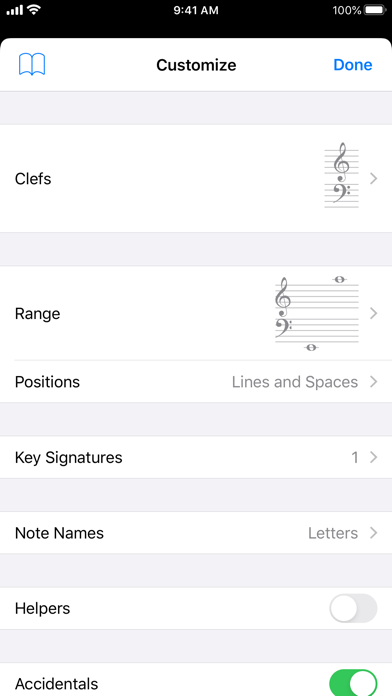
Keywords this app targets
Search terms AppTracker associates with this app — estimates, not search volume. ❝ = in the app's title; a highlighted number is its current position for that term.
Similar apps
Competitors and close alternatives, as estimated by AppTracker.
 Tonality: Music Theory
Bryce Hostetler
2 shared topics
Tonality: Music Theory
Bryce Hostetler
2 shared topics
 Note Trainer Pro
thoor software AB
2 shared topics
Note Trainer Pro
thoor software AB
2 shared topics
 Toned Ear
Tone Savvy LLC
2 shared topics
Toned Ear
Tone Savvy LLC
2 shared topics
 Better Ears - Ear Trainer
MAMP GmbH
3 shared topics
Better Ears - Ear Trainer
MAMP GmbH
3 shared topics
 Musical Chord
Felipe De Freitas Batista
2 shared topics
Musical Chord
Felipe De Freitas Batista
2 shared topics
 Music Note Trainer
Tao Wang
2 shared topics
Music Note Trainer
Tao Wang
2 shared topics
 Music Intervals Trainer
Plearn LLC
2 shared topics
Music Intervals Trainer
Plearn LLC
2 shared topics
 ET - Ear Trainer
Daniel Schenker
2 shared topics
ET - Ear Trainer
Daniel Schenker
2 shared topics
About
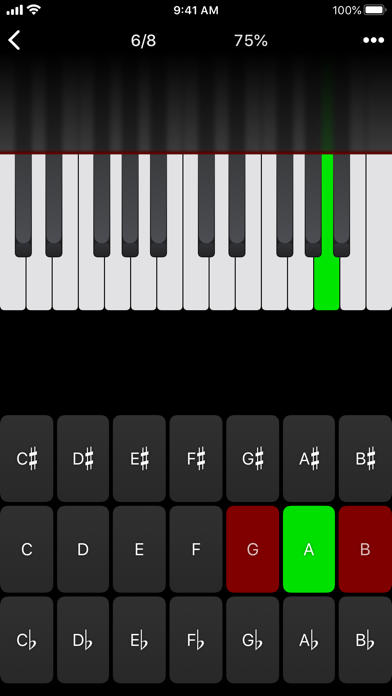
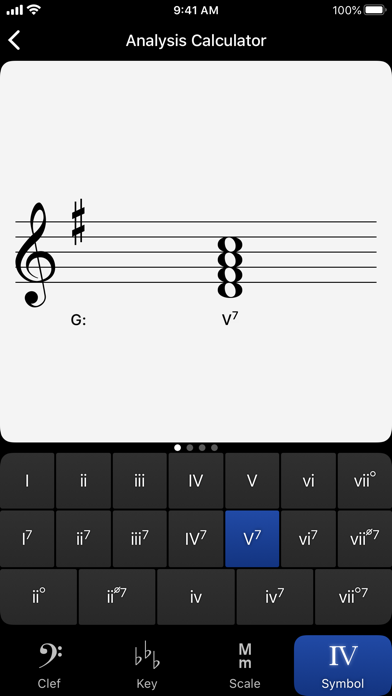
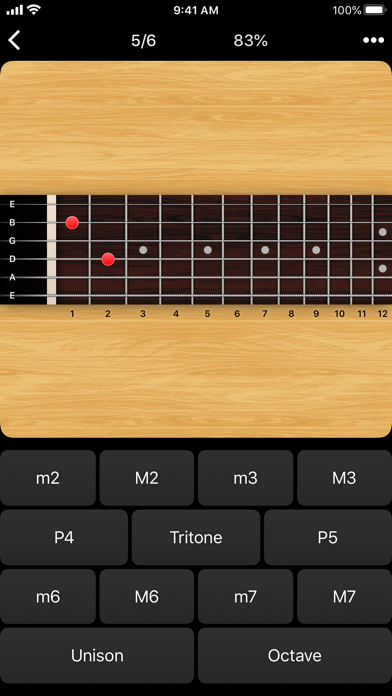
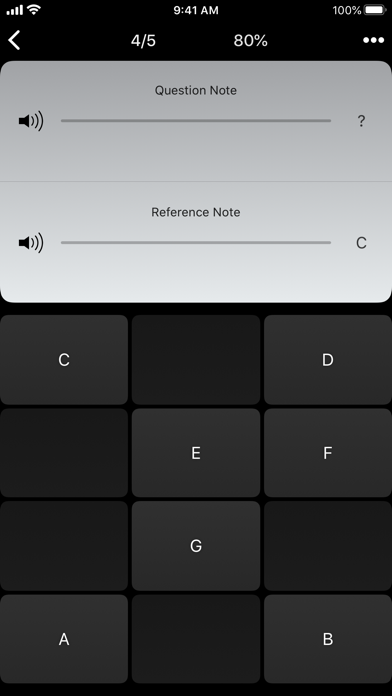
Tenuto is a collection of 24 highly-customizable exercises designed to enhance your musicality. From recognizing chords on a keyboard to identifying intervals by ear, it has an exercise for you. Tenuto also includes six musical calculators for accidentals, intervals, scales, chords, analysis symbols, and twelve-tone matrices. A short description of the exercises and calculators follows. –––––– • Note Identification • Key Signature Identification • Interval Identification • Scale Identification • Chord Identification Tap the button corresponding to the written staff line. For example: if shown a C, E, and G with a sharp; tap the "Augmented Triad" button. –––––– • Note Construction • Key Signature Construction • Interval Construction • Scale Construction • Chord Construction Construct the specified label by moving notes and/or adding accidentals. For example: if shown a C and an "Augmented 4th" label, move the second note to F and add a sharp. –––––– • Keyboard Reverse Identification Tap the piano key corresponding to the written note on the staff. While similar to Note Identification, this exercise uses a piano keyboard rather than note name buttons. • Keyboard Note Identification • Keyboard Interval Identification • Keyboard Scale Identification • Keyboard Chord Identification Tap the button corresponding to the highlighted piano key(s). If the C and G keys are highlighted, tap the "P5" (Perfect 5th) button. –––––– • Fretboard Note Identification • Fretboard Interval Identification • Fretboard Scale Identification • Fretboard Chord Identification Tap the button corresponding to the marked fretboard position(s). If the 2nd fret of the D string is marked, tap the "E" button. –––––– • Keyboard Ear Training • Note Ear Training Listen to the played reference and question notes. Select the piano key or note button corresponding to the question note. • Interval Ear Training • Scale Ear Training • Chord Ear Training Tap the button corresponding to the played notes. If E and F are played, tap the "Minor 2nd" button. –––––– • Accidental Calculator Display the accidental for a note and key. • Interval Calculator Display the interval for a note, type, and key. • Chord Calculator Display the scale for a tonic and scale type. • Chord Calculator Display the chord for a note, type, and key. • Analysis Calculator Display the chord for a symbol and key. • Matrix Calculator Display the twelve-tone matrix for a specified tone row.
What's new · 5.1
- Updates the app icon used in Dark, Clear, or Tinted modes. - Fixes several layout and drawing issues when running as a Windowed App. - Fixes an extremely rare crash when Challenge Mode is enabled.
Details